





 English
  Francês
  Alemão
  Italiano
  Japonês
  Norueguês
  Portuguese
  Spanish
  4 min of reading
  0 comments


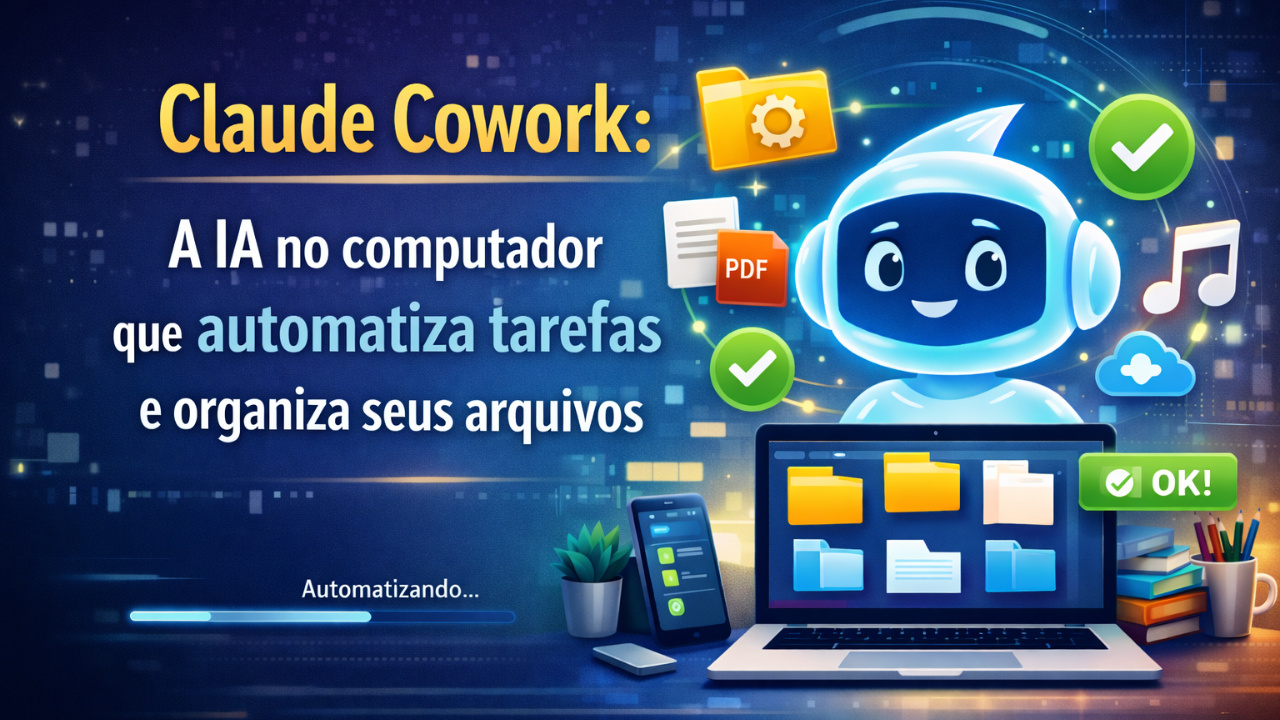
See How Claude Cowork Uses AI on the Computer to Automate Tasks, Organize Files, and Increase Your Productivity.
The Claude Cowork is a new AI on the computer tool that promises to transform the way users handle files, applications, and repetitive tasks in their daily lives.
Available in the desktop app from Claude for Windows and Mac, the feature works like an AI assistant capable of performing actions automatically on the system, from file management to task automation for more routine tasks.
The idea is simple: the user describes what they need in natural language, selects the folder or application involved, and the artificial intelligence carries out the process step by step, with controlled permissions and real-time monitoring.
-
Casio Unveils Moflin, Robotic Pet With Artificial Intelligence Designed To Provide Emotional Comfort And Simulate A Permanent Affectionate Bond

-
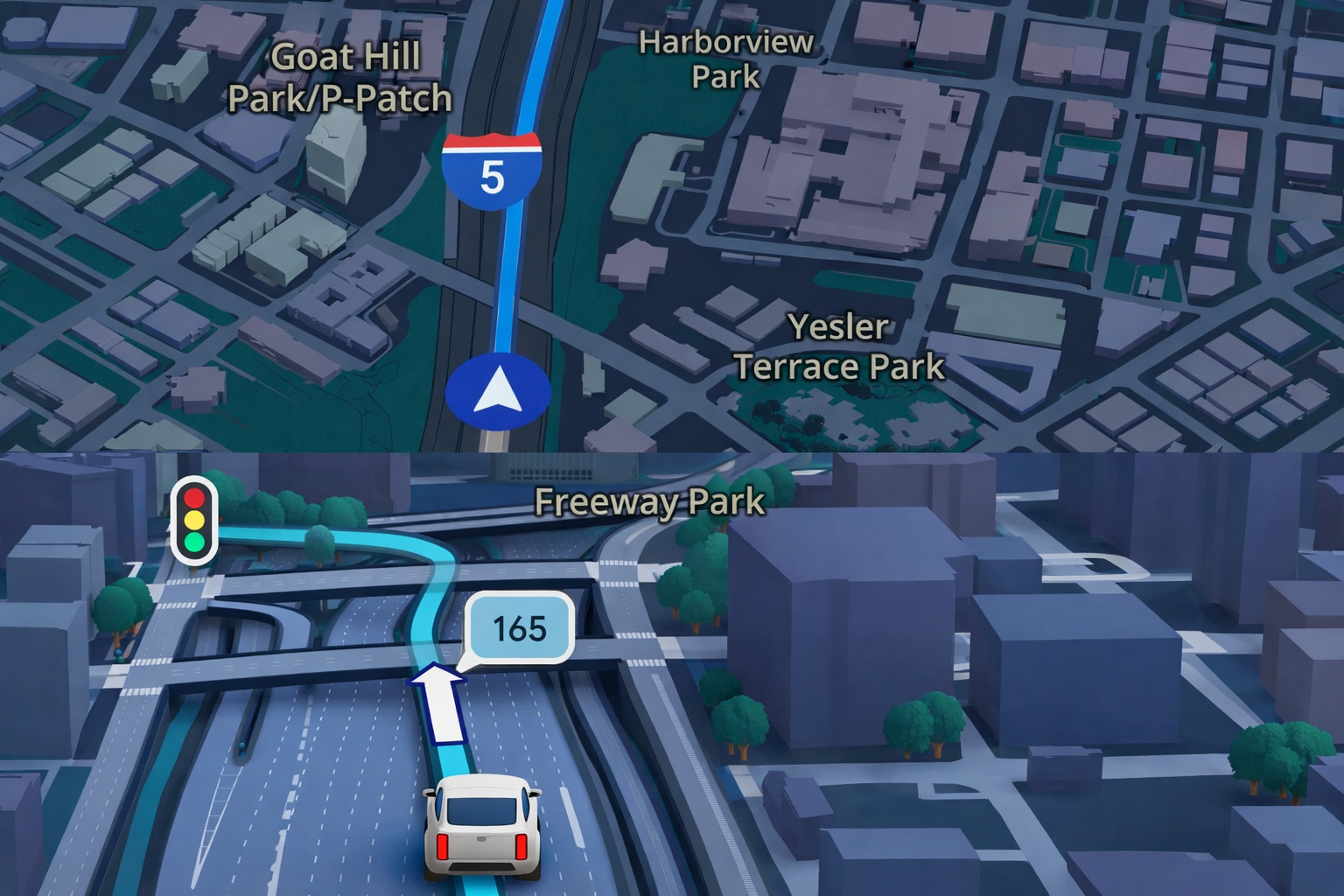
Google Maps Revolutionizes GPS Navigation With Gemini Artificial Intelligence, Ask Maps Feature, and Advanced 3D Visualization for Route and Travel Planning
-
China Warns the U.S. of a “Terminator” Style Apocalypse: Military AI Rivalry, Sanctions Against American Startup, and Fear of Algorithms Deciding Who Lives or Dies Place the World on the Brink of a Nightmare That Seemed Like Fiction

-
Many Use It Every Day, but Few Know That ChatGPT Has Limitations in Brazil: Users Under 14 Need Authorization, Sensitive Data Should Not Be Entered, and Content May Be Monitored in Specific Cases

The novelty, for now, is restricted to paying subscribers and can be integrated into the browser through a Chrome extension.
With this, the assistant can also interact with online services and web applications, expanding the range of tasks that can be automated.
What Is Claude Cowork and Why It Matters
The Claude Cowork was developed to operate directly on the user’s computer, unlike traditional chatbots that only answer questions.
In practice, it functions as a digital operator that executes real commands on the system.
This means that the AI on the computer not only suggests actions but makes changes to folders, files, and applications.
Still, access is controlled, and the user defines which directories can be modified.
Although it is often compared to more advanced AI agents, the focus of Cowork is more specific.
Instead of dealing with complex external tasks, like bookings or online purchases, it excels at local task automation and file management.
How the AI Assistant Works in Practice
The use of the AI assistant is straightforward.
The user opens the Claude app, accesses the Cowork tab, and describes what they want to do.
From there, the tool interprets the request and creates a sequence of actions to execute it.
If necessary, it automatically adjusts the process until the task is completed.
For example, when requesting the renaming of files, the folder and the desired pattern, such as “Year-Month-Name,” need to be provided.
The system then applies the change in bulk.
Another important point is transparency.
The Claude Cowork shows each step of the execution and requests authorization before accessing data or modifying content.
File Management with AI on the Computer
One of the most useful functions of Claude Cowork is file management.
Thus, the assistant can organize downloads, move documents between folders, and locate duplicate files.
Additionally, it can compress and decompress files automatically.
This helps free up space and keeps the system more organized.
It is also possible to identify large files that take up unnecessary storage.
With this, cleaning up the computer becomes faster and more efficient.
Automation of Repetitive Tasks in Daily Life
Therefore, task automation is another highlight of the tool.
The user can schedule routines such as creating folders for new projects or periodic backup of documents.
The assistant also gathers data from different files to create simple reports.
This reduces the time spent on administrative tasks.
In practice, the AI on the computer takes over operational functions that previously required manual intervention.
The result is increased productivity and less effort on repetitive tasks.
Document Processing and Integration with Applications
The Claude Cowork also processes documents in various formats.
It can extract text from PDFs, convert files, and combine content into a single document.
Moreover, the tool allows integration with applications and online services.
These include note-taking platforms, email, cloud storage, and content management systems.
With the browser extension, the assistant can interact with web pages.
This expands the potential for tasks that involve online data.
Practical Example of Using Claude Cowork
A case cited by experts illustrates the tool’s potential well.
The request was to generate a text file with over 600 songs from a Spotify playlist.
To complete the task, the AI assistant accessed the browser, analyzed the page, and found different ways to capture the data.
It first tried a script and then used automatic scrolling.
In the end, it created the document with all the tracks listed.
Limitations and Access Control
Thus, despite its functionalities, the Claude Cowork is not a complete AI agent.
On the other hand, permission control ensures security.
Moreover, it is possible to interrupt any ongoing action. This prevents unwanted changes to the system.
The Future of Automation with AI Assistants
The advancement of tools like Claude Cowork indicates a new phase of AI on the computer.
So instead of just answering questions, assistants start to perform real tasks.
As a result, the trend is that file management and task automation will become increasingly intelligent.
The expectation is for integration with more applications and workflows.
Therefore, for users dealing with a large volume of documents, the productivity gain can be significant.
Thus, the computer ceases to be just a passive tool and operates with the help of an active AI assistant.
See more at: What Is Claude Cowork, How It Works, and What You Can Do with This AI Assistant on Your Computer?










Seja o primeiro a reagir!