





 Portuguese
  English
  Spanish
  2 min of reading
  0 comments



Update Brings Automatic Translation Feature in Portuguese and Other Languages, Gradually Available for Android and iOS.
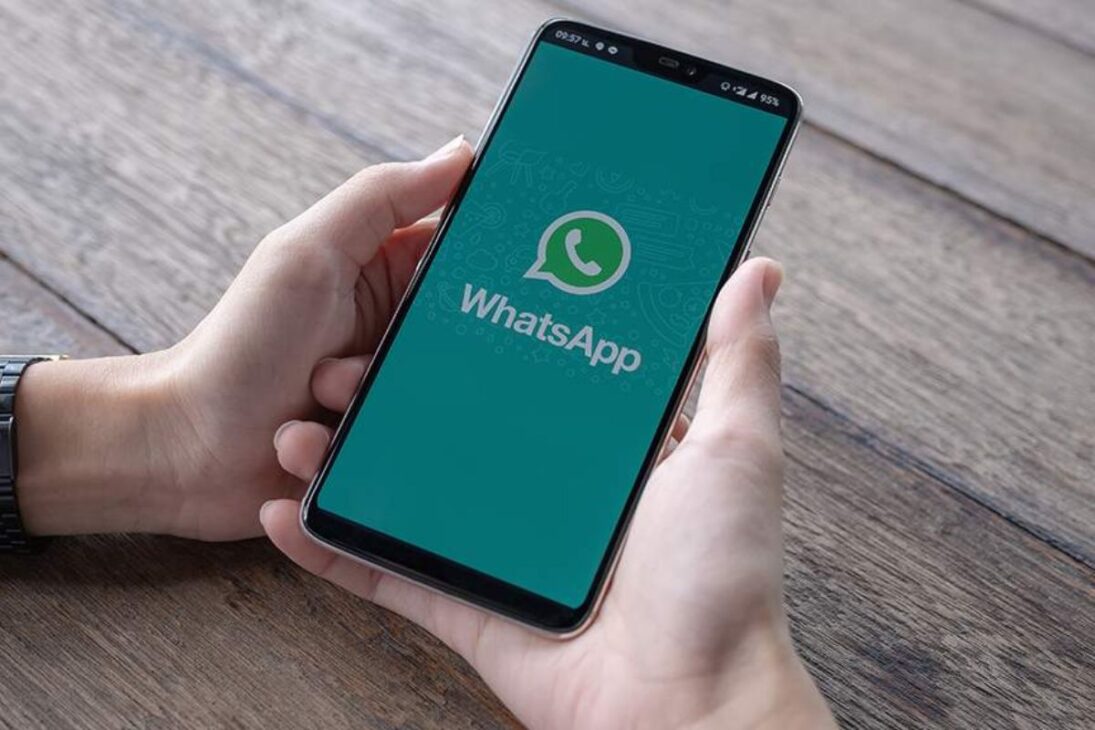
WhatsApp announced on Tuesday (23) the new WhatsApp feature that translates messages in real-time, whether in groups, channels, or individual conversations. According to TechTudo, the feature is being gradually rolled out to Android and iOS users, with Portuguese already among the available languages.
The novelty aims to break language barriers and facilitate communication between people and communities in different parts of the world.
For many users, the feature promises to be a game-changer, allowing for smoother conversations without relying on external translation apps.
-
Millions of people have been eating yam for centuries without knowing that this humble tuber contains a compound called diosgenin, which scientists have now discovered can improve memory and help control blood sugar levels.

-
Scientists from an international project drill 1,800 meters of ice in Antarctica using hot water and discover details about one of the most intriguing places on planet Earth.

-
Seen from space, a colossal volcano nearly 5,000 meters high in Russia has released 1,600 km of smoke over the Pacific, forming “devil’s horns” of lava and revealing the brutal force of the Ring of Fire.

-
Expedition 501: Scientists drill into the ocean floor and discover a giant reserve of fresh water hidden beneath the sea, extracting nearly 50,000 liters and revealing an invisible system that could reshape the map of water scarcity.


How Translation Works in WhatsApp
According to information released by Meta, users will be able to activate translation for specific messages or even set it up so that an entire conversation is automatically translated.
This option helps those participating in multilingual groups or following channels with content in other languages.
On Android, the update initially supports six languages: English, Spanish, Hindi, Portuguese, Russian, and Arabic.
On iOS, iPhone users will have access to over 19 languages, expanding the tool’s reach since launch.
Step by Step to Use the New Feature
The translation process has been designed to be simple and intuitive. The user just needs to:
- Press and hold the message written in another language.
- Tap on the “Translate” option displayed by the app.
- Choose the desired language and, if wanted, save it for future translations.
Additionally, on Android, it will be possible to activate automatic translation for an entire chat, which ensures more convenience in daily use.
The Impact of the Update
The new WhatsApp feature can transform the way Brazilians and foreigners interact in digital communities.
Whether for those following international news channels, participating in business groups, or keeping in touch with family abroad, the tool offers increased accessibility and digital inclusion.
Experts remind us that, by integrating the translator within the platform itself, the app reduces the need to switch between external services, offering more speed and security.
The goal is to make WhatsApp an even more central environment in global communication.
The arrival of this new WhatsApp feature promises to facilitate connections and broaden the reach of conversations in different languages, further strengthening the app’s role in everyday life.
And you, have you tried the new feature? Do you believe that real-time translation can change the way we use WhatsApp in groups and channels? Let us know in the comments how this update can impact your daily life.








Seja o primeiro a reagir!