





 Portuguese
  English
  Spanish
  4 min of reading
  0 comments


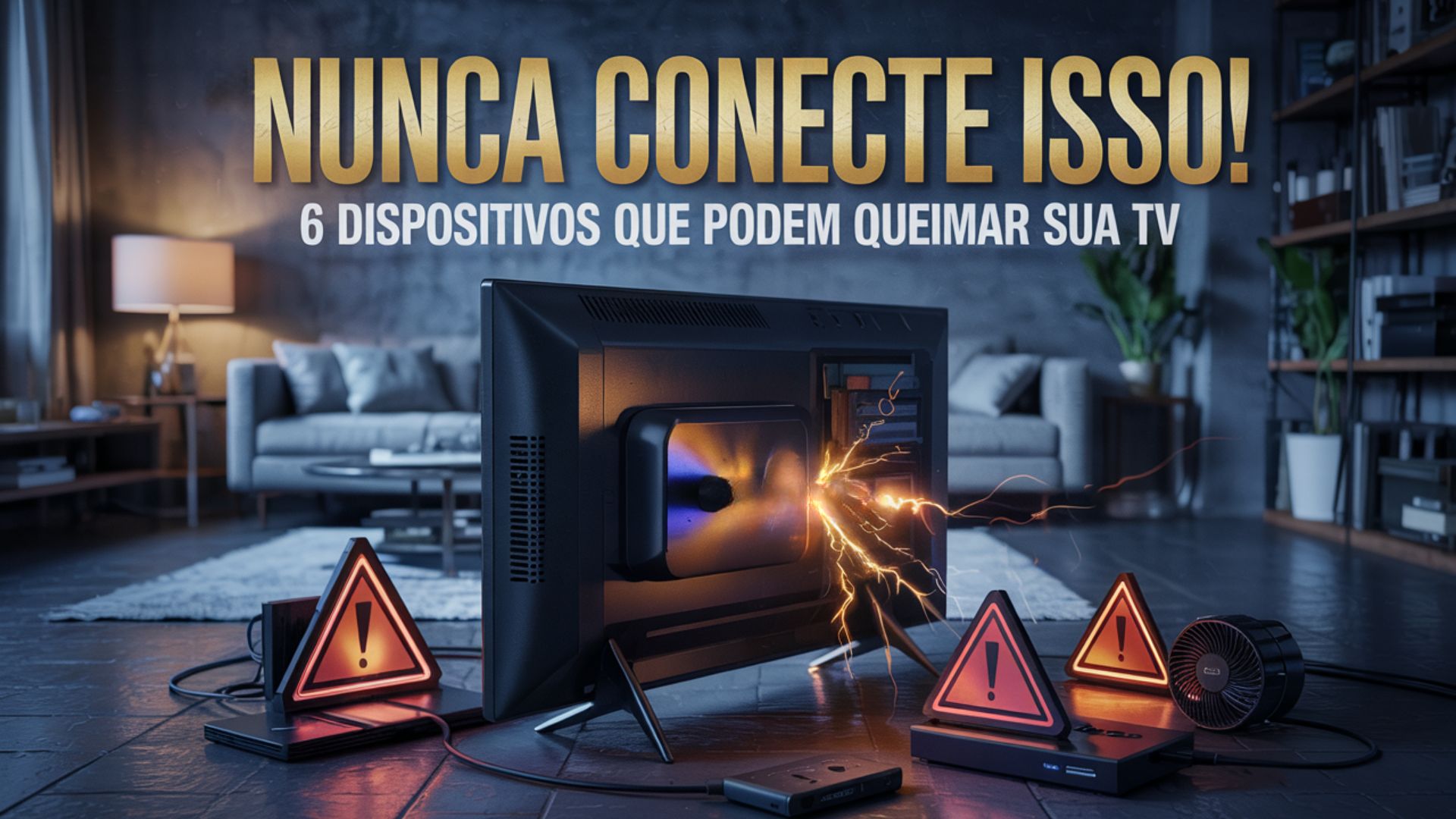
It Seems Harmless, But The USB Port Of Your Smart TV May Hide Risks. See The Dangerous Items That Should Never Be Connected To Avoid Burnout And Losses.
Today, practically every Smart TV comes equipped with one or more USB ports, making life easier for users by allowing the connection of flash drives, media devices, keyboards, and even light sources. However, what many people do not know is that these inputs are quite limited — both in terms of power capacity and device compatibility.
Unlike computers and laptops, which have USB ports with robust power delivery (up to 100W in some cases), the USB ports on TVs typically offer only 2.5W to 4.5W. This means that connecting high-consumption equipment or incompatible items can cause everything from temporary failures to permanent damage to the television’s motherboard.
Laptops And Consoles: Danger From Overconsumption
One of the most common mistakes is trying to use the TV’s USB port to charge a laptop or console. These devices require between 15W and 100W of power — values that are much higher than what a TV can provide.
-
A “silent skill” is allowing Brazilians to earn up to R$ 22,000 per month without a degree and become indispensable for companies that rely on millions of data to survive.

-
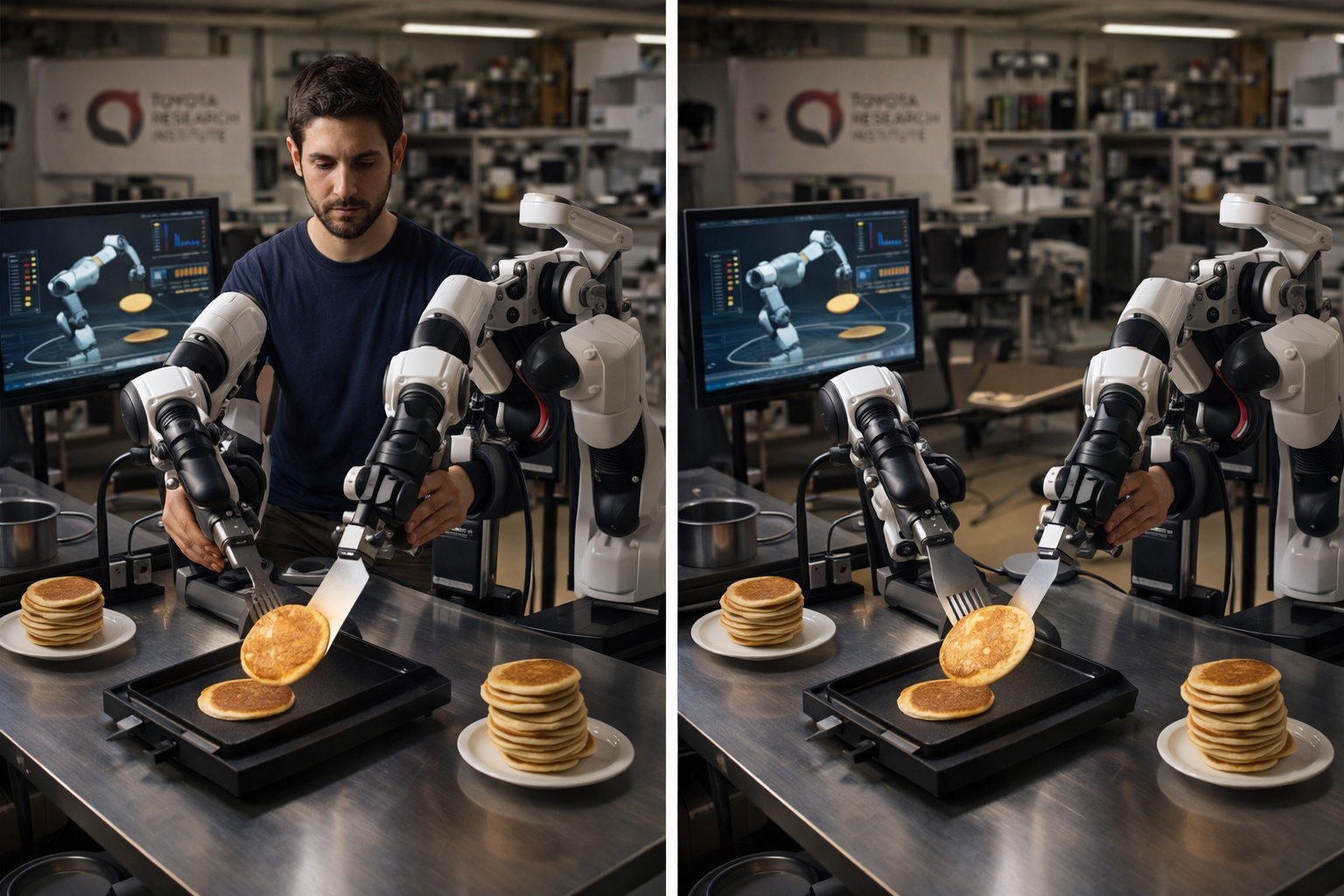
Researchers at the Toyota Research Institute found that if a human uses robotic arms to flip a pancake 300 times in an afternoon, the robot learns to do it on its own the next morning, and this is currently the most promising method to solve the biggest bottleneck in modern robotics.
-
Goodbye iron: a common item in households is starting to lose space to technology that smooths clothes in minutes without an ironing board and with less energy consumption.

-
Antarctica reveals an unusual clue high in the Hudson Mountains, and what appeared to be just an isolated rock began to expose a secret hidden under the ice for ages.


Besides not charging correctly, they can cause:
- Overloading the USB port
- Overheating of internal circuits
- Irreversible damage to the TV’s board
For these cases, the correct usage is via HDMI, solely for video and audio transmission. Charging should always be done with a dedicated power source.
External CD/DVD Drives: Lack Of Drivers And Risk Of Freezing
Even though it seems practical to connect a CD or DVD player via USB, Smart TVs do not have a complete operating system like a computer, and therefore lack the necessary drivers to recognize and operate optical drives.
Besides not working, these connections can cause the TV to:
- Freeze or restart on its own
- Waste energy unnecessarily
- Become slower during use
The ideal is to use a Blu-ray player with an HDMI connection, or convert the disc content to digital format (MP4, MKV) and use a flash drive.
Devices That Heat: Risk Of Melting Your TV
Another group of dangerous items for the TV’s USB port are devices that generate heat. This includes:
- Heater fans
- Mug warmers
- USB heating pads
- Network adapters that generate heat
The heat dissipation of TVs is minimal. The USB input is usually close to sensitive circuits, and over time, excessive heat can:
- Melting the port casing
- Burning the board’s traces
- Causing short circuits
- Reducing the lifespan of internal components
Conclusion: If the item gets hot, never connect it to the TV.
USB Killer: The Device That Can Destroy Your TV In Seconds
Few people know, but the USB Killer is a device specifically designed to burn out any equipment with a USB input. When connected, it accumulates and discharges energy spikes of over 200V multiple times per second. In a Smart TV, this can result in:
- Destruction Of The USB Controller Chip
- Burning Of The Main Board
- Total Inoperability Of The Television
Besides the USB Killer, “promotional” flash drives or those of dubious origin may contain malware or malicious codes that access microphones, cameras (if any), and even alter the TV’s firmware. Never connect devices from an unreliable source.
USB Hubs Without Power: Silent Overload
Many people use USB hubs to expand the TV’s connections. However, if the hub does not have external power, it redistributes the little energy from the USB port among connected devices.
This can cause:
- Intermittent disconnection of peripherals
- Failures in reading flash drives and hard drives
- Overheating of the TV’s port
- Gradual burning of the connector
If you want to use a hub, choose models with their own power supply and check your TV’s power capacity.
Fast Charging Items And Power Banks
Fast chargers, power banks, and battery recharge devices are incompatible with the TV’s USB port. Even if they seem to work in the first few minutes, insufficient power can cause:
- Charging interruptions
- System blackouts on the TV
- Cumulative damage from excess load
These items should be recharged in original chargers or USB ports of computers, never on televisions.
How To Use The TV’s USB Port Safely
Despite the risks, the TV’s USB port can be used safely, as long as its limits are respected. See what is safe to connect:
- Flash drives and external hard drives formatted in FAT32 or NTFS, with files in formats like MP4, MKV, JPG, and MP3
- Fire TV Stick and Chromecast, paying attention to the voltage — use an external power supply if necessary
- Wireless keyboards and mice with USB receiver
- Low-power Bluetooth adapters
- Small LED lights and lightweight USB fans with less than 2.5W
A Small Port, But With Great Responsibilities
The USB port of your Smart TV was made for specific tasks. Using it for functions beyond what is necessary can cause serious faults, loss of warranty, and damage that exceeds the value of the device itself. Therefore, if you want to protect your investment, respect the limits of technology.
Taking care of the USB port is simple and prevents headaches. If you have doubts, consult the manufacturer’s manual and, whenever possible, opt for certified accessories with low power consumption.






Seja o primeiro a reagir!