





 Português
  Inglês
  Espanhol
  6 min de leitura
  0 comentários


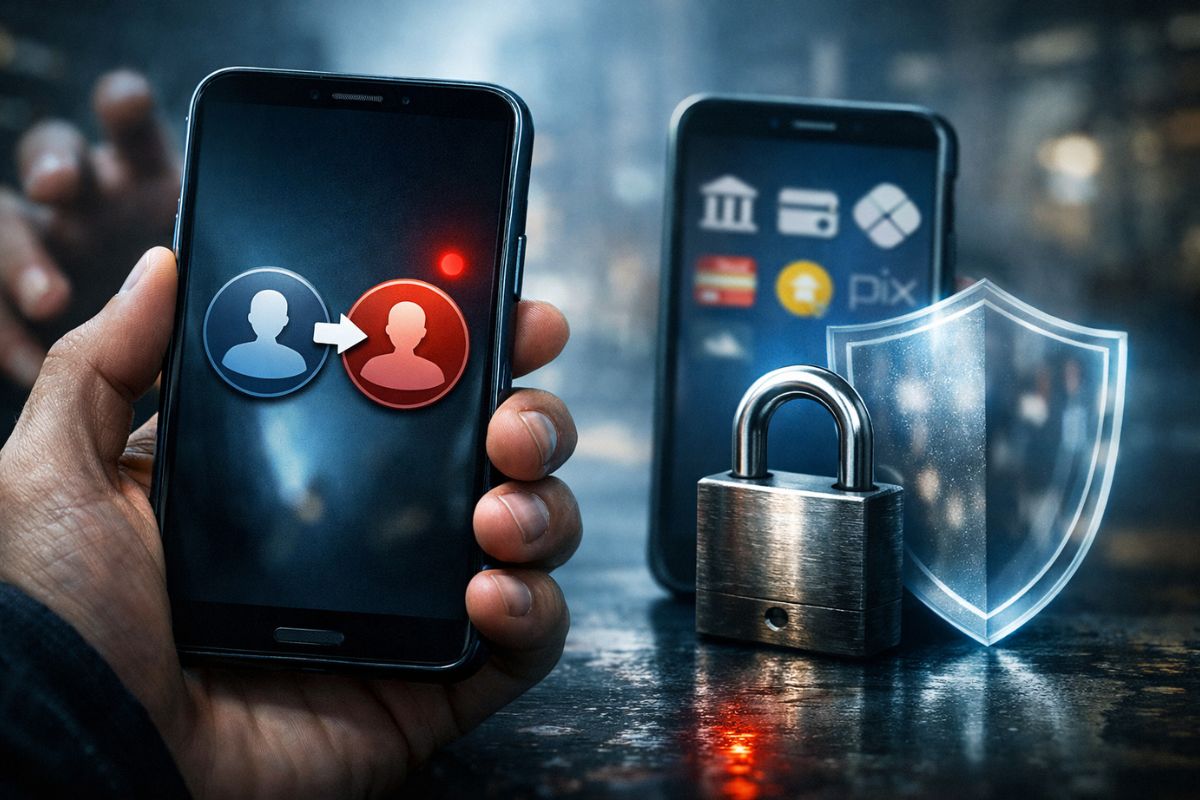
Report Shows How Anyone Can Shield Their Pix by Creating a Separate User on Android, with Different Passwords and Fingerprints, to Install Only Banking and Document Apps, Reducing the Risk of Unauthorized Access from Theft, Street Scams, and Forced Unlocking in Everyday Life with Extra Security and Simplicity
In 2025, with an increase in scams involving unlocked phones on public transport and in quick robberies, the idea of having a second device exclusively for banking became a desire for many people. What almost nobody realized is that Android itself already provides a way to shield their Pix by creating a separate profile, invisible in everyday use and with another security standard.
Instead of buying a new device to be the famous Pix phone, digital security experts have shown that it is possible to set up a second internal environment, with its own password and fingerprint, where only banking, investment, and government apps reside. The logic is simple: the everyday user has no financial apps installed, and access to money becomes dependent on a second layer of conscious decision to shield their Pix.
What It Means to Shield Pix with Multiple Users on Android
On the latest Android phones, there is a native feature of multiple users, originally designed to share the device with others or separate work profiles from personal use.
-
Brazilian city gains industrial hub for 85 companies that is equivalent to 55 football fields.

-
Peugeot and Citroën factory in Argentina cuts production by half and opens a layoff program for more than 2,000 employees after Brazil drastically reduced purchases of Argentine vehicles.

-
A Brazilian city gains a factory worth R$ 300 million with the capacity to process 200 thousand tons of wheat per year, a mill of 660 tons/day, silos for 42 thousand tons, and an industrial area of 276 thousand m².

-
Havan will leave the shopping mall in Blumenau to inaugurate something that the chain has never done before: a megastore in half-timbered style in the Historic Center of the city, which is expected to be completed in May and change the landscape of local retail.


The suggestion presented in the tutorial is to use this feature to shield their Pix, creating a specific user solely for financial activities.
In this model, the device continues with the primary user for social media, messages, photos, and daily use, but without any banking or government apps installed.
The so-called Pix user is created within the system settings and functions like a second phone within the same hardware, with independent storage, applications, and security settings.
When setting up this second user, the recommendation is to define a different unlock password and a fingerprint different from the one used on the main profile, which makes the financial environment completely separate.
Only those who consciously know they need to switch users and use the specific credentials of the created profile can access the sensitive part to shield their Pix.
How the Second Pix User Works in Practice
In the demonstrated step-by-step, the feature appears in Settings, System, and then Users, on both a Motorola and a Google Pixel, reinforcing that it is not a brand exclusive, but a standard of Android.
There, the device owner activates the multiple users option and adds a new profile named Pix, or any other name that makes sense.
When entering this user for the first time, the system requests setting up the environment from scratch, including a new password and biometrics registration.
The guidance is clear: the Pix user’s password and fingerprint need to be different from the main user’s password and fingerprint. Thus, even if someone discovers the everyday code, they will not have automatic access to the environment where the banking apps are installed.
After setting up the financial profile, the user installs only sensitive apps in that space.
Only banking, brokerage, government apps, digital ID, and any other service related to money and documents are concentrated there, keeping the primary profile clean, without obvious shortcuts to bank accounts.
This is the heart of the strategy to shield their Pix without relying on a second physical device.
Why This Is Different from Secure Folder or App Lock
Many users are already familiar with secure folder functions, vaults, or individual app locks with extra passwords.
The point highlighted in the video is that these solutions still exist within the same user, and in certain scenarios, can be circumvented from the main device password.
When a person creates a brand new user, they are not just hiding icons from the home screen.
They are separate installations, different storage, and sets of credentials that do not communicate with each other, as if they were two different phones running on the same physical components.
The main user cannot see the Pix user’s data, and the maximum they can do from there is delete the other profile, never access its content directly.
In practice, this means that if someone picks up the device already unlocked on the main profile, they will find no bank icons, will not see financial notifications, and will not be able to open anything from the Pix environment, because that environment simply is not loaded at that moment.
To shield their Pix, it is necessary first to activate the other user, which requires the password or fingerprint specific to that profile.
Different Passwords and Fingerprints to Truly Shield the Pix
A central detail of this strategy is the complete separation of credentials.
In the given example, the main user might have a simple code, such as a repeated combination, used frequently in everyday life.
The Pix user, on the other hand, would receive a completely distinct number, more difficult to guess or confuse.
This detachment between the two passwords is the first pillar to shield their Pix.
The same applies to biometrics.
Instead of registering the same fingerprint for everything, the tutorial suggests using, for example, a finger from the opposite hand or even another biometric combination, which prevents automatic unlocks by habit.
In the common user, the device recognizes the daily fingerprint.
In the financial profile, only the specific fingerprint works, reducing the risk of someone unlocking the Pix environment by mistake or taking advantage of a moment of distraction.
This setup means that the person must make a conscious decision whenever dealing with money. They need to switch users, type another password, and use a different fingerprint.
This access ritual serves as a permanent reminder that this is a sensitive environment, reinforcing the goal to shield their Pix against opportunistic accesses in carelessness situations.
What Changes in Case of Theft or Scam with the Phone in Hand
The most common scenario that this technique seeks to mitigate is the theft of an already unlocked phone or the quick approach where criminals grab the device while the screen is still active.
If the user keeps all financial apps in the same profile where they chat and browse, it is enough for the thief to open the bank icon to have a direct shortcut to the money.
With the multiple users strategy, the device used on the street does not display any banks.
Even with the primary profile unlocked, there is no account icon, no Pix app, nor investment shortcut, only the common apps.
The environment with money is turned off in another user, protected by different passwords and fingerprints.
For someone to exploit this structure, they would need to know that the second user exists, identify what it is, and still know the credentials for that profile.
The tutorial creator makes it clear that this is not an absolute shield.
In situations of extreme coercion, where a person is taken home or forced to hand over everything under threat, no cell phone trick replaces the real risk and the need to preserve one’s own physical integrity.
The proposal is to reduce the attack surface in quick scams and thefts on public transport, not to create a false sense of invulnerability when shielding their Pix.
Other Possible Uses of Multiple Users Beyond Pix
Although the example revolves around shielding their Pix, the multiple users feature serves other scenarios.
The demonstrator himself mentions possibilities such as keeping a completely separate profile for international travel, with different apps and chips, or creating a limited user for children, with games and specific apps, without exposing the rest of the device.
This type of separation prevents apps from different contexts from interacting with each other, accessing the same photos, or sharing data in an unwanted manner.
In practice, the user transforms a single device into two or more independent experiences, managing privacy, work, leisure, and finances better on one physical device.
The principle that drives it all remains the same: use the system to your advantage to shield their Pix and other sensitive points of the digital life.
Knowing all this, looking at the risks of your everyday life with a phone and financial transactions, do you think it’s worth the effort to set up multiple users to shield your Pix, or do you still prefer to rely only on the traditional locks of banking apps?










-

Uma pessoa reagiu a isso.