





 Portuguese
  English
  Spanish
  4 min of reading
  1 comment


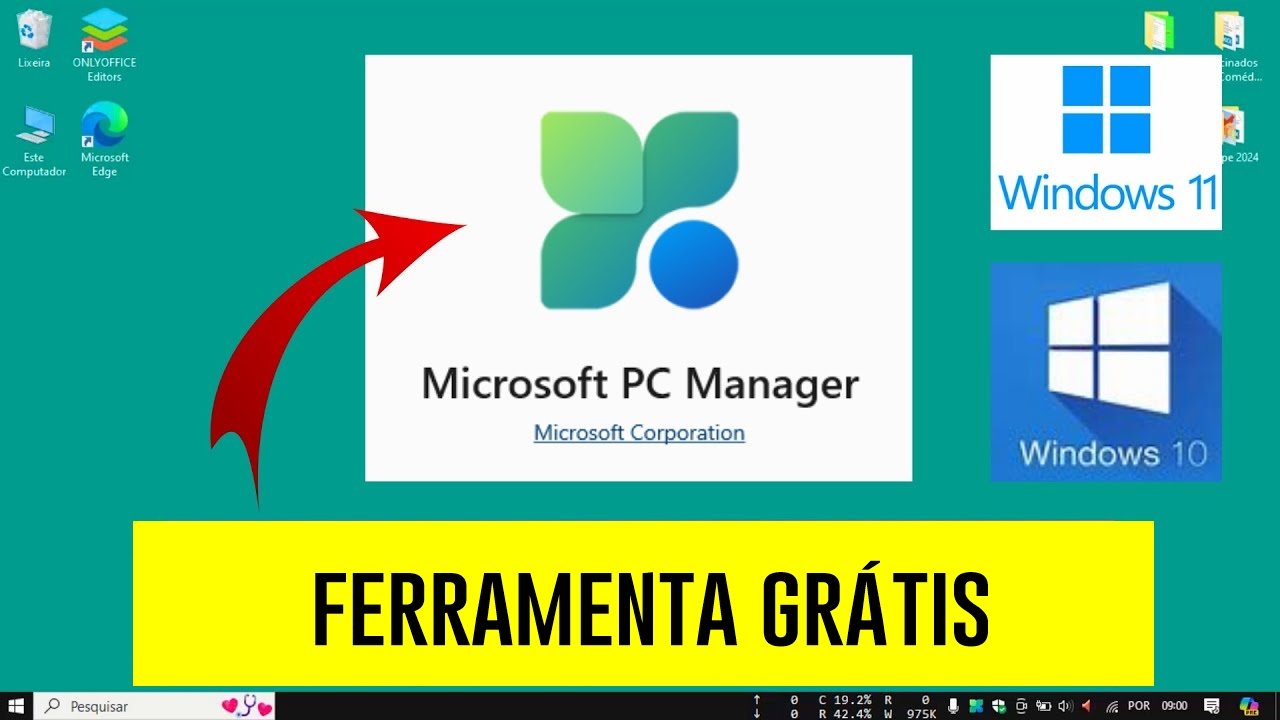


Microsoft Launched A Free Tool That Allows Windows 10 And 11 Users To Clean And Update Their PCs Quickly And Efficiently.
Keeping Windows running smoothly and without issues is a challenge many face. For years, third-party solutions like the popular CCleaner have dominated the market, offering tools to clean unnecessary files and improve performance.
Now, Microsoft has officially entered this segment with the launch of PC Manager, a free tool integrated into the Windows 10 and 11 ecosystems.
The Fight Against PC Slowness
Any computer user is well aware of the scenario: a device that was once fast starts to take longer to open applications, boot the system, and perform simple tasks.
-
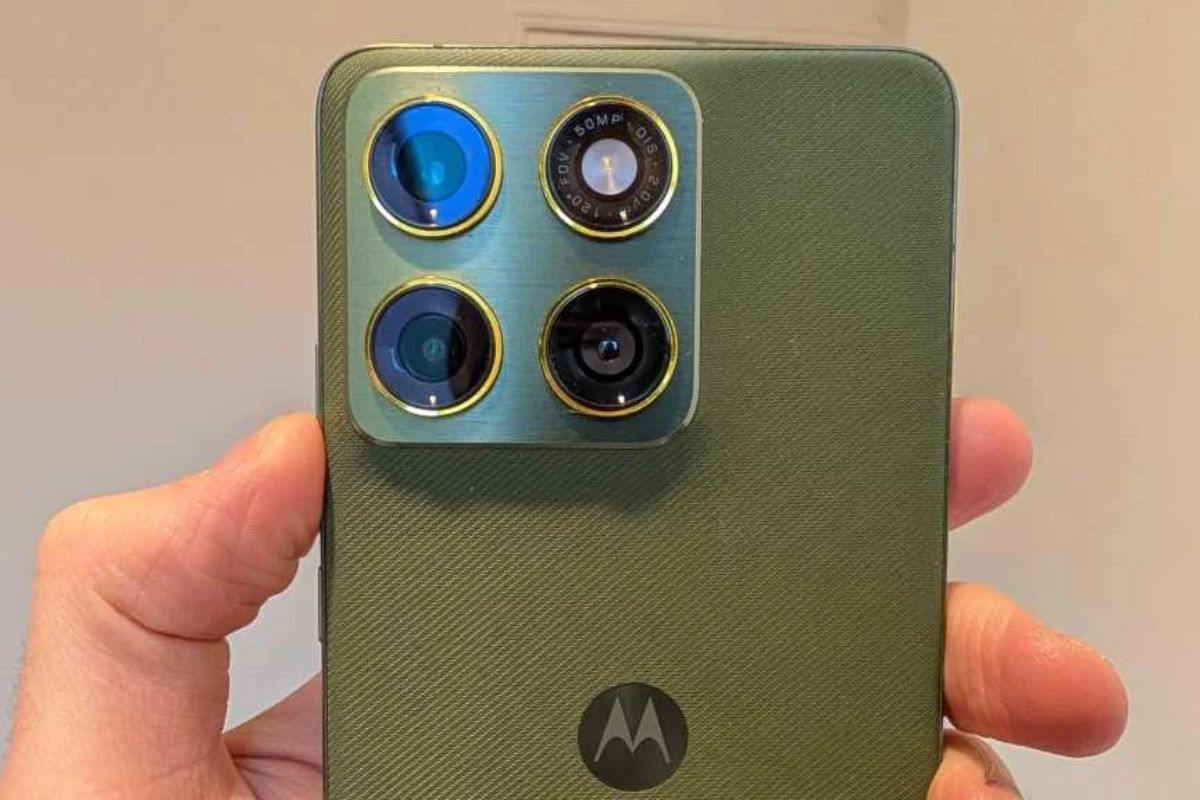
Motorola launched the Signature with a gold seal from DxOMark, tying with the iPhone 17 Pro in camera performance, Snapdragon 8 Gen 5 that surpassed 3 million in benchmarks, and a zoom that impresses even at night.
-
Satellites reveal beneath the Sahara a giant river buried for thousands of kilometers: study shows that the largest hot desert on the planet was once traversed by a river system comparable to the largest on Earth.

-
Scientists have captured something never seen in space: newly born stars are creating gigantic rings of light a thousand times larger than the distance between the Earth and the Sun, and this changes everything we knew about stellar birth.

-
Geologists find traces of a continent that disappeared 155 million years ago after separating from Australia and reveal that it did not sink, but broke into fragments scattered across Southeast Asia.
Although Microsoft has excelled in malware protection with Windows Defender, it lacked an integrated solution for performance maintenance. With PC Manager, this gap has finally been filled. Click here to download it on your device.
This tool promises to be a viable and safe alternative to deal with the challenges of slowness and organization, eliminating the dependence on third-party programs and the potential compatibility risks associated.

A Strategic Move By Microsoft
Microsoft initially tested PC Manager in the Chinese market before making it available globally. Now, the tool is accessible to Windows 10 and 11 users, offering a native solution for system optimization.
This marks a significant step in the company’s strategy to compete directly with alternatives like CCleaner and other popular tools.
For many, the major differentiator lies in the trust associated with a product developed by Microsoft itself.
The seamless integration with the operating system is also an attraction, ensuring there are no compatibility issues.
Main Features Of PC Manager
PC Manager was designed with a robust set of functionalities aimed at simplifying PC maintenance and significantly improving performance. Here are some highlights:
PC Boost
This feature is ideal for quick optimizations. It automatically ends unnecessary background processes, cleans temporary files, and reduces RAM usage.
Additionally, the Smart Boost option identifies large temporary files—over 1 GB—and eliminates them, ensuring the system remains responsive.
Deep Cleaning
For those looking for a more comprehensive solution, the deep cleaning feature removes outdated files from the system, clears browser caches, and empties the recycle bin. This functionality is perfect for anyone looking for renewed performance.
Startup Management
Prolonged boot times are a common problem. PC Manager addresses this by allowing users to choose which applications should start with the system. This customization reduces clutter and speeds up boot time.
Process Management
No more navigating the Task Manager to find resource-hungry processes. PC Manager provides a simple and intuitive interface to monitor and end processes with just one click.
Large File Locator
For those facing disk space shortages, this feature is a lifesaver. It scans the system for large files and helps users decide which can be deleted or moved, freeing up valuable storage space.
Leaving Third-Party Tools Behind
The arrival of PC Manager may signal a paradigm shift for many Windows users. For years, tools like CCleaner have been the go-to options for system maintenance. However, the possibility of using a native solution developed by Microsoft itself makes the process more accessible and secure.
Lily Thompson, a technology enthusiast user, shared her experience: “Switching to PC Manager was simple. I feel more confident using something developed by Microsoft, and the interface is very intuitive. My computer is now running like new.”
Future Plans For PC Manager
Microsoft is committed to expanding and refining PC Manager based on user feedback. Currently, the tool is available in various languages, including English, Spanish, and Chinese, and will soon reach other regions.
The company also plans to release periodic updates to further improve its functionality and align it with user needs.
This launch represents a milestone in how Microsoft supports its customers, establishing itself as a reliable and integrated option for device maintenance.
The New Standard For PC Maintenance
With PC Manager, Microsoft has addressed user demands for an integrated and free maintenance tool. Whether for casual users wanting smoother performance or for those using computers for intensive tasks, the tool proves to be an essential resource.
For those using Windows 10 or 11, it’s worth exploring PC Manager. With its comprehensive features and seamless integration into the system, it is poised to redefine the standards for PC maintenance, providing a cleaner, faster, and more efficient experience.







E o bug dizendo que seu windows venceu e não terá mais atualização?