





 Portuguese
  English
  Spanish
  3 min of reading
  0 comments


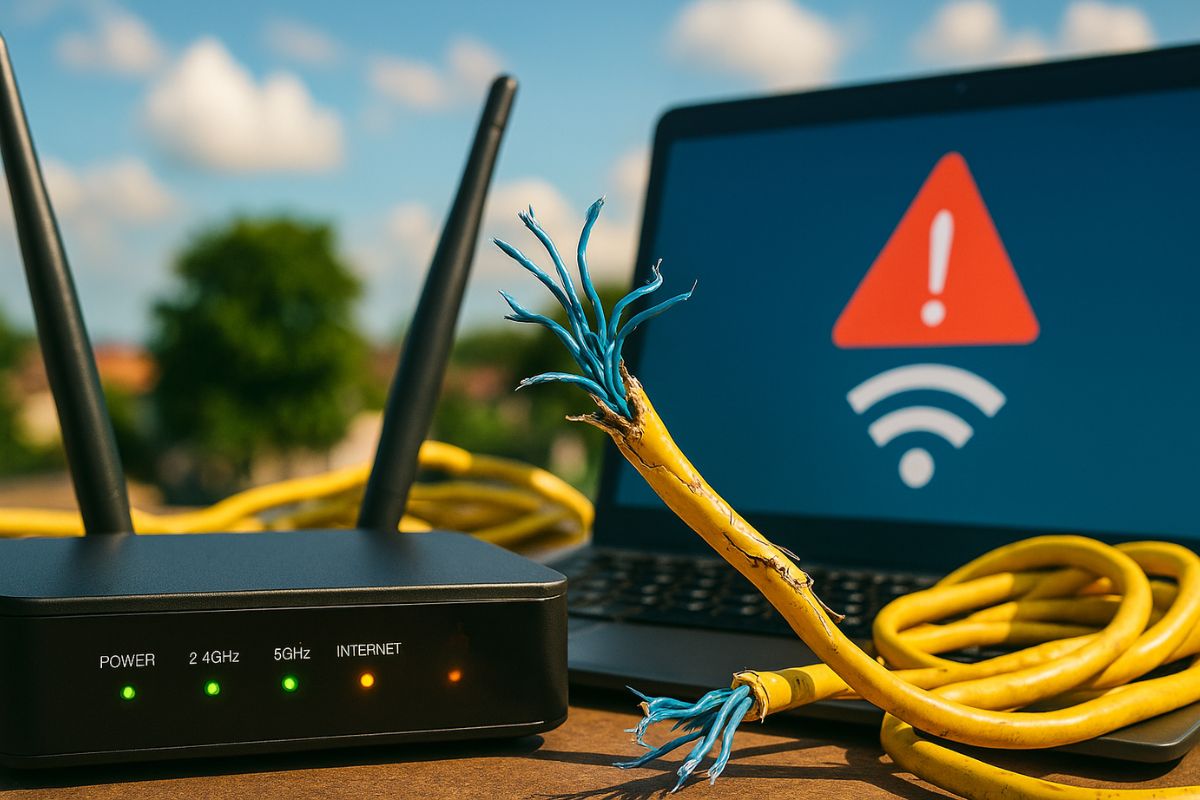
Your Internet Keeps Dropping Frequently? The Problem May Be Inside Your House. Wrong Router Installation, Damaged Cables, and Internal Interference Are Common Causes of Instability.
Many users believe that the provider is always responsible when the internet keeps dropping frequently, but the truth is that in many cases the problem begins inside the house. Small details in the positioning of the router, the quality of the cables, or even basic settings can compromise the connection.
Before contacting the technical support of the provider, experts recommend checking the home environment. Oxidized cables, old routers, and an excess of connected devices are among the villains that reduce network stability.
Why Internet May Drop Inside the House
One of the most common factors is the inadequate positioning of the router. When the device is placed in corners of the house or inside furniture, the range of the Wi-Fi signal is reduced. Interference from microwaves, cordless phones, and even televisions can also impair the quality of the connection.
-
A street vendor from Praia Grande built a robot made of scrap from scooters and washing machines that pulls his popcorn cart on the beach, emits sounds, and interacts with customers, becoming an attraction on the coast of São Paulo.

-
The specifications of the Xiaomi 18 Pro Max have been leaked, and the highlight is a dual 200 MP camera with a new 22-nanometer technology that promises to consume less energy and capture details in shadows and bright areas using LOFIC HDR.

-
If the trip to the Moon were a hoax, it would be necessary to keep the secret among 400,000 people for more than 50 years and to deceive even the Soviet Union, which was tracking the radio signals coming from the exact direction of the satellite during each Apollo mission.

-
Artemis 2 launches at 7:35 PM with four astronauts and ends a 50-year fast in lunar orbit: the SLS rocket departs from Florida, the mission lasts 10 days, circles the far side, and tests Orion in a free-return trajectory.


Another critical point is the excessive number of devices connected at the same time. Smartphones, laptops, televisions, and consoles can overload home networks, especially when the router is already an outdated model that does not support current speed standards.
Cable and Outlet Problems
The instability of the connection can also be the result of damaged coaxial or network cables. Twisted, improperly fitted, or oxidized wires can impair data transmission and make the signal erratic. Additionally, unstable outlets or the use of inappropriate extensions can cause frequent drops, as they affect the electrical supply to the modem.
In these cases, the simple replacement of old cables or the review of the electrical installation can already solve the problem without needing to switch providers.
Incorrect Router Settings
Another common reason for when the internet keeps dropping frequently is the inadequate configuration of the router. Many users keep the factory settings, which makes it easier for external interference. Adjusting the transmission channel and properly choosing between the 2.4 GHz and 5 GHz bands can bring significant stability gains.
Furthermore, keeping the firmware updated ensures better performance and protection against security flaws that could also compromise the connection.
How to Improve Your Internet at Home
Among the most effective measures are:
- Position the router in the center of the house, ensuring better signal distribution.
- Avoid physical obstacles, such as thick walls and large appliances.
- Update the firmware regularly to keep the network secure and stable.
- Use repeaters or a mesh system in larger homes, eliminating blind spots.
- Replace old or damaged cables that compromise data transmission.
If, even after these adjustments, the connection remains unstable, it’s time to document the times of the drops and contact the provider. This documentation helps speed up technical support and identify if the problem is external.
A large part of the instabilities is related to simple internal factors that can be corrected, such as wrong router positioning, poor cables, or an excess of connected devices. Before blaming the provider, it’s worth reviewing the home structure. Often, the solution for a more stable network is within the user’s reach.
And you, have you already discovered that the problem with your connection was inside the house? Which solutions worked best? Share your experience in the comments.







-

Uma pessoa reagiu a isso.