





 Portuguese
  English
  Spanish
  9 min of reading
  4 comments


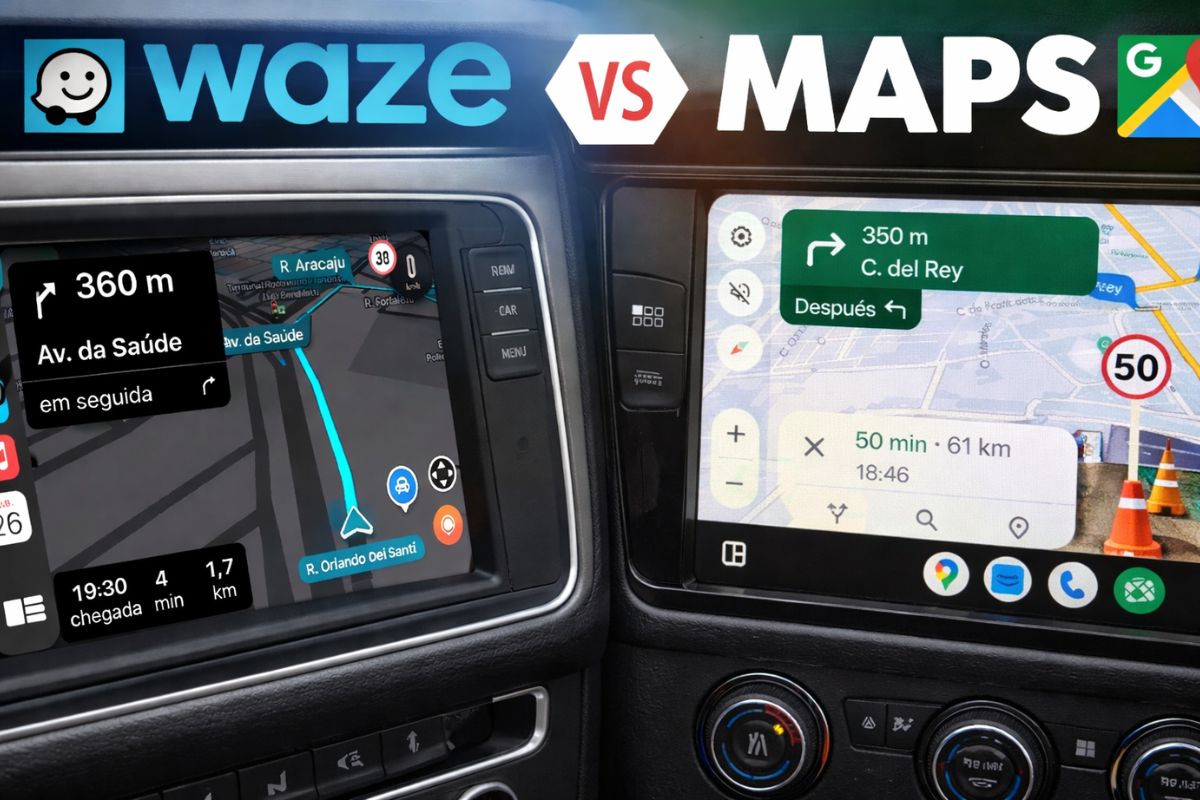


Understand How Waze or Google Maps Work as GPS Apps in Brazil, When They Help Ride-Hailing Drivers, Alert Speed Cameras, and Ensure Offline Maps During Trips.
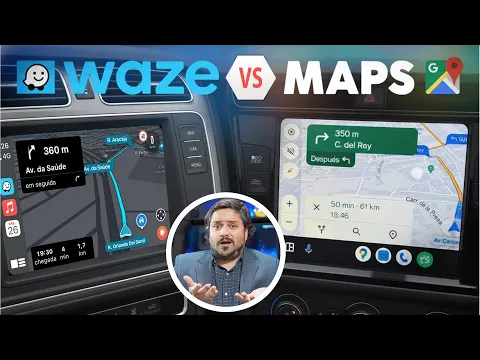
Waze or Google Maps, which one did you open this morning without thinking, just because you are used to it? The choice seems simple, but it’s that automatic touch on the app icon that can decide whether you arrive a few minutes earlier, get a distraction-related fine, or inadvertently enter a dangerous route. In a country where potholes appear overnight, traffic patterns change unexpectedly, and speed cameras show up where you least expect, GPS has stopped being just a guide and has become a safety item.
At the same time, many people still believe that Waze or Google Maps are practically the same. But they’re not. Since 2013, both have belonged to Google, but they have remained separate because they follow opposing philosophies. On one side, Waze was designed to save time at any cost. On the other, Google Maps prefers to be conservative, betting on more obvious routes and more stable data. Next, you will see, in the context of Brazilian reality, which app matches your driver profile and in which situations each one can get you into trouble or save you from a big problem.
Waze or Google Maps: The Big Difference in Philosophy
Before choosing between Waze or Google Maps, it is essential to understand what each one promises to deliver.
-
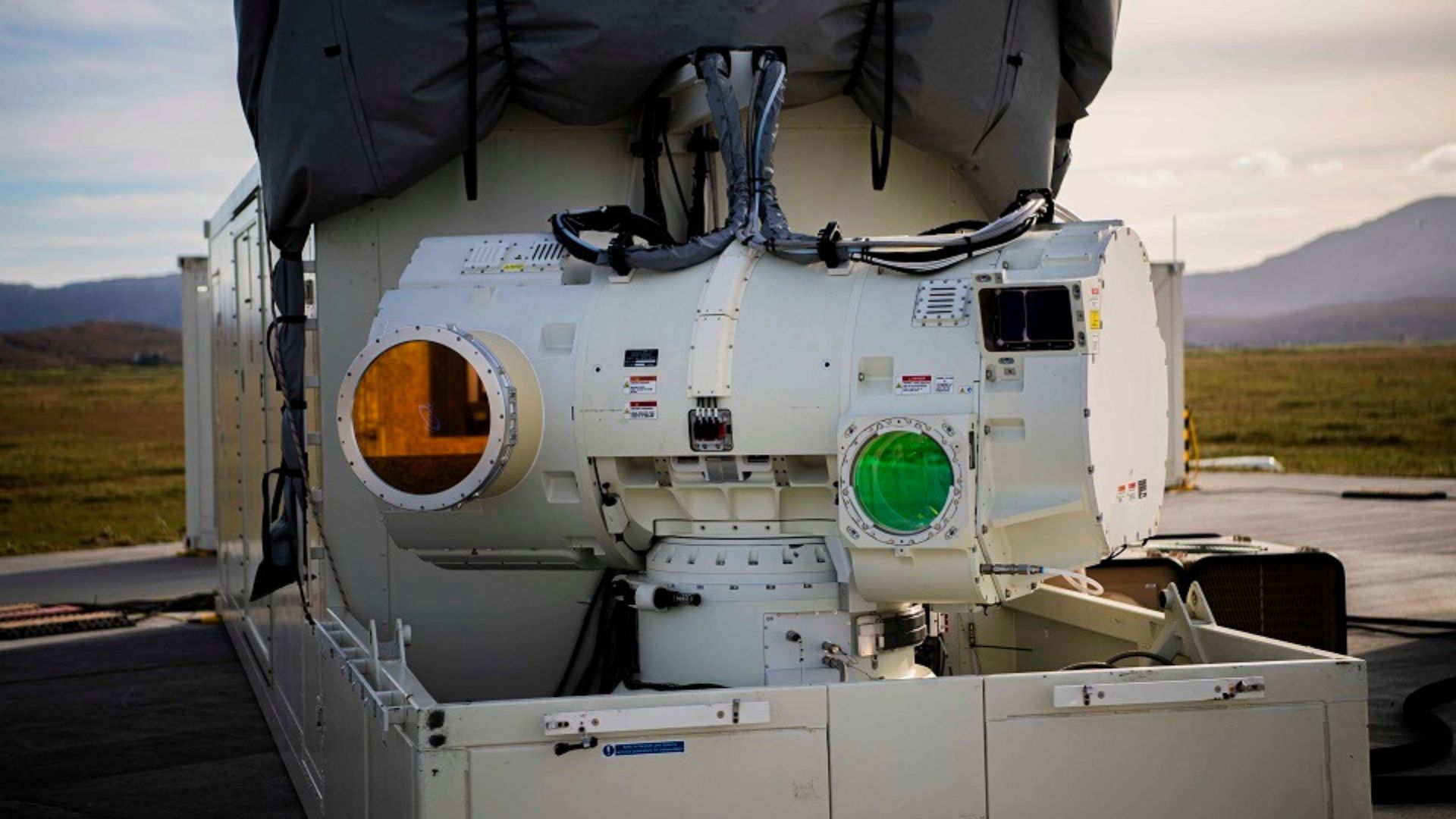
With a cost per shot close to zero, the DragonFire laser could change naval warfare in 2027 and provide British ships with nearly unlimited defense against drones.
-
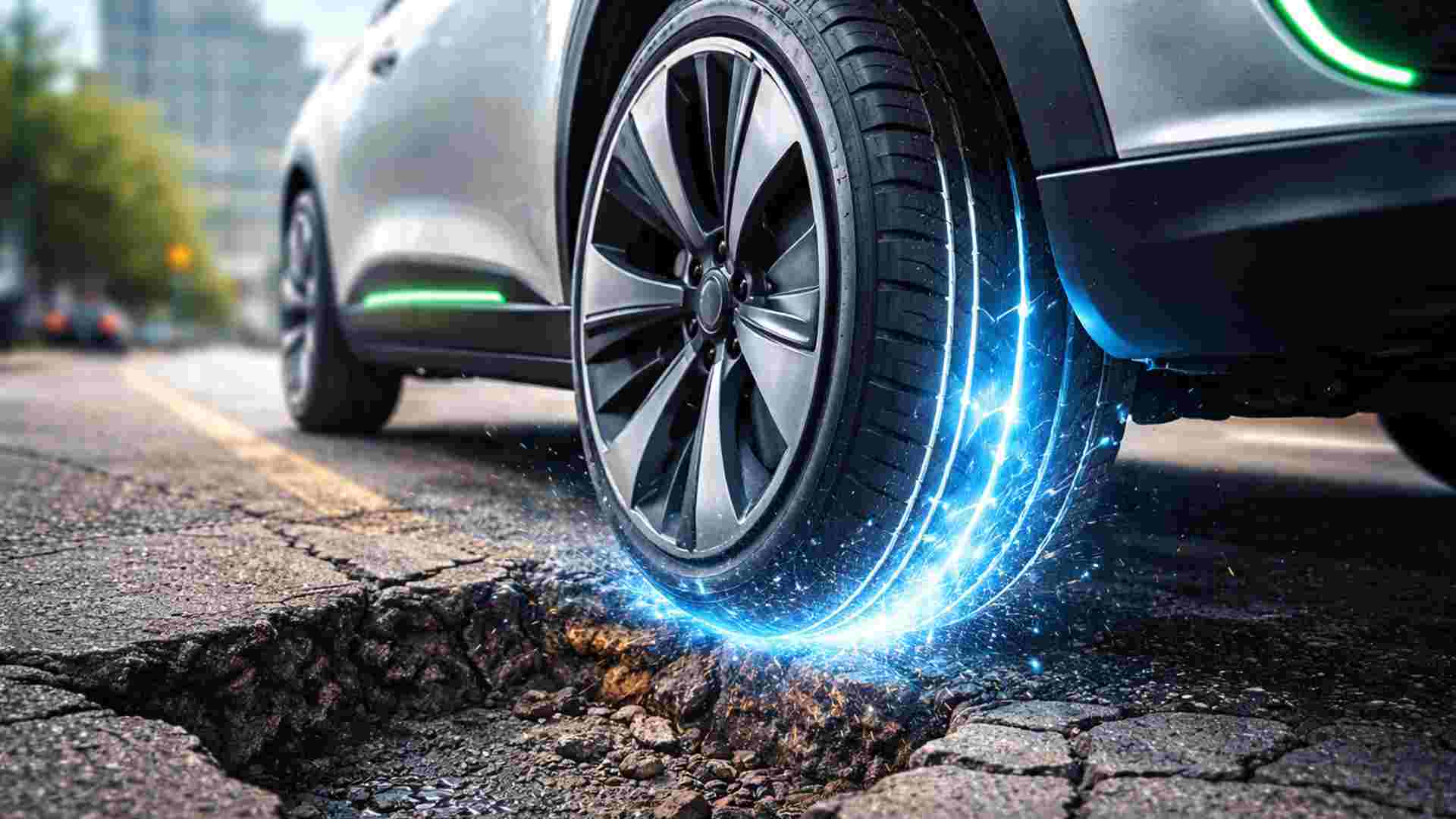
A British startup creates tires that generate electricity in electric vehicles when passing over potholes, speed bumps, and cracks.
-
Scientists have created robots made with living cells that have their own nervous system, swim on their own, explore the environment, and self-organize without any genetic engineering, and now they want to do the same with human cells.

-
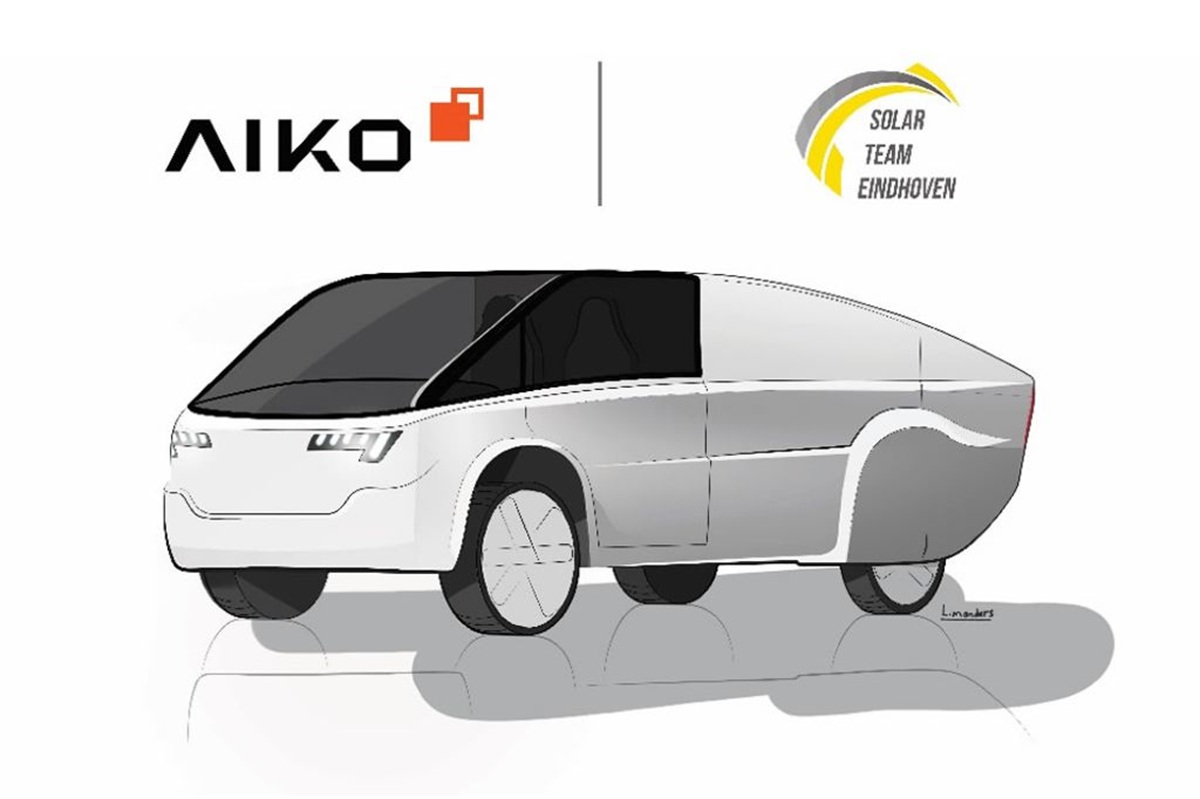
Students create a solar-powered ambulance that operates without a plug, without fuel, and still keeps medical equipment running in remote areas.

Waze was born with a clear obsession: to make you arrive faster, no matter the cost. The algorithm is always looking for gaps in traffic, alternative streets, unlikely paths.
If cutting through a residential neighborhood full of speed bumps saves two minutes, it will suggest that without a second thought.
On the other hand, Google Maps plays a different game. Its focus is on route consistency and data quality. Instead of risking dubious shortcuts, it prefers to keep you on main avenues, wider roads, and more obvious routes, even if that means spending a little more time stopped in traffic. In practice, it tends to be less creative but more predictable and, often, safer.
It’s precisely in this clash of philosophies that the answer to the Waze or Google Maps question begins: what do you value more, arriving as quickly as possible or taking more predictable and safer routes, especially in unfamiliar places?
Waze: Strong Community, Quick Updates, and War Against Fines
In Brazil, Waze has an almost unfair advantage over any other navigation app: the community of users and map editors that work in real-time.
A street that was two-way yesterday can become one-way today by decision of the local government. A giant pothole can appear after a night of heavy rain. An accident can completely block an avenue in a matter of minutes.
While this update sometimes takes a while to appear on Google Maps, on Waze it tends to arrive much faster, thanks to alerts from drivers and volunteer editors who adjust the map.
This means that for those driving in areas they know somewhat, Waze is excellent for avoiding traffic, unexpected roadworks, and last-minute traps on the way.
However, the reason many Brazilians won’t give up Waze is not just traffic; it’s about money. The combination of a speedometer on the screen and audio alerts for speed cameras serves, in practice, as insurance against distraction-related fines.
We are not talking about reckless speedsters, but rather that classic scenario of an empty road, conversations flowing, and, before you know it, you’re a few kilometers per hour above the limit right by the fixed speed camera.
Waze shows you the speed limit, alerts you near the camera, and pulls you back to reality. In a country where budgets are tight, avoiding fines due to a few seconds of inattention is a strong argument in its favor.
The Dangerous Side of Waze for Those Who Don’t Know the Area
However, this same obsession with time that makes Waze so appealing can also put you at risk.
If the app calculates that cutting through an unpoliced community or taking a poorly lit dirt road saves two minutes, it will simply direct you there, without any knowledge of the safety context of that place.
If you don’t know the city, don’t recognize the neighborhood, and blindly trust the app’s arrow, the chance of entering a complicated area significantly increases.
This is where the crucial point comes in: Waze or Google Maps cannot be treated as absolute autopilot, especially in unfamiliar regions.
In Waze, this is doubly true. Using the app without proper configuration, without filtering suggestions, and without a minimum understanding of the area is the perfect recipe to get into trouble for two or three minutes less of travel.
Therefore, in unknown cities, neighborhoods you’ve never seen, or trips to regions you don’t have a grasp on, the Waze or Google Maps question must consider not only traffic but also route safety.
Google Maps: Safety, Smart Search, and Offline Maps
On the other side of the story, Google Maps is the app that prefers to err on the side of caution.
It tends to prioritize main avenues, more structured highways, and more obvious paths, even if this means avoiding shortcuts through alleys, backstreets, or narrow roads. In urban scenarios you don’t know, this is a significant advantage.
Additionally, Google Maps is practically a search engine within the map. Finding an open pharmacy now, a well-rated gas station, or a reliable bakery is much simpler on it.
These features exist in other apps, but in Maps, they are native, well integrated, and have become part of the daily use for many people.
Another area where Google Maps shines is the offline mode. During trips, it is common to go through stretches without signal or with unstable mobile internet.
Google Maps allows you to download cities, regions, or even larger areas for offline navigation, ensuring that you remain guided even without 4G. This is something Waze still struggles with.
In practice, having Google Maps downloaded as a backup on your phone is one of the best ways to avoid getting lost in the middle of nowhere when connection fails.
Average Speed Cameras, Automatic Tolls, and Their Impact on Your GPS

Many people use Waze or Google Maps thinking only about traditional fixed speed cameras. But the landscape is changing.
With the arrival of average speed cameras and automatic tolls of the Free Flow type, those gantries without booths, the calculation is now done based on the time between two points.
In other words, it’s no longer enough to just brake at the speed camera and then accelerate. If you traverse the stretch faster than you should, the average speed will register it, and the fine will still arrive.
Additionally, banks and toll companies offer tags and facilities that seem free but may hide charges per kilometer traveled or unclear fees.
In daily life, the GPS becomes part of this equation, as it shows the route, the estimated travel time, and even where these gantries are located.
The lesson here is simple: don’t use Waze or Google Maps just to avoid speed cameras; use it as a route planning tool.
Understanding speed limits, predicting travel time, and knowing where tolls and gantries are is just as important as knowing if traffic is stopped.
Driver Profiles: Which One Do You Fit Into?
To not stay only in theory, let’s look at four very common profiles in Brazil and understand, in practice, how the choice between Waze or Google Maps plays out for each.
- Everyday Driver
If you mostly drive in your city, going from home to work, grocery store, school, and familiar places, Waze is often the better choice for daily use.
You already have a general idea of where you’re going. What you need is to know if there are blitzes, accidents, potholes, construction, or stopped traffic. Configuring the speedometer on the screen and keeping radar alerts on turns the app into a bodyguard against distraction-related fines. - Traveler or Tourist
Are you going to hit the road, visit another city, or travel through areas you don’t know well? Here, the answer isn’t so simple.
On the road, Waze or Google Maps can work well, but Waze tends to be smarter at avoiding traffic jams and accidents on highways. However, in an unfamiliar city, the ideal strategy is to use Google Maps to avoid shortcuts through potentially dangerous areas and take advantage of offline maps and establishment search. Gaining a minute cutting through a dodgy area isn’t worth the risk. - Ride-Hailing Driver and Deliverer
For this profile, time literally means money. The more rides or deliveries you do, the higher your earnings. In this scenario, Waze is usually the favorite, precisely because of its efficiency in avoiding traffic jams, suggesting alternative routes, and quickly reacting to traffic changes.
Even so, it’s essential to pay attention to suggestions for very narrow streets, steep climbs, or shortcuts in unfamiliar neighborhoods. No gain of two minutes justifies entering an area where you don’t feel safe working. - Truck Drivers and Heavy Vehicles
Here, the conversation changes completely. Neither Waze nor Google Maps was designed to handle truck height, load weight, or specific restrictions for heavy vehicles. Both can direct you to low overpasses, weight-limit bridges, or streets where trucks can’t turn.
The ideal for this profile is to use apps specifically designed for heavy loads or professional GPS configured for trucks. In the absence of options, Google Maps tends to be slightly less risky than Waze because it favors highways and main roads over directing trucks into neighborhoods with narrow streets. However, it’s still a workaround and not the ideal solution.
Alternatives Worth Keeping on Your Radar
The Waze or Google Maps discussion reigns, but there are useful alternatives that can complement both apps.
Here WeGo is a classic example for those who value offline use. The maps are robust and allow you to download everything from a state to an entire continent, which is excellent for long trips, rural areas, or travel in areas with very poor signal.
Apple Maps has strong integration with the iPhone and a stylish interface, but still suffers from a lack of data in many regions of Brazil.
In practice, it only makes sense in well-mapped areas that you already know. It doesn’t typically offer anything so remarkable that would justify completely abandoning Waze or Google Maps.
Finally, there’s a trick that many people like: using Google Maps as the primary map and a radar alert app running in the background, just to notify about critical points. For those who prefer the cleaner interface of Maps, this combination can offer the best of both worlds.
So, Waze or Google Maps, After All?
After considering all this, the most honest conclusion is that there is no absolute winner between Waze or Google Maps. What exists is the right app for the right situation.
In everyday life, in places you already know, Waze provides traffic alerts, an active community, speed and route warnings, all of which protect your time and money.
In unfamiliar cities, trips to new regions, and scenarios where route safety weighs more than a few minutes of difference, Google Maps scores points for predictability, more conservative routes, and offline maps.
The smart choice is not to install one and delete the other. It’s to have both on your phone, know when to use each, and understand that GPS is a tool, not an autopilot that you follow with your eyes closed.
And you, Waze or Google Maps, which one fits your driving style better, and why can’t you do without it in your daily life?








Waze aconselho apenas para lugares que vc já conhece. O maps para viagens longas e lugares desconhecidos.
O maps em São Paulo, outros municípios tbm .. não mostra velocidade, da pista q vc está ? Se é 40 ,50, 80 ,90…. E tbm o aviso de radar quando,esta proximo e só um som uma vez e nada mais … Acho q o maps poderia ser melhor !!! Só o.pessoal querer …
Eu uso Waze pela interface ser superior ao maps …
Sou fã do Maps ha muitos anos, ja usei o waze, mas prefiro o maps.