





 Portuguese
  English
  Spanish
  4 min of reading
  0 comments


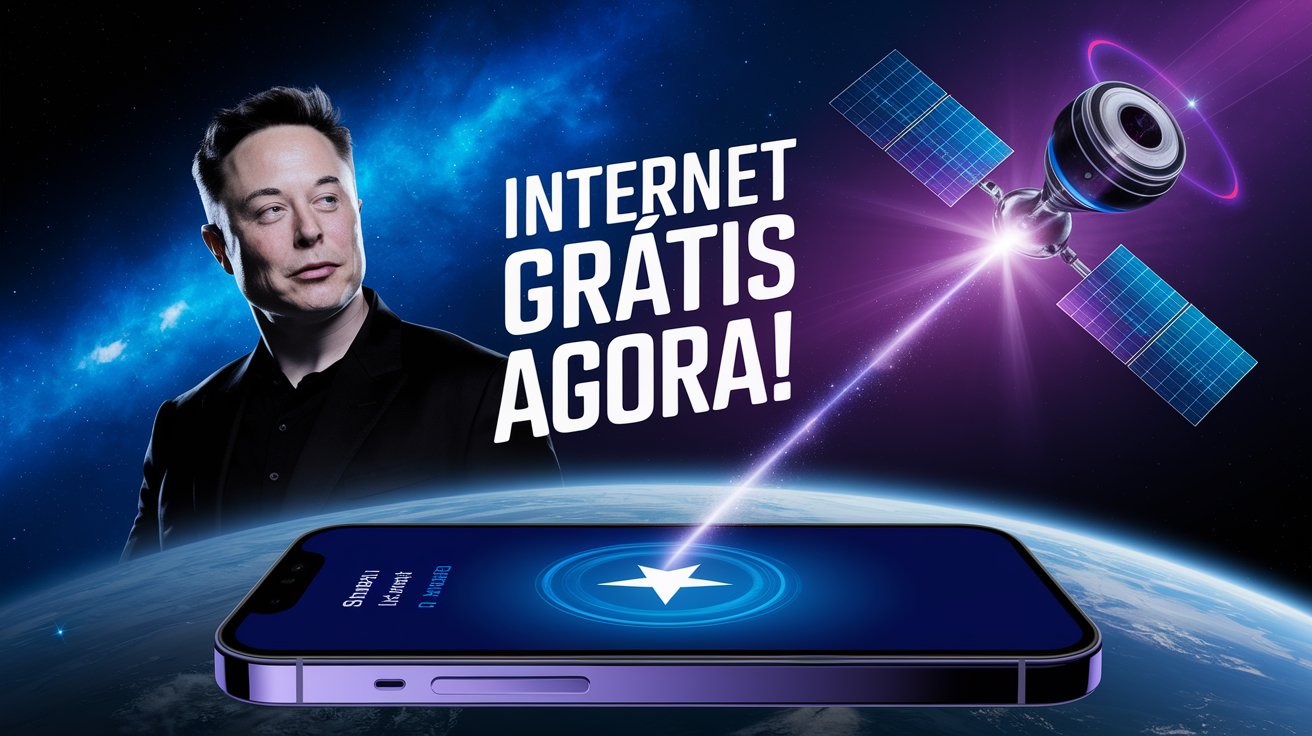
Elon Musk’s Starlink Now Offers Emergency Connection! But Is Your Phone Compatible? Discover How to Activate This Service and Ensure Communication Anywhere.
Have you ever imagined being in a remote location, away from traditional carriers, and having access to the internet for free?
Well, this is already a reality with Starlink, the satellite internet by Elon Musk.
Developed by SpaceX, Starlink offers, in some cases, free emergency access to the internet, allowing you to connect even in the most remote locations.
-
Goodbye clothes with odors from use: Samsung’s device uses high-temperature steam, eliminating up to 99.9% of bacteria, removing dust mites, and neutralizing odors directly in the wardrobe without the need for washing.

-
Embraer arrives in Mexico with 7 new E190-E2s in 2026, after 5 jets have already been delivered, while Mexicana surpasses 1 million passengers, plans a fleet of 20 aircraft, and expands strategic routes across the country.

-
China is not joking around and is secretly expanding its nuclear weapons infrastructure: a giant dome the size of 13 city blocks, 600 warheads, destroyed villages, and a modernized military network in record time in China, says CNN.

-
Goodbye iron and wrinkled clothes: LG’s smart wardrobe uses TrueSteam vapor, hangers that vibrate up to 180 times per minute, and cycles of 20 to 30 minutes to remove odors and reduce wrinkles without washing.


But how can you activate this connection?
In this article, we will explain step by step how to activate Starlink’s free internet and discuss everything you need to know about the service, its limitations, and the future of this revolutionary technology.
How to Activate Starlink’s Free Internet
Activating Starlink’s free internet is not a complicated process, but it requires meeting certain requirements to ensure the service works properly.
Follow the step-by-step guide below to start using this free emergency service.
Check if Your Device is Compatible
First of all, it is essential to check your device’s compatibility.
Not all smartphones or equipment support Starlink technology.
Newer and more sophisticated models tend to be automatically compatible with the service, while older devices may need updates or, in some cases, may not support satellite connection.
Therefore, check if your phone or device is on the official list of compatible devices.
Starlink, alongside other satellite services, works best with devices that have the latest versions of operating systems.
Update Your Phone’s Operating System
To ensure that Starlink’s internet works properly on your device, keep the operating system updated.
Whether Android or iOS, the latest versions of these operating systems already have integrated support for emergency satellite connections.
Check for available updates in your device settings.
This will help the phone automatically recognize the connection to Starlink as soon as it is available.
Enable Automatic Connection for Emergency Networks
After ensuring that your device is updated and compatible, the next step is to enable the automatic connection option for emergency networks.
In the phone settings menu, go to the “Connections” or “Mobile Networks” section and enable the “Automatic Connection for Emergency Satellite” option.
With this setting activated, the phone will automatically connect to Starlink’s free internet whenever you are outside the coverage of traditional carriers, without the need for manual adjustments.
How Does Starlink’s Free Internet Work?
The free internet from Starlink is primarily designed for emergency situations.
This means that, currently, it is limited to basic communication services, such as sending text messages and SOS.
Unfortunately, it is not possible to use Starlink’s internet for unlimited browsing, heavy downloads, or video streaming, as if it were a conventional mobile data connection.
However, SpaceX has plans to gradually expand the services offered by Starlink, which may include paid packages with mobile data for more robust browsing and voice calls.
Limitations of Starlink’s Free Internet
Access to Starlink’s free internet is restricted.
For now, only essential communications are available, such as emergency messages and SOS signals.
There is no support for regular phone calls, nor for more advanced services like unlimited browsing.
While the service is seen as a major innovation for emergency communications, there are still many uncertainties about possible usage restrictions or additional limitations in the future.
Starlink has yet to fully detail these aspects.
However, what is undeniable is the significant advance in terms of safety.
The ability to send an emergency message in remote areas, without coverage from traditional carriers, can save lives in risky situations.
The Future of Starlink’s Mobile Plans
Although Starlink’s current options are limited, the prospects for the future are quite promising.
Soon, Starlink may offer paid plans with greater mobile data capacity, allowing users to access a more robust connection similar to that offered by traditional carriers.
SpaceX is already working to expand the services, and thus, Starlink has the potential to become a real alternative for those living in isolated areas or frequently traveling to hard-to-reach locations.
For now, the free connection remains a solution for emergencies.
But in the future, Starlink could change the way we interact with the internet, becoming a global connectivity network, even in regions where traditional carriers do not reach.
Advantages of Activating Starlink’s Free Internet
Among the main advantages of activating Starlink’s free internet is undoubtedly the extra safety it provides.
When traveling to remote areas where communication can be a challenge, Starlink offers a vital communication line.
The ability to send an emergency message can be decisive in critical moments.
Furthermore, Starlink helps connect people in places where traditional carriers simply do not have coverage, providing greater digital inclusion and enhancing personal safety, especially in isolated or rural areas.
For these reasons, activating Starlink’s free internet can be a true differentiator for those living in or traveling to hard-to-reach areas.
Connectivity, even if basic, already represents a considerable advance for millions of people in areas where technology does not reach.
Have you used or plan to use Starlink? What do you think of this proposal for free emergency internet? Share your thoughts in the comments!









-

Uma pessoa reagiu a isso.