





 Portuguese
  English
  Spanish
  4 min of reading
  0 comments


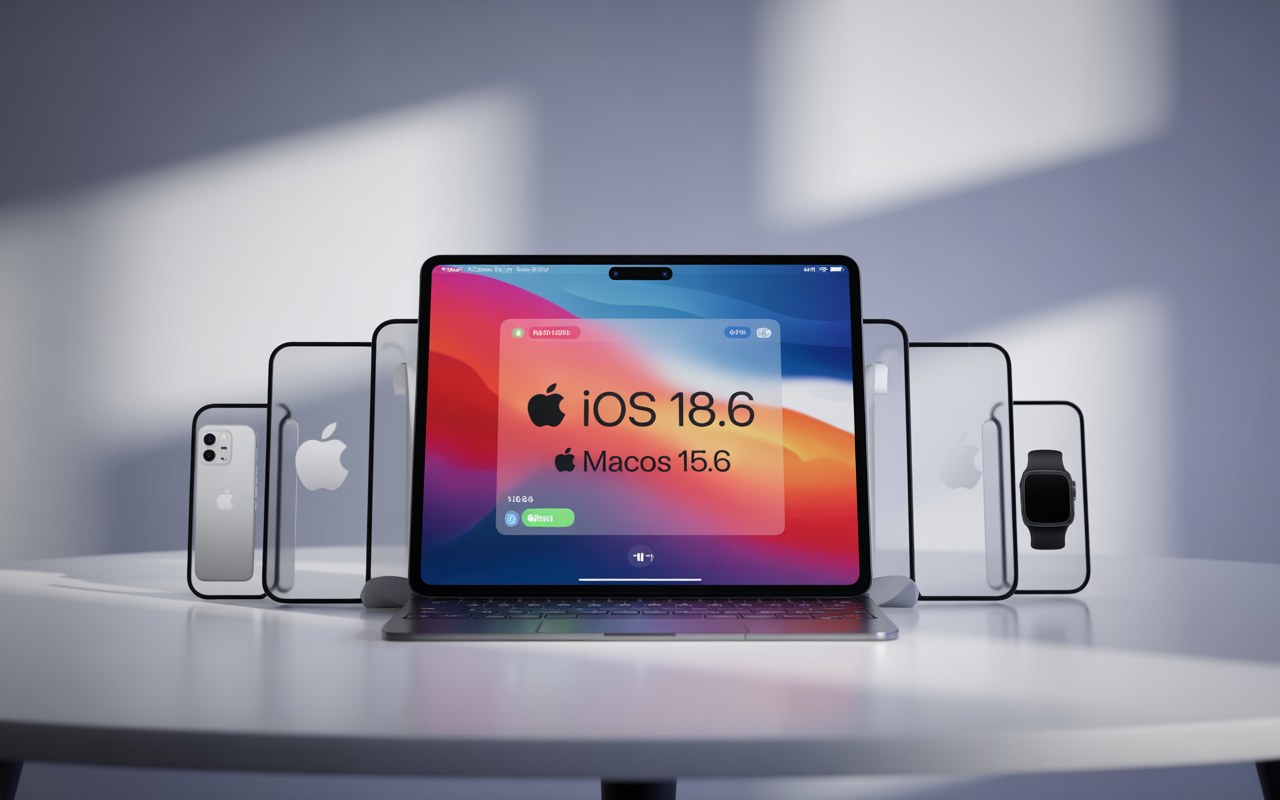
Apple Update in 2025 Releases iOS 18.6 Final, iPadOS 18.6, macOS 15.6 and watchOS 11.6 with Stability, Security, and Critical Fixes
Apple released this week the final update for its main operating systems, including iOS 18.6 final, iPadOS 18.6, macOS 15.6, and watchOS 11.6. These versions officially close the update cycle for the 18 and 15 generations of mobile and desktop systems, serving as a solid preparation before the arrival of the new systems — such as iOS 19 and macOS 16 — scheduled for September.
The updates are globally available for all users with compatible devices. Although they do not bring major visual changes, these versions fix critical vulnerabilities, enhance security, and improve system performance. Apple also updated visionOS to version 1.2.1, aimed at Vision Pro, although this system follows a separate schedule.
Devices Compatible with iOS 18.6 Final, macOS 15.6, iPadOS 18.6, and watchOS 11.6
Apple has maintained a wide range of support for its systems, including older models. Here are the devices that can be updated:
-
While the world looks at oil, the war with Iran is already disrupting helium supply from Qatar, affecting car and iPhone chips, threatening AI expansion, and putting pressure on aluminum packaging at the highest value in four years.

-
Global warming will expose a treasure hidden under the ice of Antarctica and may spark an international dispute over gold and valuable minerals.

-
A street vendor from Praia Grande built a robot made of scrap from scooters and washing machines that pulls his popcorn cart on the beach, emits sounds, and interacts with customers, becoming an attraction on the coast of São Paulo.

-
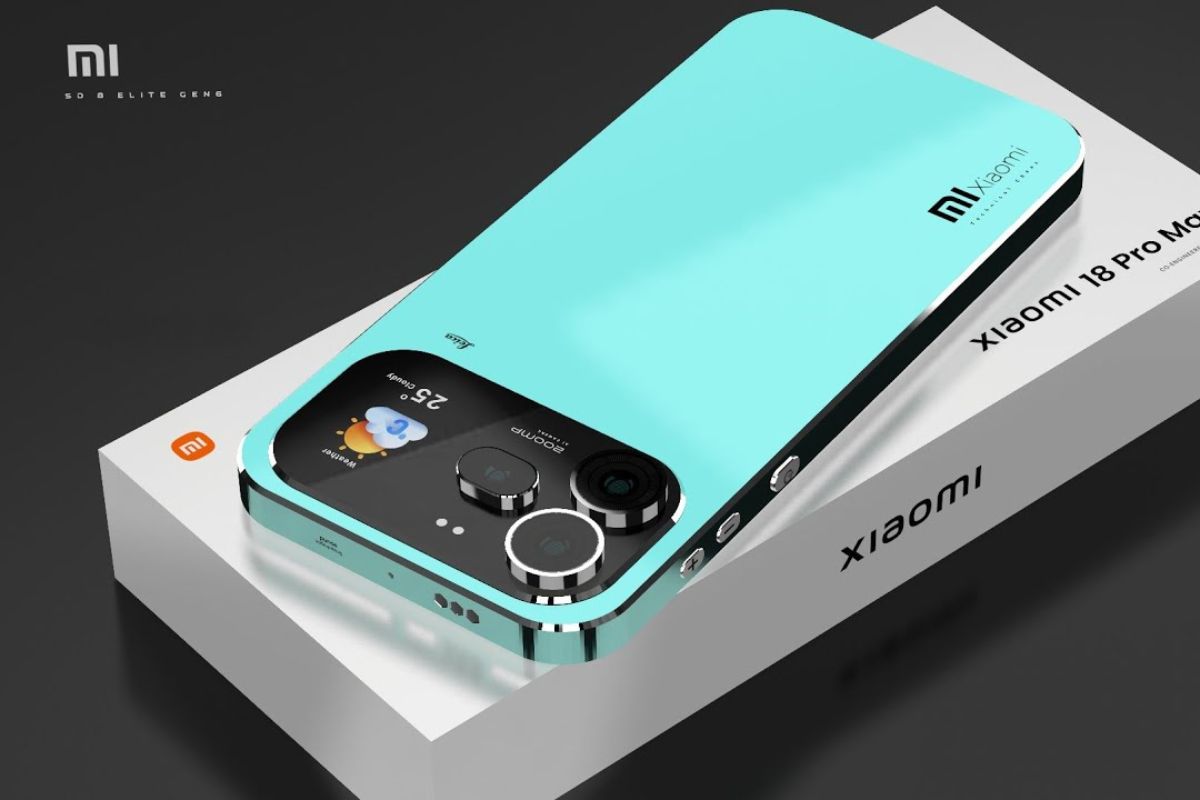
The specifications of the Xiaomi 18 Pro Max have been leaked, and the highlight is a dual 200 MP camera with a new 22-nanometer technology that promises to consume less energy and capture details in shadows and bright areas using LOFIC HDR.

- iOS 18.6 Final: iPhone SE (2nd generation), iPhone XR, 11, 12, 13, 14, and 15.
- iPadOS 18.6: iPad (6th generation onward), iPad Air (3rd generation or newer), iPad mini (5th generation or higher), and all iPads Pro with A10X chips or newer.
- macOS 15.6: iMacs from 2019, MacBook Pro and Air from 2018 or newer, Mac mini with Apple Silicon or Intel chips.
- watchOS 11.6: Apple Watch Series 4, SE (1st and 2nd generation), Series 5, 6, 7, 8, 9, and Apple Watch Ultra.
Devices receive the update via OTA (over the air), respecting regional settings and gradual availability, a standard in Apple’s implementations.


Fixes and Security: Priority of the Final Update from Apple in 2025
Unlike previous versions that were more focused on new features, the Apple update in 2025 prioritizes security, reliability, and fixes. According to the technical report published by the company, iOS 18.6 and macOS 15.6 fix over 25 vulnerabilities identified in previous months.
Among the main adjustments:
- WebKit: fixed vulnerabilities that allowed arbitrary code execution via malicious links.
- Kernel: vulnerabilities that compromised system permissions.
- Bluetooth and Wi-Fi: stability fixes and pairing issues.
These enhancements make devices more secure and reliable for daily use, especially in corporate environments where data protection is essential.
iOS 18.6 Final: Stability and Performance at Focus
The iOS 18.6 final does not introduce new visual features but delivers a smoother and more robust experience. The system shows improvements in integration between native apps, Siri performance, and battery management.
Main changes:
- Fixes in dark mode in third-party apps.
- Optimization of Siri for offline voice commands.
- Stabilization of the Messages app with improvements in performance and compatibility.
- Better power management in devices over 2 years old.
The update also enhances privacy, with adjustments to location tracking and camera and microphone permissions.
iPadOS 18.6 Improves Integration with Apple Pencil and Multitasking
Focused on productivity and creativity, the iPadOS 18.6 emphasizes compatibility with accessories such as the Apple Pencil, keyboards, and USB-C hubs. Users have reported better responsiveness in apps such as Notes, Pages, and Procreate.
Highlights of the update:
- Fixes in multitasking gestures in Stage Manager.
- Improved detection of accidental touches with Apple Pencil.
- Reinforced stability in Bluetooth connections with keyboards.
- Adjustments in multitasking, making it easier to switch between apps.
For students and creative professionals, these improvements represent a smoother experience during continuous use.
macOS 15.6: Refined Performance in Macs with Intel and Apple Silicon
Apple optimized macOS 15.6 to deliver better performance, especially in Macs with M1, M2, and M3 chips. The improvements affect everything from simple tasks, such as browsing, to more demanding routines, like video editing and using multiple monitors.
Relevant points:
- Adjustments in Safari, which now consumes less memory with multiple tabs.
- Enhanced stability in apps like Final Cut Pro and Logic Pro.
- Fixes in file synchronization via iCloud Drive.
- Refined compatibility with USB-C docks and external monitors.
The Gatekeeper, Apple’s security tool, also received enhancements in verifying third-party apps.
watchOS 11.6 Delivers Refinements in Sensors and Health Apps
The watchOS 11.6 has received special attention in sensitive areas such as heart rate sensors, sleep tracking, and health notifications. The changes are not visual but bring gains in daily use.
Important improvements:
- Reduced response time of sensors in physical activities.
- Adjustments in alerts for irregular heart rhythm.
- Optimization of the fall detection function.
- Fixes for occasional freezes when using custom watch faces.
Users who rely on health and fitness metrics will notice greater accuracy after the update.
How to Install the Apple Update in 2025 Safely
Properly updating devices prevents crashes and data loss. Follow these tips to apply iOS 18.6 final, iPadOS 18.6, macOS 15.6, or watchOS 11.6 safely:
- Perform a complete backup in iCloud or locally via computer.
- Keep the device charging or with at least 50% battery.
- Connect to a stable Wi-Fi network.
- Access:
- iPhone/iPad: Settings > General > Software Update
- Mac: System Preferences > Software Update
- Apple Watch: Watch App > General > Software Update
The process takes about 15 to 30 minutes, depending on the model and connection.
Discreet but Essential Updates for the Continuity of the Apple Ecosystem
Even without drawing attention to new features, the updates iOS 18.6 final, iPadOS 18.6, macOS 15.6, and watchOS 11.6 are fundamental to keeping the systems’ foundation solid and secure. The Apple update in 2025 reinforces the company’s commitment to reliability, preparing devices for future releases.
For those looking to avoid bugs or performance issues, especially on devices over two years old, this update is highly recommended. It improves usability, enhances security, and maintains resale value for devices.
Apple’s careful approach shows that even on the verge of announcing new versions, the company remains focused on supporting and extending the longevity of its installed base. If you haven’t updated yet, now is the time to ensure your iPhone, iPad, Mac, or Apple Watch is ready for what’s next.








-

Uma pessoa reagiu a isso.