





 Portuguese
  English
  Spanish
  4 min of reading
  0 comments


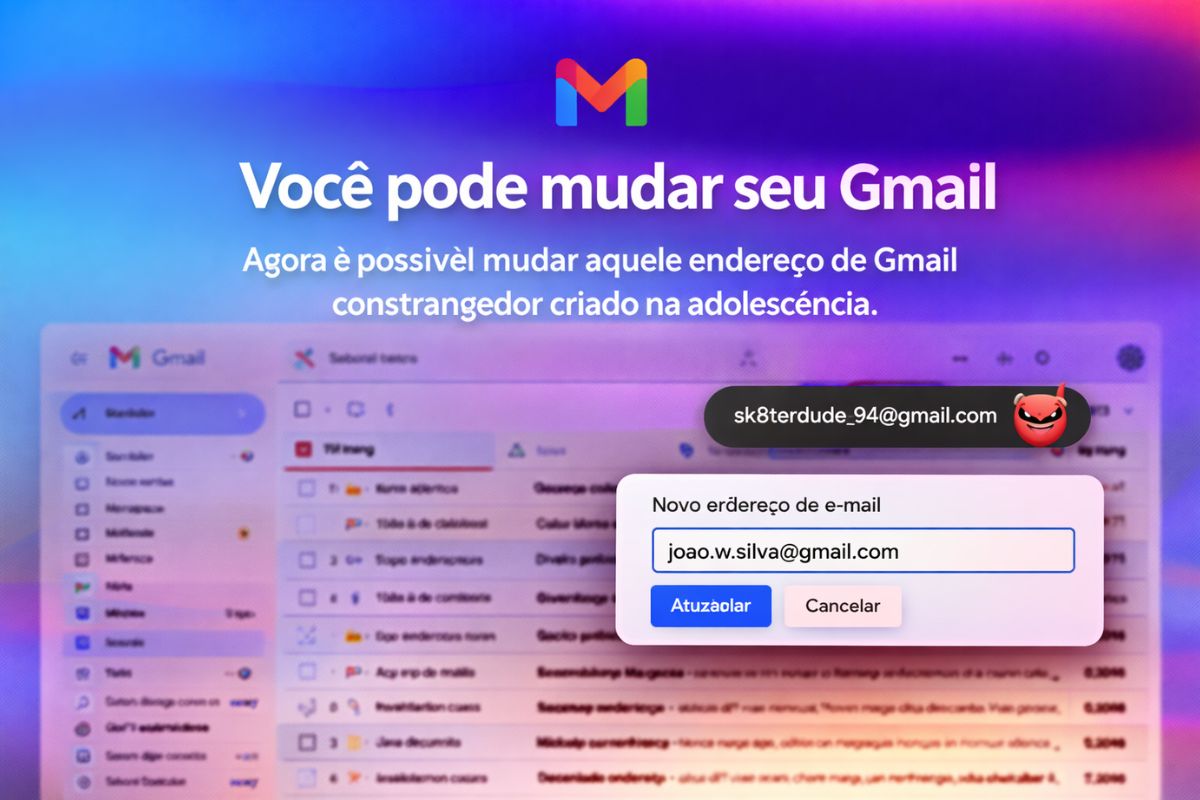
Google has started to allow the change of Gmail address without needing to create a new account: the feature keeps all registrations, logins, and old emails intact, is already working in the United States and India, and may arrive in Brazil in the coming months.
If you created a Gmail address in the 2000s with something like “cute_kitty2007” or “little_joao”, you know exactly what we are talking about. For almost two decades, changing the Gmail username meant abandoning everything: registrations, logins, email history, access to platforms, and any digital trace linked to that address. The only way out was to create a new account and start from scratch, manually migrating each service.
That has changed. According to CanalTech, Google is gradually rolling out a feature that allows changing the Gmail address while keeping the same account, without losing a single registration, login, or old message. The feature has been available in the United States since Tuesday (31) and was released in India at the end of 2025. Brazil has not yet received the feature, but there is already a dedicated support page in Portuguese on Gmail, indicating that the arrival may happen soon.
How the Gmail address change works in practice
The process takes place directly on the personal information screen of the Google account. The user accesses the settings, chooses to change the Gmail address, and sets a new username.
-
7.8 magnitude earthquake in Indonesia frightens the population, triggers tsunami alert, and hits an island with over 200,000 inhabitants this Thursday.

-
Heading to Brazil in a Bonanza F33 single-engine aircraft: a couple departs from Florida on a visual flight, makes technical stops in the Caribbean to refuel and organize paperwork, and begins the staged crossing until they reach the country.

-
Unknown Brazilian rewrites one of the pillars of physics and gains global prominence: discovery made in Rio becomes central theme of the 2027 Nobel Prize.

-
Brazilian city neighboring Paraguay becomes a ‘magnet’ for people seeking quality of life and high standards with exceptional growth and commutes of up to 15 minutes.

The domain remains @gmail.com, only the part before the at sign changes.
The most important detail is what happens to the old Gmail address after the change. It does not disappear. Google turns the previous address into a secondary access linked to the same account.
This means that any email sent to the old Gmail address continues to arrive normally in the inbox, and all logins made with the previous name continue to work without any changes.
Why the old Gmail address is not deleted
This was Google’s smartest decision regarding this feature. Instead of replacing the old Gmail address and creating a redirection problem, the company opted to keep both addresses active within the same account.
The old one works as a permanent alias.
In practice, the result is simple: you start using the new Gmail address as your primary identity, send emails from it, and it appears as the default sender.
But any platform, service, or person that still has the old address can reach you normally. There is no transition period or risk of losing access to accounts linked to the original Gmail address.
What are the limits for changing the Gmail address
Google has established clear rules to prevent abuse. The change of the Gmail address can be done once every 12 months.
Anyone who wants to change again must wait for the full cycle before having access to the feature again.
Additionally, there is a total limit of three new Gmail addresses per account. Including the original address, each user can have up to four names linked throughout the life of the account.
It is important to highlight that the feature is exclusively for Gmail accounts. Those using external providers like Outlook, Yahoo, or ProtonMail cannot migrate their address into Google’s ecosystem through this feature.
Who can already change the Gmail address now
The rollout is happening gradually, as Google usually does with new features.
The first to receive it were users in India, where the feature was released at the end of last year. On Tuesday (31), the feature reached the United States.
In tests conducted by Canaltech, the option has not yet appeared for accounts in Brazil. However, Google has already published a support page in Portuguese explaining how the Gmail address change works, which is usually a sign that the release for the country is near.
There is no confirmed official date, but the pattern of gradual expansion suggests that the feature may arrive in Brazil in the coming months.
What this changes for those who have an old Gmail address
For millions of Brazilians who created their Gmail accounts in their teenage years, this update solves a problem that seemed permanent.
Until now, those who were embarrassed by their Gmail address had two options: live with it or abandon years of digital history to start with a new account.
Now there is a third way. Changing the Gmail address without losing anything transforms what was a daily annoyance into a change of just a few clicks.
Resumes, professional profiles, registrations with banks and work platforms can finally display a Gmail address that does not need an explanation.
Google’s decision also reinforces a trend of giving users more control over their digital identity.
Instead of binding people to choices made 15 or 20 years ago, the feature acknowledges that needs change and that a Gmail address created in adolescence should not be a permanent sentence.
Do you still use that Gmail address you created years ago and are embarrassed to share? Will you change it as soon as the feature arrives in Brazil or have you already gotten used to it? Let us know in the comments.








Seja o primeiro a reagir!