





 Portuguese
  English
  Spanish
  4 min of reading
  0 comments



Best Laptop Under R$ 3,000 with Ryzen 7, Full USB C, 16×10 Display, and All-Day Battery Life in a Lightweight Body That Prioritizes Productivity with Good Operating Cost
The Lenovo IdeaPad Slim 3 has taken the lead as the best laptop under R$ 3,000 in 2025 thanks to its balance between real CPU performance, modern connectivity via USB C with video and charging, consistent battery life, and a build set that prioritizes daily use without surprises. In practice, it delivers ample capability for work, study, and multimedia tasks while keeping power consumption controlled and heat in check in typical scenarios.
The package relies on the Ryzen 7 7000 series processor, a 16×10 15.3-inch display, Wi Fi 6, and Bluetooth 5.3, in addition to well-distributed legacy ports. For those seeking the best laptop under R$ 3,000, usage tests show clear gains in productivity, app launch speed, and overall responsiveness when the device operates with 16GB of RAM in dual channel.
What Puts the IdeaPad Slim 3 at the Top
The design is discreet, firm to the touch, and resistant to marks.
-
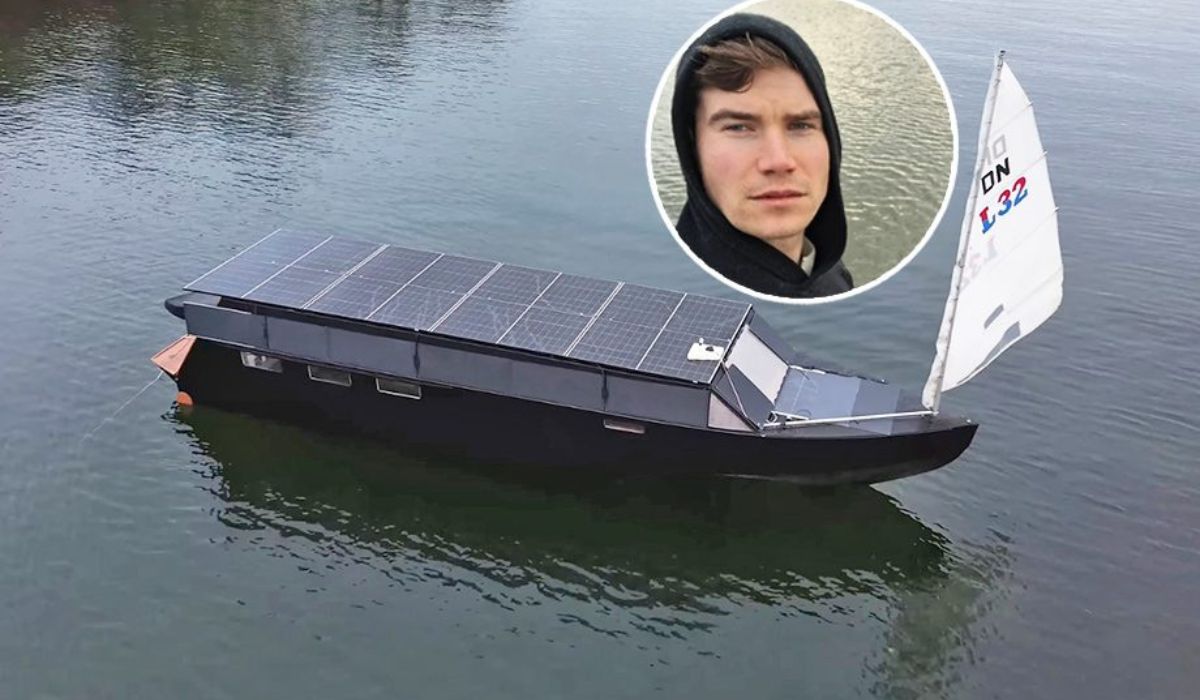
In 200 days, a Finnish man builds with his own hands an 11-meter boat powered by solar energy with “infinite autonomy,” capable of dispensing with refueling and already used as a floating house.
-
Neurologist Richard Restak issues a severe warning to all people over 65: there is a daily habit he recommends completely eliminating from your life because it is destroying your neurons and accelerating memory loss.

-
With 6.1 meters and 33 steps, the spiral staircase of the Loretto Chapel in the United States gained fame worldwide for making two complete 360-degree turns without a central support.

-
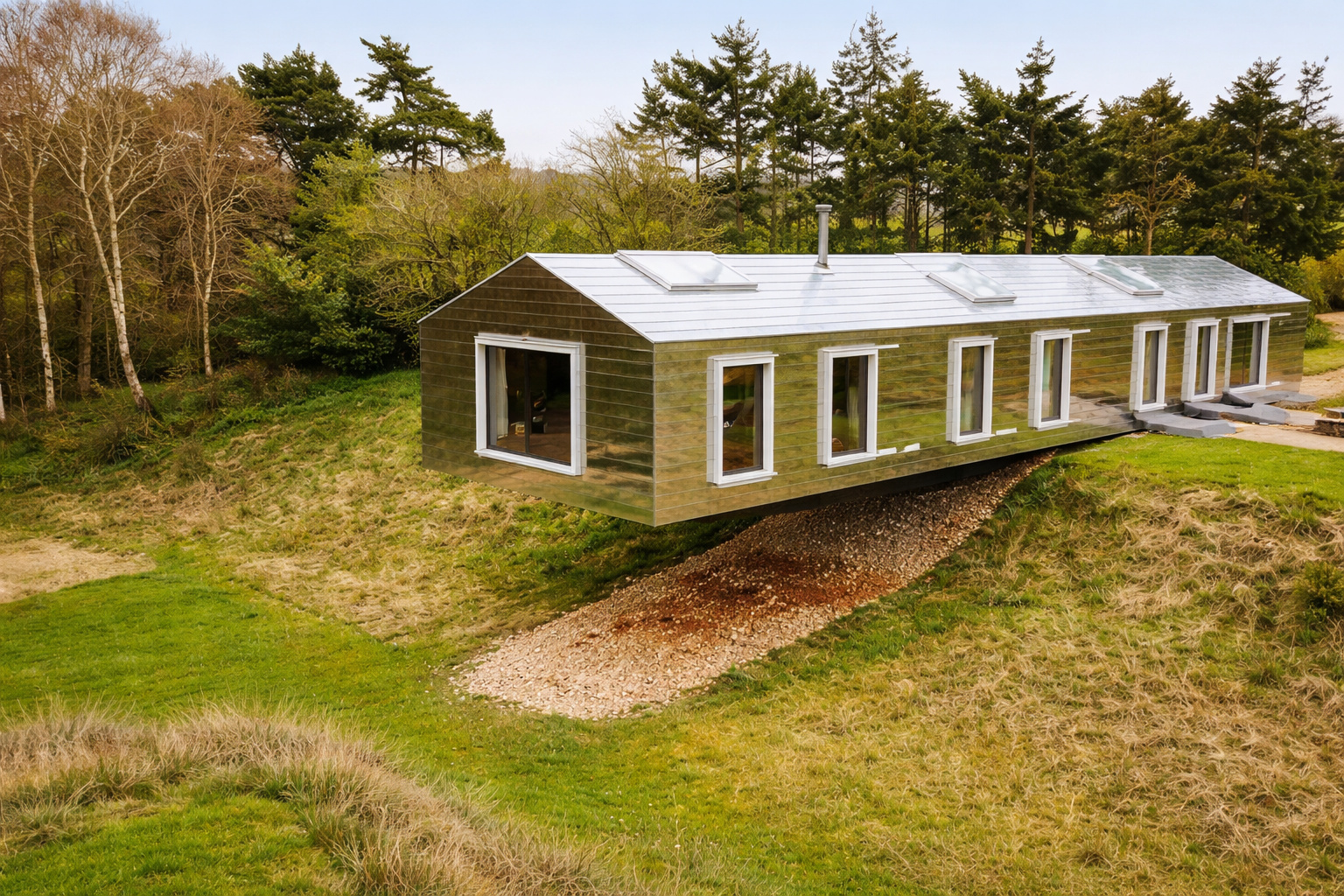
With 30 meters in length, a house in England appears to float in the air and surprises engineers and architects around the world due to its visual effect and construction method suspended over sloped terrain.

The 16×10 format increases the vertical usable area, enhances document reading, and requires less scrolling.
The proposal focuses on efficiency and precise specifications, not aesthetic flourishes.
The ergonomics hit the mark with a silent keyboard and a large touchpad for the category.
The displaced power button prevents accidental shutdowns and facilitates use with external peripherals.
Connectivity and Ports
The highlight is the full USB C port with 10 Gb/s data transfer, Power Delivery 3.0 for charging, and DisplayPort 1.2 for external video.
This allows for charging and projecting image through the same cable, in addition to standardizing power sources starting at 65W.
The set also includes 2 USB A 5 Gb/s, HDMI 1.4, an audio combo, and a microSD card reader.
For wireless connectivity, Wi Fi 6 and Bluetooth 5.3 ensure stability and adequate throughput for calls, cloud usage, and accessories.
Display, Sound, and Webcam
The 15.3-inch 1920 x 1200 display provides more lines of content and adequate sRGB coverage for office and study.
The brightness measured around 324 nits meets well-lit indoor environments. It is not a panel for color grading, but it fulfills daily objectives comfortably.
The audio meets basic requirements with clarity, though with contained bass.
The 720p HD webcam has good light compensation in dark scenarios, sufficient for meetings, although it does not replace a dedicated Full HD camera.
Performance and Memory
With the Ryzen 7 7735HS and 16GB of RAM recommended, the Slim 3 delivers smooth multitasking in word processors, heavy spreadsheets, dozens of tabs, and meeting software.
The practical gain from upgrading to 16GB is notable, reducing memory swaps and speeding up launches.
The iGPU Radeon 680M allows for light leisure with quality and resolution adjustments, in addition to efficient video acceleration for streaming and light editing.
The NVMe SSD achieves read speeds around 6.3 GB/s and write speeds around 4.4 GB/s, ensuring fast boot and load times.
Battery and Charging
In productivity and video scenarios with maximum brightness, the consumption was close to 14% per hour, which brings the laptop close to a full workday for those alternating brightness and usage breaks.
A full charge takes approximately 1 hour and 32 minutes, enabling a lunch charging strategy to get through the afternoon comfortably.
Limitations and Points of Attention
For upgrades, the SSD uses M.2 2242 format, which is less common than 2280.
Only one RAM slot is accessible while the other is soldered, requiring planning to reach 16GB right at purchase.
The audio is functional, but lacks impact for those editing sound.
Even so, the technical package remains above average for the segment, especially due to the full USB C, sustained performance of the Ryzen 7, and consistent battery life.
Price and Total Cost of Ownership


The best laptop under R$ 3,000 typically hovers around the R$ 3,000 to R$ 3,100 range, with occasional listings at R$ 2,700 during promotional windows.
Planning for an upgrade to 16GB adds around R$ 200 to R$ 300 to the budget and changes the fluidity level for the device’s lifecycle.
In the technical overview for 2025, the IdeaPad Slim 3 stands out as the best laptop under R$ 3,000 by combining Ryzen 7, full USB C with PD and video, a 16×10 display, and all-day battery life, while keeping operating costs low and not sacrificing connectivity.
It is the rational choice for serious productivity in this price range.
We want to hear your real usage scenario. Do you prioritize battery life, ports, or raw performance in the best laptop under R$ 3,000?








Seja o primeiro a reagir!