





 Portuguese
  English
  Spanish
  4 min of reading
  0 comments


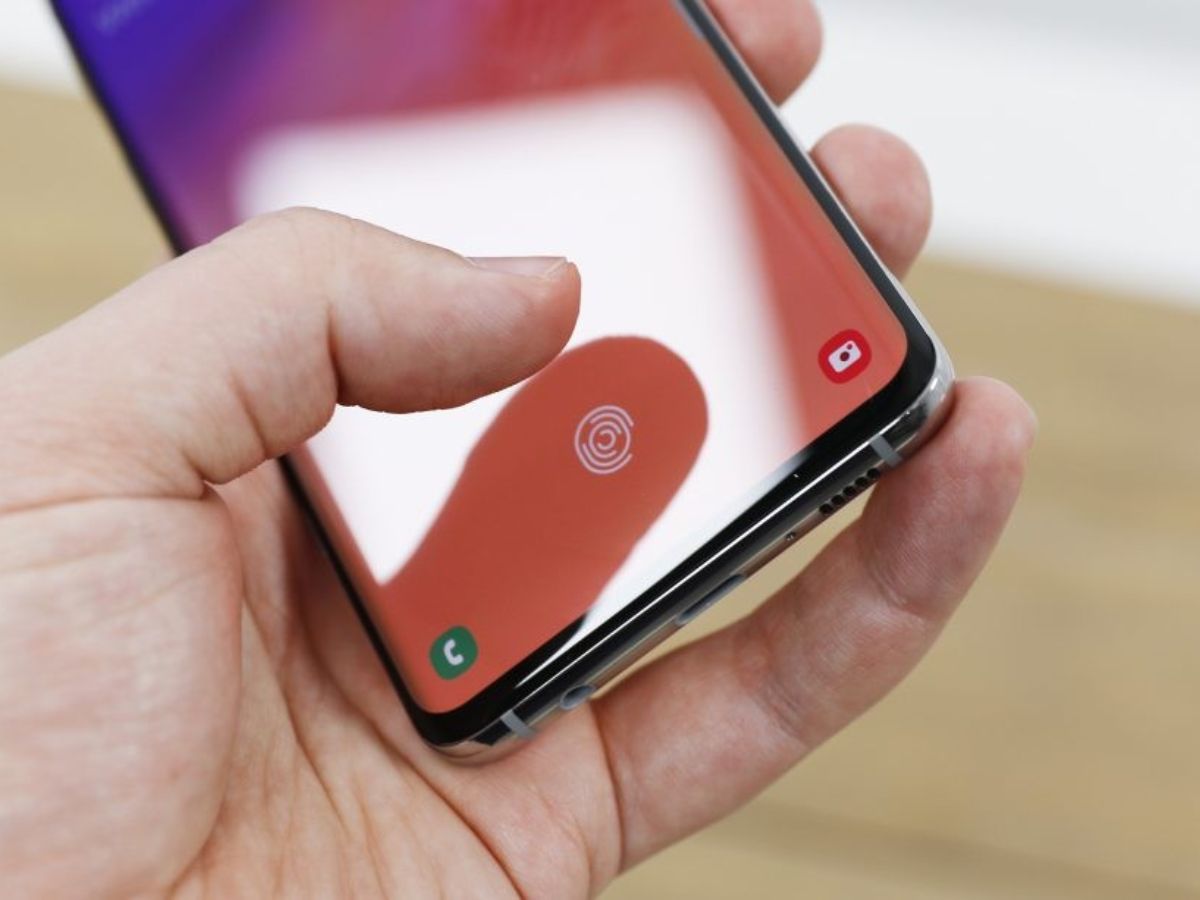
Unlock The Hidden Diagnostic Mode To Test Screen, Sensors, And More. Learn How To Use It, Why It May Not Work, And What The Official And Safe Alternative Is
A “secret code” for Samsung phones has gained popularity on social networks like TikTok, sparking curiosity among thousands of users. By dialing the sequence *#0* in the dialer, a hidden menu appears on the screen. But what does it actually do? Is it safe to use?
Understand the mystery behind this command completely. We explain its origin, how to test your device’s components, the reasons why it may not work, and what the official and safer alternative is for diagnosing your Samsung phone.
What Is The Code #0# And What Is It For On A Samsung Phone?
The code #0# activates a hidden service menu, also known as “Engineering Mode” or “General Test Mode”.
-
After 14 years of waiting, a rammed earth mansion built in 1702 in the North Zone of São Paulo will become a park with leisure facilities and green areas, with a million-dollar investment.

-
With 2 unfinished nuclear reactors, up to 25 billion in costs, and proven fraud, the Nukegate case has left 800,000 consumers still paying today for energy that will never be produced.

-
The household appliance that consumes the most energy in Brazilian homes is not the air conditioner; it is located in the smallest room of the house, is used daily, and can account for up to 25% of the electricity bill, while an alternative in the same outlet can reduce this cost by up to 75%.

-
Son of a seamstress from the rural area of Ceará who did not speak English wins a scholarship of over 2 million reais at Williams College, one of the top 10 universities in the United States, covering everything including dormitory, meals, and annual trips to Brazil.


Its main function is to allow a complete diagnostic of the hardware components of the device.
Originally, this menu was designed for use in factory testing and by authorized technicians for quality control and fault identification.
With it, you can check the integrity of the screen, sensors, cameras, vibration system, speakers, and other essential elements of your Samsung phone.
How To Access And Use The Test Menu: A Step-By-Step Guide
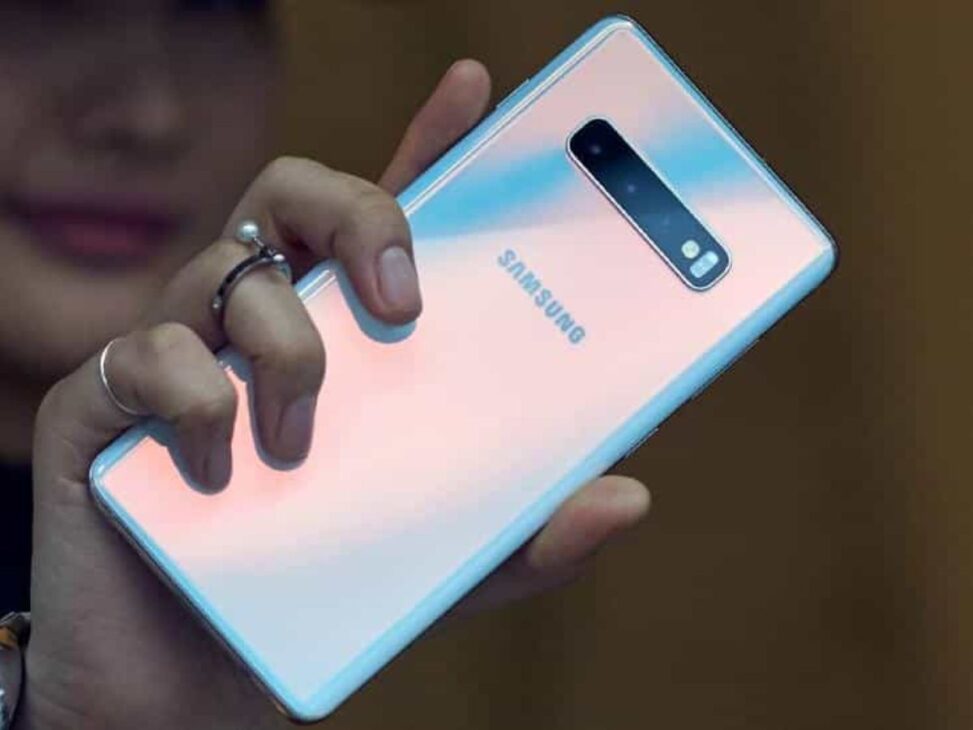
Activating the menu is simple and requires no advanced knowledge.
Open the standard Phone app on your Samsung phone (the dialer).
Dial the exact sequence: *#0*
The diagnostic menu should appear instantly on the screen, without the need to press the call button.
Once inside, you will see a grid with various testing options. The most useful include:
Red, Green, Blue: Tests the primary colors of the screen, ideal for identifying dead pixels or spots.
Touch: Opens a grid for you to swipe with your finger and check if all areas of the touch screen are responding correctly.
Sensor: Allows you to test various sensors of the device, such as the accelerometer (which detects the phone’s orientation) and the gyroscope.
Vibration: Activates the vibration motor to confirm its functionality.
Speaker: Plays a sound on the main speaker to test its clarity and volume.
Front Cam / Camera: Opens the front and rear cameras for testing.
To exit most tests, just tap the screen or use the “Back” button/gesture. To exit the main menu, press “Back” repeatedly.
If The Code Did Not Work? Understand The Reasons And Possible Solutions
If nothing happens when you enter the code, don’t worry. The compatibility of #0# may vary, and it may not work for a few reasons:
Software Updates: Samsung may disable access to this menu in newer versions of the operating system. Users have reported that the code stopped working after updates to One UI 6.
Specific Models: On some devices, the code has been changed. The Galaxy A11, for example, may use the code *#*#88*#*.
Carrier Restrictions: Some carriers, such as Verizon in the US, are known to disable test codes on their devices.
Security Settings: Samsung’s “Auto Lock” feature, if activated, may prevent the code from functioning. Try temporarily disabling it in the security settings.
Is It Safe To Use This Code? The Real Risks Of Secret Codes
Yes, using the code *#0*# is completely safe. It is designed only for hardware testing and does not execute any actions that could erase your data or damage your device.
However, it is crucial to be very careful with other “secret codes”. There are commands that can be dangerous if used incorrectly.
For example, the code *2767*3855# can initiate a full factory reset without any warning, erasing all your data irretrievably. Therefore, the golden rule is: always verify the purpose of a code before entering it.
How To Diagnose Your Samsung Phone Without Codes
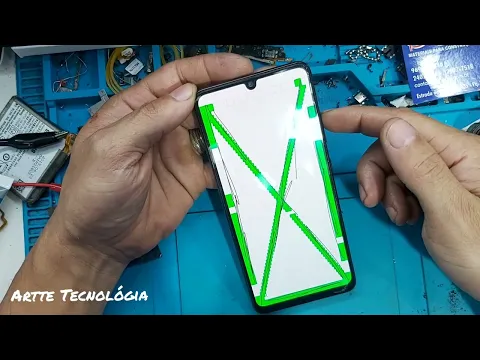

For most users, the easiest and safest way to check the health of the device is to use Samsung’s official diagnostic tool, which has a user-friendly graphical interface.
Go to Settings.
Look for the option “Battery And Device Care” (or “Device Care And Battery”).
Tap on “Diagnostics”.
In this menu, you can perform individual tests for each component of your Samsung phone, such as battery, NFC, SIM card, touch screen, sensors, and much more, all in a guided and safe manner.
This is the recommended option for routine checks.







-

-

4 pessoas reagiram a isso.