





 Portuguese
  English
  Spanish
  4 min of reading
  0 comments


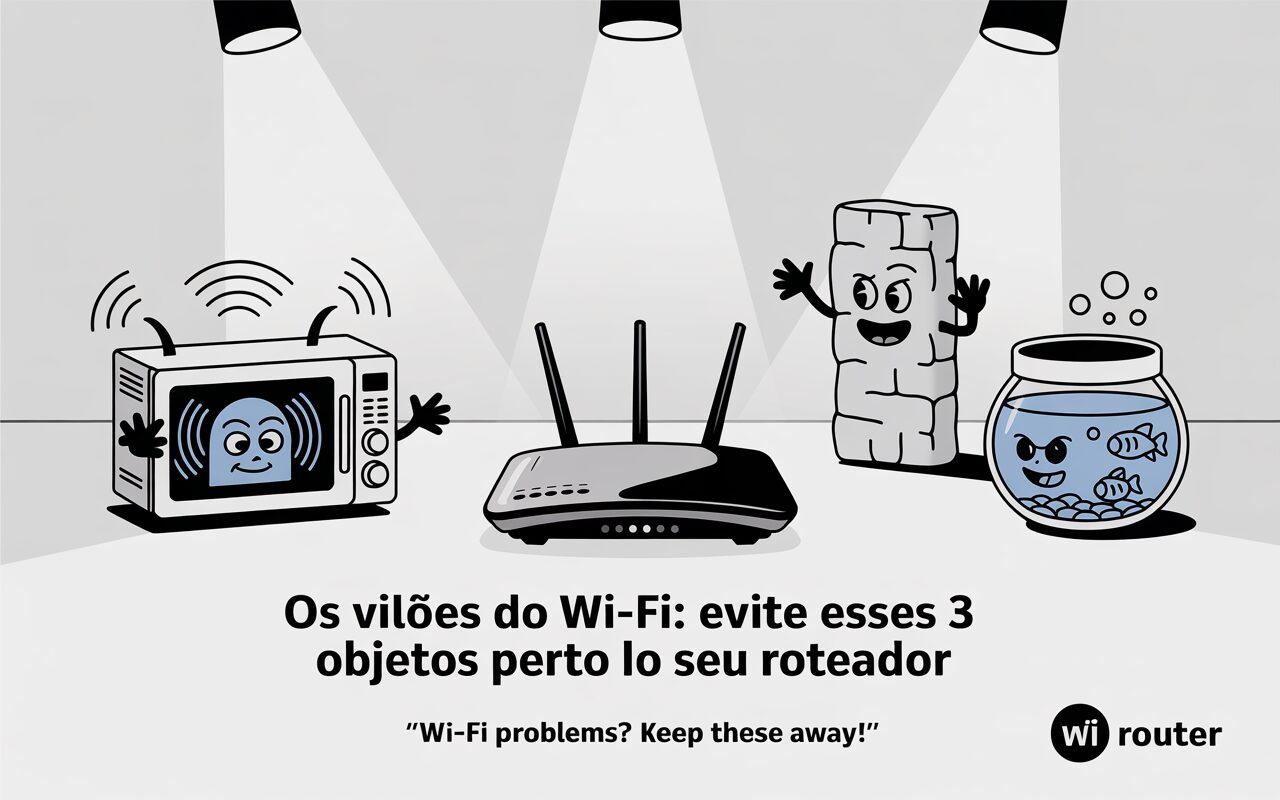
Microwaves, Cordless Phones, and Baby Monitors Are Among the Main Invisible Villains of Home Connection
The slowness of the internet is not always related to the provider or the contracted speed. In many cases, the problem may lie within the house itself, hidden in seemingly harmless objects. According to experts, some common items that interfere with the Wi-Fi signal are present in many Brazilian homes and directly harm the quality of the connection.
Even with a good provider and a modern router, interference from household electronic devices can cause signal drops, low speed, and instability in connected devices. Identifying these items and reorganizing the environment can significantly improve the performance of the wireless network.
Microwave Is One of the Main Objects That Interfere with the Wi-Fi Signal

Among the objects that interfere with the Wi-Fi signal, the microwave is one of the most problematic. The reason lies in the operating frequency. Most microwaves operate at 2.4 GHz, the same frequency range used by many Wi-Fi routers.
-
Motorola launched the Signature with a gold seal from DxOMark, tying with the iPhone 17 Pro in camera performance, Snapdragon 8 Gen 5 that surpassed 3 million in benchmarks, and a zoom that impresses even at night.
-
Satellites reveal beneath the Sahara a giant river buried for thousands of kilometers: study shows that the largest hot desert on the planet was once traversed by a river system comparable to the largest on Earth.

-
Scientists have captured something never seen in space: newly born stars are creating gigantic rings of light a thousand times larger than the distance between the Earth and the Sun, and this changes everything we knew about stellar birth.

-
Geologists find traces of a continent that disappeared 155 million years ago after separating from Australia and reveal that it did not sink, but broke into fragments scattered across Southeast Asia.

When the microwave is in operation, especially during food heating, it emits electromagnetic radiation that directly interferes with the router’s waves, generating instability in the network. This is more evident when the appliance is positioned close to the Wi-Fi access point or in small spaces, such as integrated kitchens.
According to home network specialists, the ideal is to keep the router away from the kitchen or devices that emit heat and radiation. This physical separation helps reduce interference and improves signal range.
Cordless Phones Also Affect the Wi-Fi Signal at Home
Another common item that interferes with Wi-Fi is cordless phones — especially older models that also operate at the 2.4 GHz frequency. By sharing this range with the router, the cordless phone can cause disturbances in the signal transmission, leading to video stuttering, dropped calls, and slow browsing.
The proximity between the phone base and the router exacerbates the problem. This happens because the signals overlap, and the router needs to compete for electromagnetic space, reducing performance.
To avoid this, the recommendation is to install the router in locations away from the cordless phone and, if possible, opt for models that operate at different frequencies or digital standards with less interference.
Baby Monitors Can Harm the Wi-Fi Signal
The third item on the list of objects that interfere with the Wi-Fi signal is baby monitors — devices widely used by families with small children. They operate constantly and also use frequencies close to wireless networks, such as 2.4 GHz.
The continuous signal emission from these devices, especially models with cameras and video transmission, interferes with the router’s bandwidth, which can cause Wi-Fi instability.
Furthermore, as baby monitors are often positioned in bedrooms close to walls, they further hinder the signal propagation, especially in homes with old structures, thick walls, or solid wood doors.
Strategic Router Positioning Helps Avoid Interference with the Wi-Fi Signal
One of the simplest and most effective ways to reduce interference caused by common objects that affect Wi-Fi is to reposition the router. Experts recommend placing it at a high, central, and open point in the home, away from electronic devices, large mirrors, and thick brick walls.
Environments with multiple partitions, metal doors, or decorative objects made of reflective material can attenuate or block the signal. Therefore, the more unobstructed the area around the router, the greater the coverage and stability of the signal in the rooms.
Another practical tip is to avoid hiding it inside furniture or on metal surfaces, which further hinders performance.
Modern Equipment Helps Reduce Conflicts with Objects that Interfere with Wi-Fi
In addition to repositioning the router, investing in more modern equipment can also reduce frequency conflicts. Models compatible with dual-band technology (2.4 GHz and 5 GHz) allow users to connect their devices to the 5 GHz band, which suffers less interference from objects that interfere with the Wi-Fi signal.
More advanced routers come with features such as beamforming (signal directing) and automatic channel control, which help circumvent common interference in environments with many connected devices.
Updating the router’s firmware is also essential. Manufacturers often release updates to fix security flaws, improve stability and optimize signal distribution.
Organizing Spaces Can Be More Effective Than Switching Providers
Many users switch providers when faced with slowness, but the solution may lie within the home. Connectivity experts state that rearranging furniture, distancing the router from sources of interference, and modernizing the equipment yield better results than simply hiring a more expensive plan.
Observing the environment and identifying objects that interfere with the Wi-Fi signal is an important step to improve internet performance. Rather than solely blaming the provider, it is essential to evaluate the arrangement of devices in the home.







Seja o primeiro a reagir!