





 Portuguese
  English
  Spanish
 4 min of reading
  0 comments


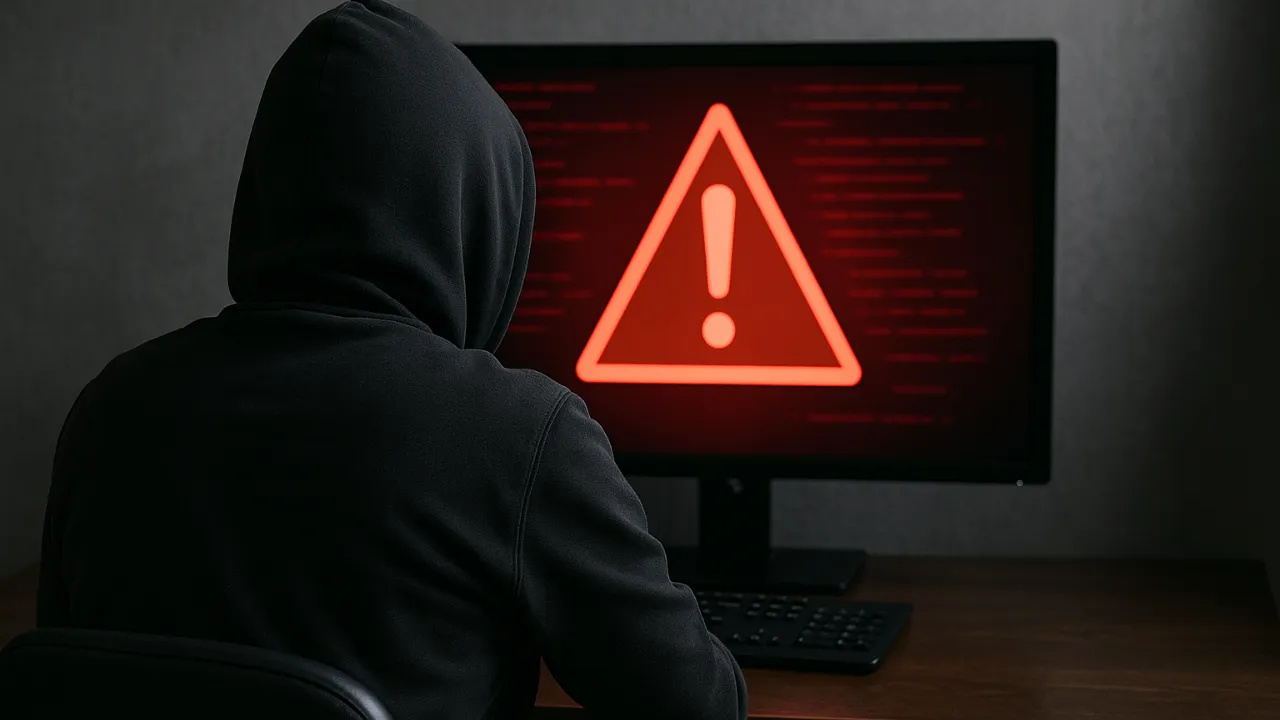
Imagine receiving an email saying that your bank account will be blocked in 24 hours if you do not confirm your details. Fear grips you, the impulse is louder — and it’s in that second of carelessness that the scam happens. Digital criminals rely on this reaction. Learning to detect fake links is more than a matter of safety: it’s a digital survival habit. Next, see how to identify and protect yourself practically with five applicable strategies in everyday life.
Detecting Fake Links Starts by Observing the Real Address
Your first defense is right before your eyes: the link. Before clicking, hover over it (without opening). The full address appears at the bottom of the browser. It’s there that you discover whether you are facing a real site or a trap.
How to Apply:
-
With a cost per shot close to zero, the DragonFire laser could change naval warfare in 2027 and provide British ships with nearly unlimited defense against drones.

-
A British startup creates tires that generate electricity in electric vehicles when passing over potholes, speed bumps, and cracks.

-
Scientists have created robots made with living cells that have their own nervous system, swim on their own, explore the environment, and self-organize without any genetic engineering, and now they want to do the same with human cells.

-
Students create a solar-powered ambulance that operates without a plug, without fuel, and still keeps medical equipment running in remote areas.


- Always check if the domain ends with the official company address (for example, “.gov.br” or “.itau.com.br”).
- Beware of links that are too long, with numbers, hyphens, or nonsensical words — they often hide redirects to fake pages.
- If the link came via text message or WhatsApp, copy and paste it into the browser to view the full address before taking any action.
A common scam changes just one letter in the company name, such as “netflIx.com” (with a capital “I” instead of a lowercase “l”). This tiny detail may cost you your data.
Analyze the Sender and the Context of the Message
The email may look legitimate, but just observing the sender’s address can reveal the fraud. Scammers pose as banks, stores, and even delivery services using emails with slight alterations, such as “@suporte-bradescoseguro.com” instead of “@bradesco.com.br”.
How to Apply:
- Click on the sender’s name to see the full email. The domain (everything after the @) must be identical to the official one.
- Evaluate the tone of the message: serious companies never ask for passwords, security codes, or data updates via email.
- Be suspicious of messages that convey a sense of urgency (“respond now,” “last chance,” “your account will be blocked”). This is typical social engineering, which exploits the user’s haste and fear.
If a notification raises doubts, access the official site by typing the address manually into the browser. Never click on the received link.
Observe the Design, Language, and Behavior of the Site
Even the most sophisticated scams leave clues. A blurred logo, spelling errors, and irregular spacing are visual alerts. But there are other subtle signs, such as sites that ask for personal information right on the first screen or do not display the security lock next to the address (https).
How to Apply:
- Check if the site has “https://” and the lock icon in the browser’s address bar. This indicates that the connection is encrypted.
- Do a test: try clicking on the page logo. On fake sites, it usually does not redirect to the homepage.
- Read the text carefully. Generic expressions, excessive exclamation points, and spelling errors are typical of fraudulent messages.
Remember: scammers know how to visually imitate, but they do not master the voice tone of real brands.
Use Tools and Set Up Automatic Defenses
Technology can also work in your favor. Today, there are several services that check if a link is safe before you access it, such as the Google Transparency Report and VirusTotal. These tools scan the URL and inform if the site is associated with phishing or malware.
How to Apply:
- Copy the suspicious link (without clicking) and paste it into one of these online tools.
- Install a browser extension that signals dangerous sites, such as “Web of Trust” (WOT) or “Avast Online Security.”
- Keep your antivirus updated, as it automatically blocks malicious sites.
- Enable two-factor authentication on all important services — even if a scammer manages to get your password, they won’t have access to your account without the second code.
These extra layers of protection reduce the risk of infection from fake links by up to 90%.
Reinforce Your Digital Awareness: The Scam Aims at Your Trust
More than technology, the main target of scammers is human emotion. They exploit curiosity, fear, and even generosity to make you click without thinking. That’s why detecting fake links is also an exercise in self-awareness.
How to Apply:
- Never click on links while you are nervous, rushed, or distracted. Breathe and analyze.
- Make it a habit to confirm information with a second source: call the bank, contact the company, or access the official site on your own.
- Involve family and colleagues in this practice — scams spread in groups, and collective awareness is the best barrier.
Trust is the link that the scammer wants to break between you and security. But when you learn to observe, question, and act calmly, you become practically immune to this type of fraud.
Protecting yourself in the digital world is like locking the doors of your house: it’s not about fear, it’s about caution. With these five strategies applied in your daily life, you gain something rare in today’s internet — freedom with security. With each link you choose not to click, you reinforce your digital intelligence and protect what matters most: your data, your money, and your peace.








Seja o primeiro a reagir!