





 Portuguese
  English
  Spanish
  4 min of reading
  0 comments


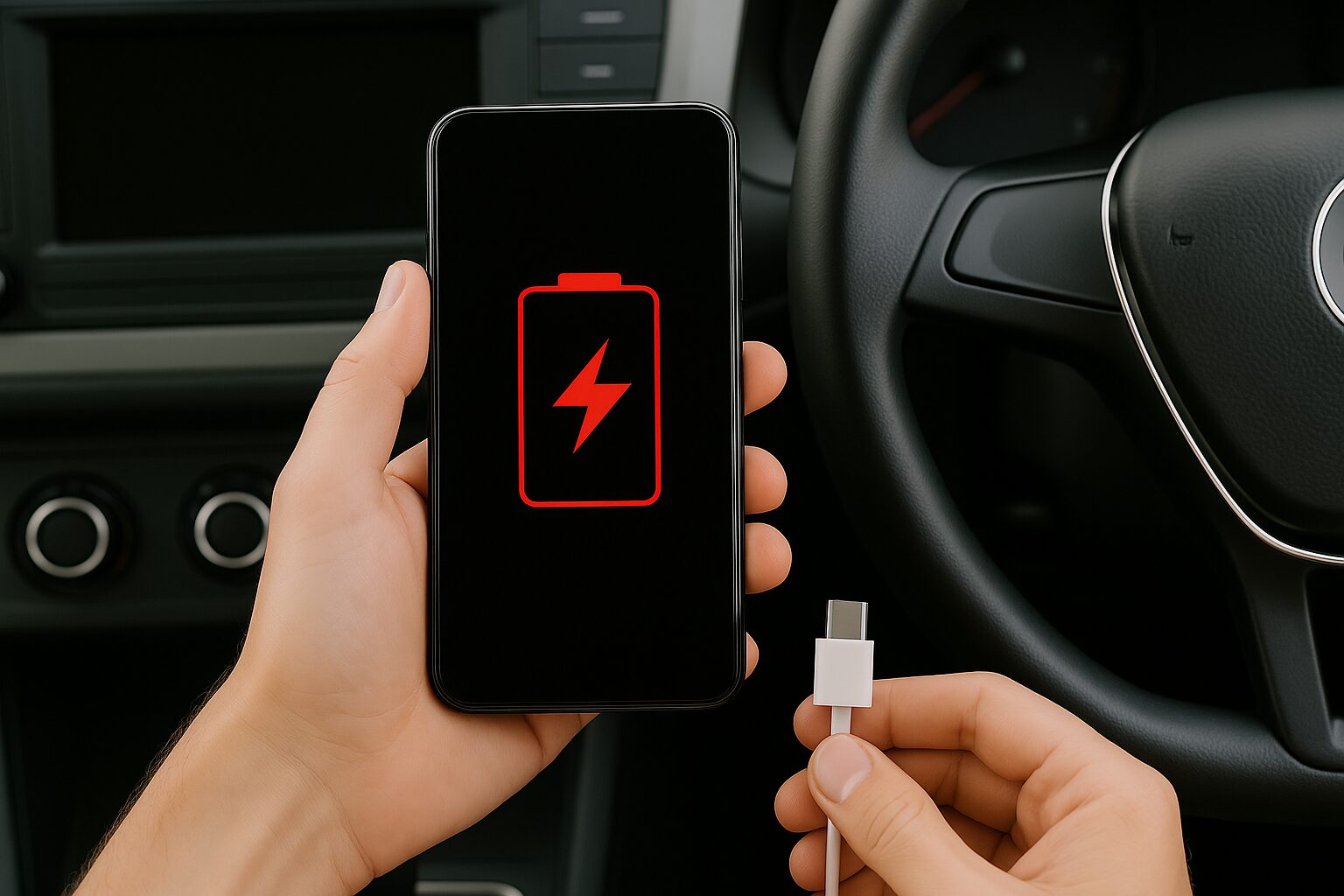
Understand Why Your Phone Does Not Charge In The Car And See How To Solve Problems With USB Port, Cable, Wireless Charging, And Even Overheating Of The Device.
Charging your phone in the car is something so common that many people don’t think twice about it. Just connect the cable to the USB port, plug in the phone, and that’s it. But things do not always work as expected. Sometimes, the phone simply does not charge. And there can be more than one cause for this.
Cleaning The USB Port May Solve The Problem
One of the simplest reasons for charging failure is the presence of dirt. Dust, lint, or other particles can disrupt the connection between the cable and the USB port. If this happens, the phone may not charge or may experience instability.
To resolve this, you can clean the car’s USB port with a soft-bristle brush and a can of compressed air.
-
These living root bridges and ladders are over 700 years old and help indigenous people survive in one of the rainiest regions in the world.

-
From sertanejo star to international investor: Ana Castela invests millions in a mansion in the USA, creates a themed accommodation in Orlando, and shows that the “boiadeira” also wants to grow away from the stage.

-
The 10 most stunning motorhomes in the world: a $3 million trailer with a rooftop nightclub and garage for a Ferrari, “palaces on wheels” with Italian marble, private cinema, and five-star hotel luxury for billionaires.

-
Trump wanted to spend $400 million on the White House, but the courts prohibited the million-dollar construction.


It is important to avoid sharp or metallic objects, such as pins, which can cause permanent damage.
It’s also worth checking the phone’s charging port. If there’s dirt there, the cleaning process should be repeated on the device.
Not Every USB Port Charges
Another detail that goes unnoticed by many drivers is that not all USB ports in the car are designed to charge devices.
Some are only for data transfer, such as music or information from Android Auto and Apple CarPlay. In these ports, the phone may recognize the connection but will not receive enough charge.
The solution is simple: switch to another USB port in the car. In many models, only one or two are compatible with charging. Identifying the correct one may require some testing.
The Cable May Also Be The Villain
Sometimes the problem is not in the car or the phone but in the cable.
A damaged or low-quality cable can prevent power from reaching the device correctly. Counterfeit or generic cables may perform much worse than necessary.
The recommendation is to use the original cable that came with the phone or to use well-known brands. Certified cables usually ensure more stable power transfer.
Outdated Firmware May Interfere
The functioning of the car’s USB ports also depends on the firmware of the onboard system.
If it is outdated, there may be difficulties in communicating with modern devices. This includes both Androids and iPhones.
Some cars allow firmware updates via USB drive or the internet. To find out how to do this, it is necessary to consult the vehicle’s manual. Not all models offer this possibility, but it’s worth checking.
Charge That Does Not Keep Up With Consumption
It can happen that the phone indicates it is charging, but the battery keeps draining.
This usually occurs when the device is being heavily used during charging, such as with GPS navigation, music, or calls.
The car’s USB ports typically provide low power. In these situations, an efficient alternative is to use a car charger that plugs into the cigarette lighter.
These accessories can provide up to 5 amperes, enough power to charge any smartphone, even with intense use.
Wireless Charging Can Also Fail
Many newer cars offer the option of wireless charging.
It’s convenient, but it’s not free of problems. A thick protective case, for example, can prevent proper contact. Other loose objects on the charging pad can also interfere.
Additionally, some cars allow the wireless charging feature to be turned off in the entertainment system settings.
Before assuming there’s a defect, it’s good to check if the feature is enabled. Another tip is to reposition the phone on the pad, especially if it’s a small or foldable model. The correct position is essential.
Heat Can Interrupt The Charge
Overheating is another factor that can interrupt wireless charging. If the phone is under direct sunlight or being used intensively, it may overheat.
When this happens, both Androids and iPhones usually display temperature alerts.
In this situation, you need to wait for the device to cool down. After that, charging should resume automatically. This behavior is common in modern phones as a protection feature to avoid battery damage.
The Problem May Be More Serious
If even after checking everything — ports, cables, firmware, and phone position — the device still does not charge, the problem may lie in the car. Burned fuses or faults in the electrical system are possibilities.
When this happens, the best option is to take the car to an authorized workshop. A technician will be able to identify the defect and make the necessary repairs safely.
Many times, the reason the phone does not charge in the car is due to easily fixable details. Dirt, a damaged cable, or the wrong USB port are among the most common problems.
With patience and attention, most issues can be resolved without needing professional help. And, if necessary, seeking technical assistance is always the safest route.







-

-

2 pessoas reagiram a isso.