





 Portuguese
  English
  Spanish
  6 min of reading
  0 comments


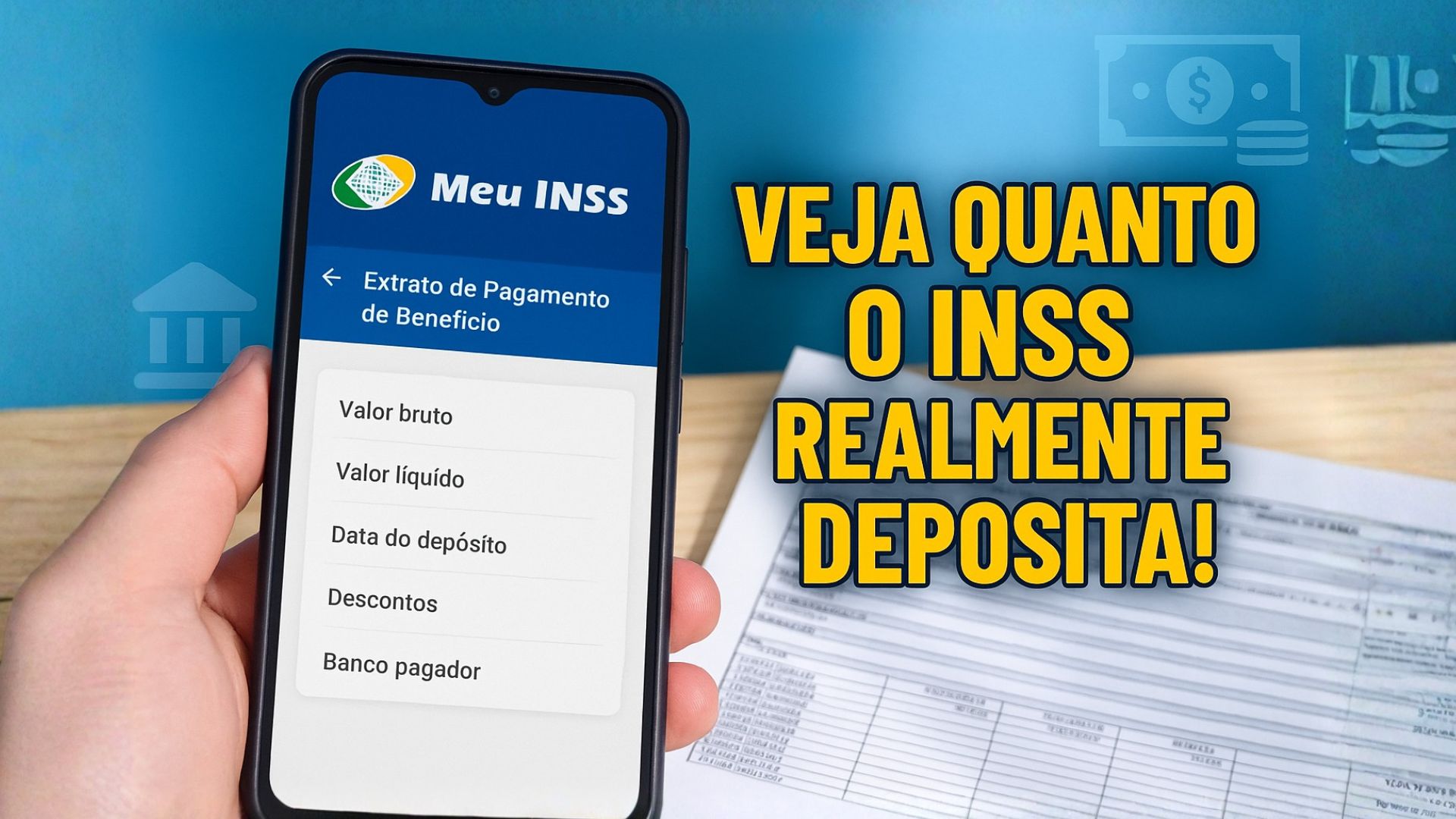
Learn How Retirees And Pensioners Can Check, In A Few Minutes, How Much They Receive From The INSS And What Deductions Are Applied To The Benefit, With Free Digital Access And Detailed Information About Each Payment.
Retirees and pensioners of the INSS can quickly check the exact amount deposited each month and all deductions applied.
This verification is done in the payment statement, a digital document that works like an X-ray of the benefit and is accepted as proof in banks, notaries, and public agencies.
Access is simple and free through Meu INSS, in the app or on the website, and allows identifying any inconsistencies accurately.
-
The institute that trained the greatest aerospace engineers in Brazil has just opened its first campus outside São Paulo after 75 years: ITA Ceará will have R$ 445 million, new courses in energy and systems, and classes are expected to start in 2027.

-
Luciano Hang, owner of Havan, goes to Juiz de Fora after the tragedy in February, brings R$ 1 million, hands out R$ 2,000 cards, and donates up to R$ 15,000 to victims in the region.

-
The Brazilian passport allows legal residence in dozens of countries without the need for a prior visa, and most Brazilians are unaware that they can apply for residency directly upon arriving in nations in South America, Africa, and even Europe.

-
Petrobras sends a message to Brazilian truck drivers after fuel collapse and reveals plan to have 100% domestic diesel.



What Is The Statement And What Does It Reveal
Also called Benefit Credit History, the statement gathers essential information about the payment.
In the same document, the beneficiary sees the gross amount released, the net amount actually credited, the deposit date, and the details of the bank responsible for the transaction.
Recurring deductions appear detailed, such as payroll loans, contributions, and monthly fees.
If there are any administrative pending issues that could affect the transfer, the document signals so that the insured can correct it before the problem compromises the next credit.
Instead of seeking data in different channels, the statement concentrates everything in one place.
This helps to confront the entries with signed contracts, track changes in the amount received after adjustments, and check if the payment dates are consistent with the INSS calendar.
In case of doubts, the file serves as a basis to request clarifications from the paying bank or the institute itself.
How To Check The Statement Via Cell Phone
The quickest way is through the Meu INSS app, available for Android and iOS.
After opening the app, the insured logs in using their CPF and gov.br password and then searches for the service “Benefit Payment Statement”.
When selecting the desired benefit, the screen displays the month’s amounts, deductions, and the financial institution responsible for the credit.
The document can be saved as PDF to share when necessary or printed for in-person presentation.
Those who prefer to use a computer have the same browsing experience when accessing the platform through the browser.
After authenticating their gov.br account, they just need to search for the service by name, choose the benefit, and view the file with the updated payment information.
In-Person Service And Scheduling At The INSS
Although digital access has become the norm, it is still possible to obtain the statement at an INSS agency.
In these cases, it is mandatory to schedule an appointment by calling 135 or through the Meu INSS app itself.
On the scheduled day, the official issues the document and provides guidance on the next steps if there are discrepancies.
This alternative mainly serves those who have difficulty with technology or need the physical document with a stamp for specific processes.

Importance Of Monitoring The Statement Monthly
Frequent consultation reduces the risk of surprises.
By checking the entries, the insured confirms whether the net amount corresponds to what was announced in the calendar and whether the payroll deductions adhere exactly to the signed contract.
If an unknown debit appears, the statement makes it easier to identify the source and register a contest.
In changes of paying banks or portability, the document helps verify whether the correct account was used.
Another important point is the use of the statement as proof of income.
Financial institutions, landlords, and notaries typically accept the file to instruct credit operations, lease agreements, and notarial procedures.
By gathering the official data of the benefit, the document reduces rework and provides legal security to the parties involved.
Simple Step-By-Step To Access The Statement
The procedure, in day-to-day life, follows a simple logic.
First, the holder accesses Meu INSS and authenticates with their CPF and gov.br password.
Then, they enter the service name in the internal search and select the benefit they wish to check, when there is more than one.
Next, they view the statement, check amounts, deductions, and paying bank, and, if they wish, save the version as PDF.
Whenever there is any discrepancy, the app itself guides on service channels for resolution, which include the phone number 135 and digital protocols.
Other Documents Available In Meu INSS
The same platform provides additional records that help organize the retirement life.
The Payroll Loan Statement details the installments deducted directly from the benefit, showing amounts, terms, and involved institutions.
The Contribution Statement (CNIS) gathers employment links and contributions made throughout the working life, allowing the insured to verify whether all periods and contribution salaries were correctly computed.
These files, combined with the payment statement, provide a complete view of the retirement history.
In benefit reviews, requests for registration corrections, or retirement planning, having the documentation organized avoids delays and facilitates analysis by the INSS.
Digital Security And Good Practices In Using Meu INSS
Some simple precautions help to better utilize digital services and maintain security.
Keeping the gov.br password confidential, not sharing access codes, and checking the official address of the app are basic measures to reduce fraud attempts.
When downloading the PDF of the statement, prefer to store it in password-protected locations, especially if the file is shared with third parties.
In case of loss of access to the account, recovery can be performed through procedures available on the gov.br platform itself.
When the insured notices incorrect information in the statement, the first step is to identify the source of the data.
Payroll deductions should be checked with the financial institution responsible for the loan, while doubts about benefit amounts require contact with the INSS.
Registering the protocol number when opening a review request facilitates tracking and verifying deadlines.
Who Can Consult And When To Use The Printed Version
The benefit holder accesses the statement at any time, without consultation limits.
Legal representatives with valid authorization can also perform checks through official channels.
In situations where an agency requires physical proof, the printed version of the PDF is usually sufficient.
If there is a specific need for in-person authentication, scheduling an appointment at an agency ensures issuance with validation done by an official, as per the instructions received during the service.
Centralized Information And Secure Financial Decisions
In addition to supporting the monthly routine, the payment statement serves as a basis for financial decisions.
By comparing the net amount with the budget, the retiree evaluates the available margin and makes more prudent decisions about new commitments.
The document also helps to identify opportunities for debt renegotiation, as it explicitly shows the impact of continuous deductions on the month’s cash flow.
In summary, access to the Benefit Credit History through Meu INSS allows monitoring amounts, understanding deductions, and proving income in different contexts, reducing uncertainties and providing transparency to the benefit’s transactions.
Have you checked your statement this month and compared each deduction with the contracts you actually authorized?









Seja o primeiro a reagir!