





 Portuguese
  English
  Spanish
  5 min of reading
  0 comments


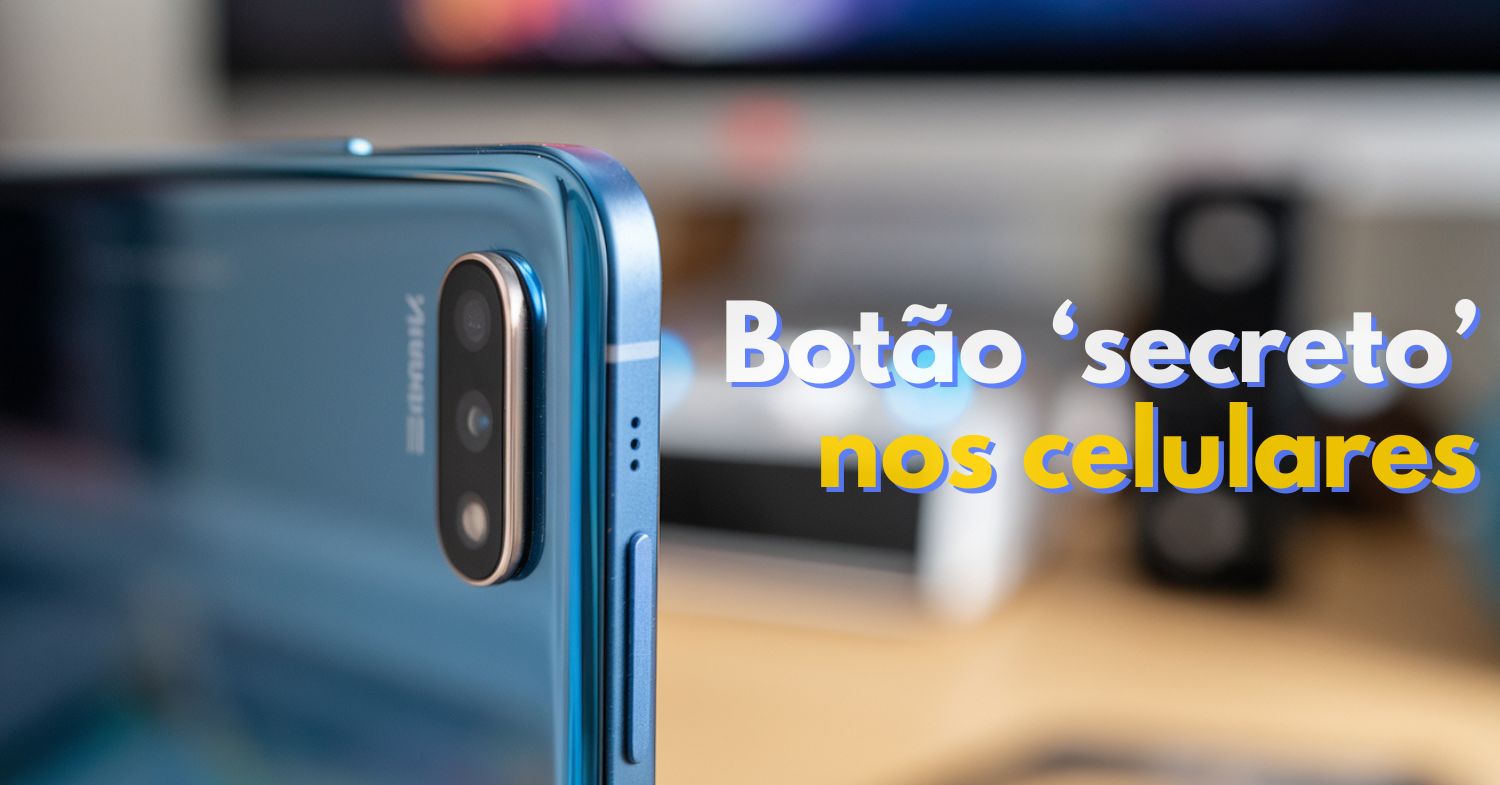
Little-Known Feature on Xiaomi and Google Phones Allows Quick Access to Shortcuts, Improves Navigation, and Activates Extra Functions with Just One Tap. Discover How to Use This Hidden Button Right Now.
Did you know that many smartphones have a secret button located on the back of the device? We’re talking about the feature known as Back Tap — a simple, practical function that can automate useful actions on your smartphone with just two or three quick taps on the back of the device.
Although it is present on Xiaomi, Google Pixel and even Motorola phones, many people still don’t know this feature exists — and the best part is: you can activate it in just a few seconds! If you enjoy personalizing how you use your phone, come with us to discover everything about this hidden feature.
What Is Back Tap and Why Is It So Useful?
The Back Tap is a function that allows you to execute specific commands by tapping twice or three times on the back of your smartphone. It works like an invisible shortcut that you configure however you want. Among the most common possibilities are:
-
These living root bridges and ladders are over 700 years old and help indigenous people survive in one of the rainiest regions in the world.

-
From sertanejo star to international investor: Ana Castela invests millions in a mansion in the USA, creates a themed accommodation in Orlando, and shows that the “boiadeira” also wants to grow away from the stage.

-
The 10 most stunning motorhomes in the world: a $3 million trailer with a rooftop nightclub and garage for a Ferrari, “palaces on wheels” with Italian marble, private cinema, and five-star hotel luxury for billionaires.

-
How the terraforming of Mars can transform the planet: artificial aerosols can increase the temperature by up to 35°C in 15 years, creating conditions for liquid water.


- Take a screenshot;
- Open a specific app;
- Activate Google Assistant;
- Turn the flashlight on or off;
- Play or pause a song;
- View notifications or recent apps.
It’s a quick way to access functions without having to unlock your phone or navigate through menus. Ideal for those who live in a hurry or want convenience in their daily life.
How to Activate the Feature on Google (Pixel) Smartphones
If you have a Pixel running Android 12 or higher, Back Tap is already available natively. Here’s how to activate it:
- Go to Settings on the device;
- Tap on System;
- Tap on Gestures and Movements;
- Select the option Double Tap to Start Actions;
- Activate the “Use Double Tap” toggle and select the desired function.
The list of available actions includes taking screenshots, activating the digital assistant, media control, notifications, among others.
Secret Button on Xiaomi Phones: Double or Triple Tap on the Back
Xiaomi integrated Back Tap in MIUI 12, with an interesting difference: you can choose between double or triple taps, similar to the latest iPhones.
Here’s how to activate the feature:
- Go to Settings on your Xiaomi phone;
- Go to Additional Settings;
- Tap on Gesture Shortcut;
- Select the option Tap on the Back;
- Choose Double Tap or Triple Tap and configure the action.
Among the available options for Xiaomi’s Back Tap are:
- Access the notification area;
- Open the camera;
- Turn on silent mode;
- Open the calculator;
- Activate TalkBack (screen reader);
- Launch Google Assistant.
Important: not all Xiaomi models are compatible, even with MIUI 12 or later. There is still no official list of devices that support the feature.
Motorola Also Has It! Meet Quick Launch
On Motorola phones, Back Tap appears under a different name: Quick Launch. Despite the different name, the concept is the same — allowing the user to initiate functions by tapping on the back of the device.
Here’s how to activate it:
- Go to Settings;
- Tap on Gestures;
- Find Quick Launch;
- Enable the feature and select the desired options.
The actions that can be configured include:
- Screenshot;
- Screen Recording;
- Open the voice recorder;
- Play or pause music;
- Open custom apps;
- Return to the home screen or view recent apps.
As with Xiaomi, compatibility depends on the model and there is no official list of Motorola devices with support.
Samsung Users Can Also Have the Secret Button with an Extra App
If you have a Samsung phone, the feature is not available natively, but there is a simple solution: the Good Lock app, available for free in the Galaxy Store. Inside Good Lock, you will find the RegiStar module, which adds the back tap function to your Samsung.
How to Activate:
- Download Good Lock from the Galaxy Store;
- Install and open the RegiStar module;
- Access the back tap gesture options;
- Configure the actions for double or triple tap.
Even though it is a third-party solution, RegiStar is made by Samsung itself, ensuring stability and integration with the system.
Why You Should Activate This Hidden Feature Right Now?
If you didn’t know about the secret button on Xiaomi and Google phones, know that it can be >a great shortcut to speed up your smartphone usage. Whether it’s to take a screenshot, trigger the assistant, or simply open an app you use all the time, the Back Tap is a simple yet powerful feature.
Moreover, it increases productivity, helps with daily tasks, and avoids excessive tapping and navigating through menus.
Did you already know about this function? Are you going to activate your secret button right now? If you liked the tip, share it with friends and also explore other hidden features on your smartphone!
Source: IGN Brazil








Seja o primeiro a reagir!