





 Portuguese
  English
  Spanish
  3 min of reading
  0 comments


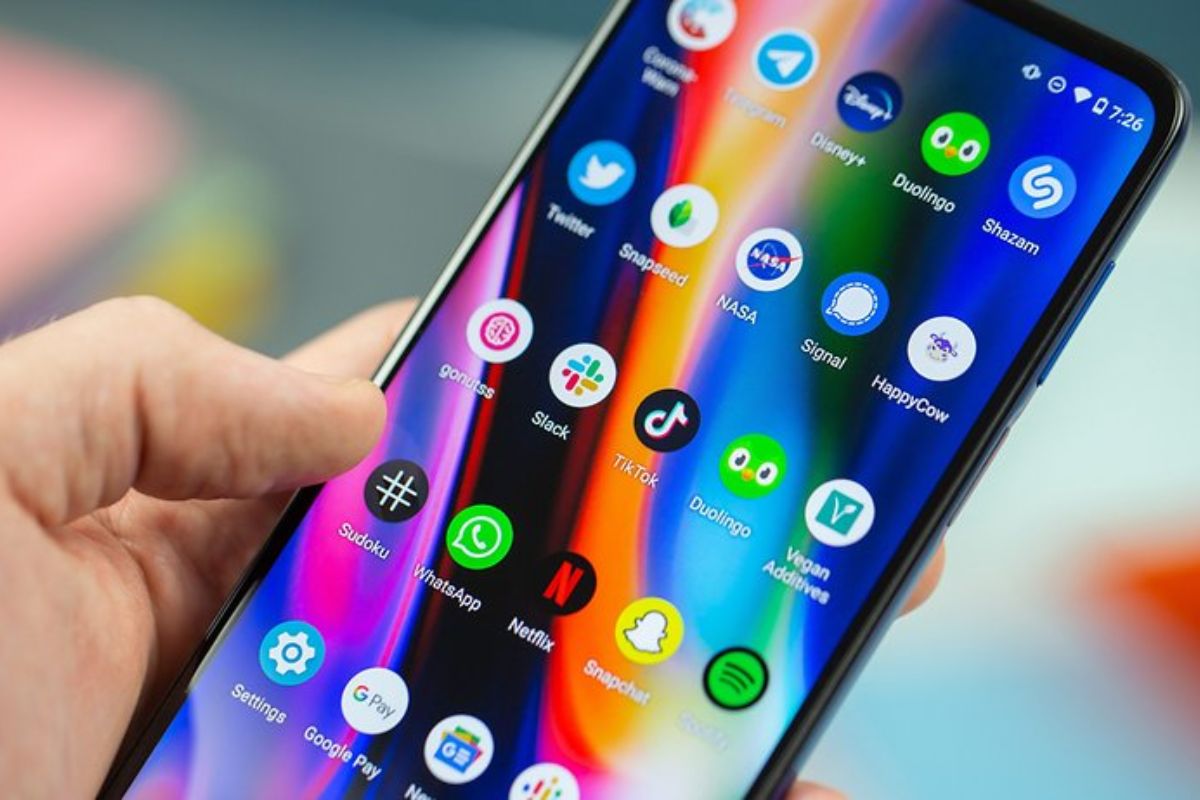
Yes, It Is Possible and Easier Than You Think. Discover the Step-by-Step Process to Install YouTube, WhatsApp, Bank Apps, and Even the Play Store to Have All Android Apps on Your HUAWEI Phone.
One of the biggest doubts for those considering buying a Huawei smartphone is about compatibility with the most popular apps. The good news is that the solution to have all Android apps on your HUAWEI phone is simple and requires no advanced technical knowledge. By using the brand’s native store, AppGallery, and a supplementary tool, any user can install and normally use their favorite apps and games.
Forget the myth that Huawei devices are limited. With the right methods, it is possible to have a complete experience, accessing social networks, streaming services, bank apps, and everything else you are used to using. This practical guide shows exactly how to do this.
Installing Apps Directly from AppGallery
The first and main gateway to applications on any Huawei device is the AppGallery, the brand’s official store. It works in a very similar way to the Google Play Store and comes pre-installed on the system.
-
In Mexico, a 3,000-year-old Maya site with the dimensions of an entire city may have been built as a colossal map of the cosmos, created to represent the order of the universe and reveal how this people organized space, time, and rituals.

-
Japan wants to build a solar ring of 10,900 kilometers on the Moon to continuously send energy to Earth.

-
Weighing almost 1 ton, with temperatures of up to 3,000°C, the ability to launch 10,000 fragments within a radius of 1 km, capable of penetrating concrete and melting steel, Turkey’s terrifying bomb emerges as one of the most destructive non-nuclear weapons ever presented.

-
After a submarine disappeared beneath the “Doomsday Glacier,” scientists announce a new monstrous machine capable of operating at 3,000 meters depth to return to the heart of the ice and investigate a threat that could raise sea levels worldwide.


For most apps, the process is straightforward:
- Open the AppGallery app on your Huawei phone.
- Use the search bar to find the desired app (e.g., WhatsApp, Instagram, Nubank, iFood, etc.).
- Tap on “Install” and wait for the download to complete.
An important detail: the first time you install an app that depends on Google services, the AppGallery will request the installation of MicroG. Allow the installation. MicroG is a set of essential components that “simulates” Google services, ensuring that apps like YouTube work perfectly, including logging in with your account. After this first permission, the process becomes automatic for future apps.
App Not Found? The Solution with GBox and the Google Play Store
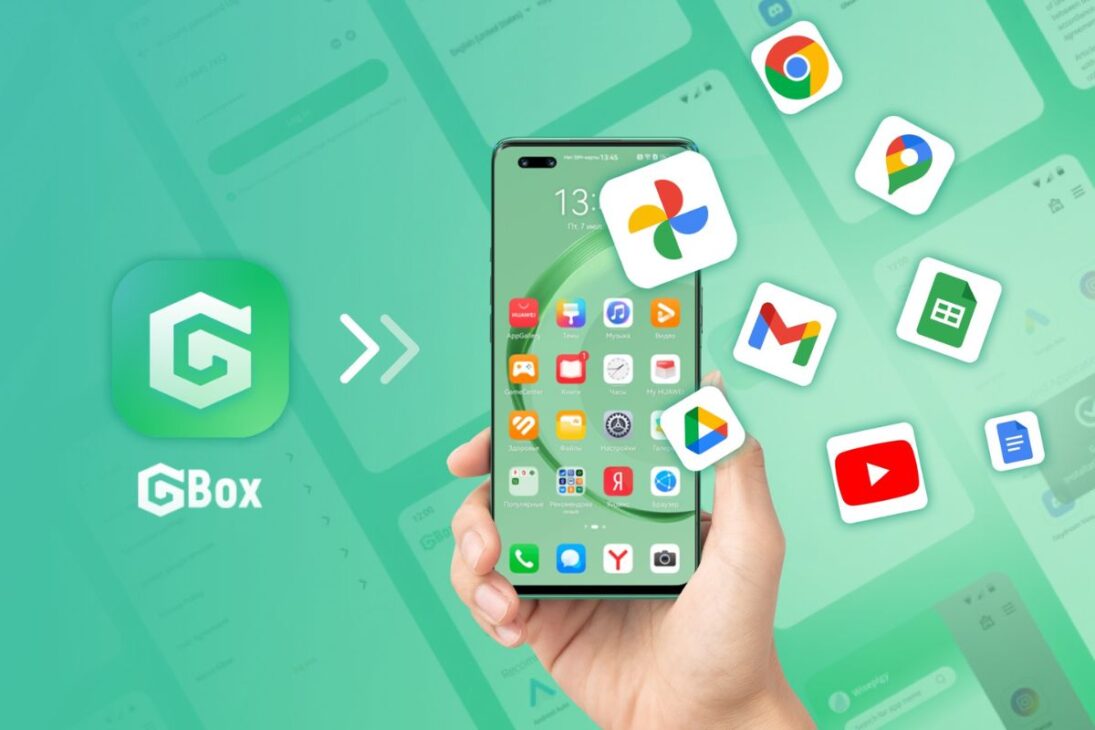
It may happen that a specific app, like Netflix, is not listed directly in the AppGallery. For such cases, the solution is equally simple and is called GBox.
GBox is an app that creates a secure virtual environment within your Huawei, allowing you to access and install apps directly from the Google Play Store.
See how easy it is to use GBox:
In AppGallery, search for “GBox” and install it.
Open GBox. Inside, you will see the Google Play Store icon.
Click on the Play Store icon and log in with your Google account, just as you would on any other Android phone.
Done! You will have full access to the Google store. Now, just search for the app you were missing (like Netflix) and click on “Install.”
Once installed, the app will appear on your home screen like any other. It is important to note that to access the Play Store again, you will need to open GBox first.
A Complete Android Experience Without Restrictions
With the combination of AppGallery and GBox, the barrier to apps on Huawei devices no longer exists. This duo of tools ensures that you can have all Android apps on your HUAWEI phone, from the most essential daily apps to games and streaming services.
Therefore, if your only concern about acquiring a device from the brand was access to apps, rest assured. Huawei’s ecosystem has evolved and now offers a robust and functional solution for all user profiles.
Did you already know these methods? Were you hesitant to buy a Huawei phone because of the apps? Share your experience in the comments!









Seja o primeiro a reagir!