





 Portuguese
  English
  Spanish
  4 min of reading
  0 comments


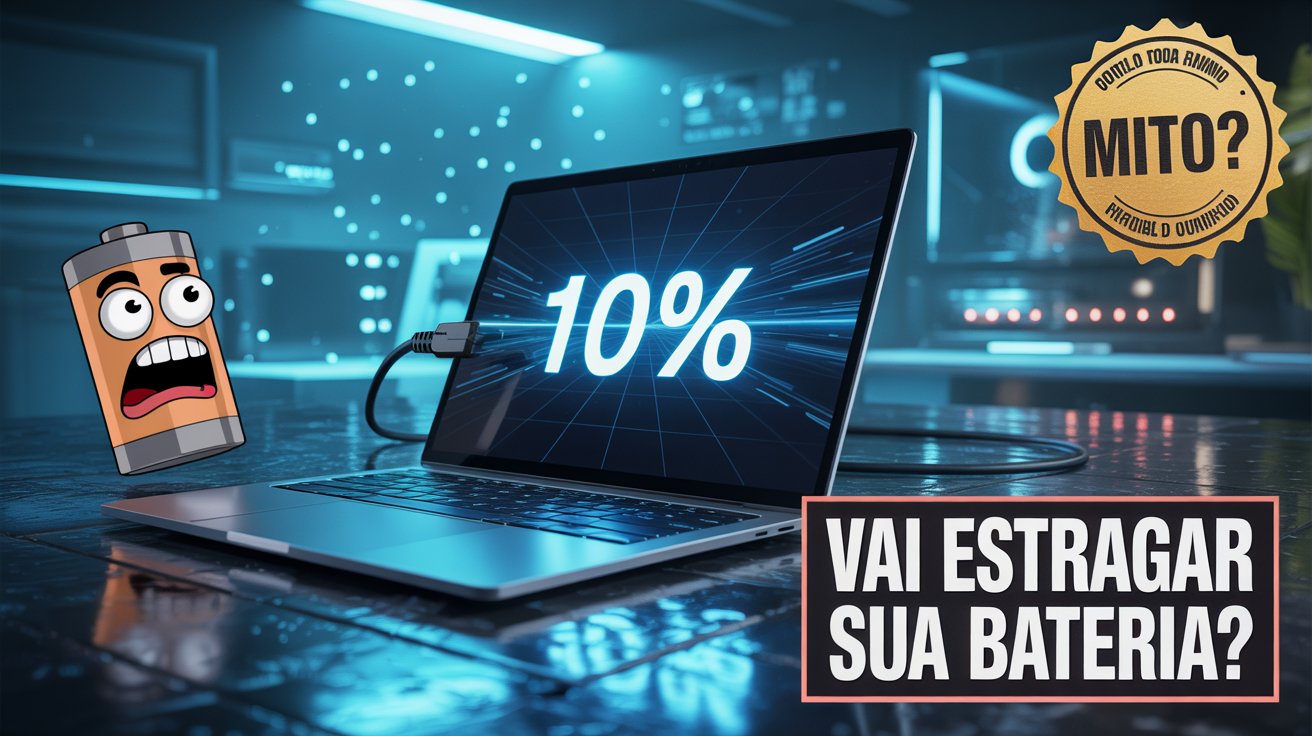
Common Practices When Charging Laptops Still Generate Doubts Among Users, Especially About The Effects Of Keeping The Device Plugged In Continuously. Understand How Current Technology Influences This Scenario And What Really Matters.
Using A Laptop Plugged In Continuously, Without Unplugging It After Full Charge, Is A Common Practice Among Users.
For Years, It Was Believed That This Action Could Compromise The Battery Life, Causing The So-Called “Memory Effect.”
However, With The Technological Evolution Of Mobile Devices, Especially The Internal Components Such As The Battery, This Concern Has Come To Be Considered Obsolete.
-
10 million robots per year in unprecedented industrial scale place China at the forefront of automated production and raise the question of how far machines can manufacture other machines.

-
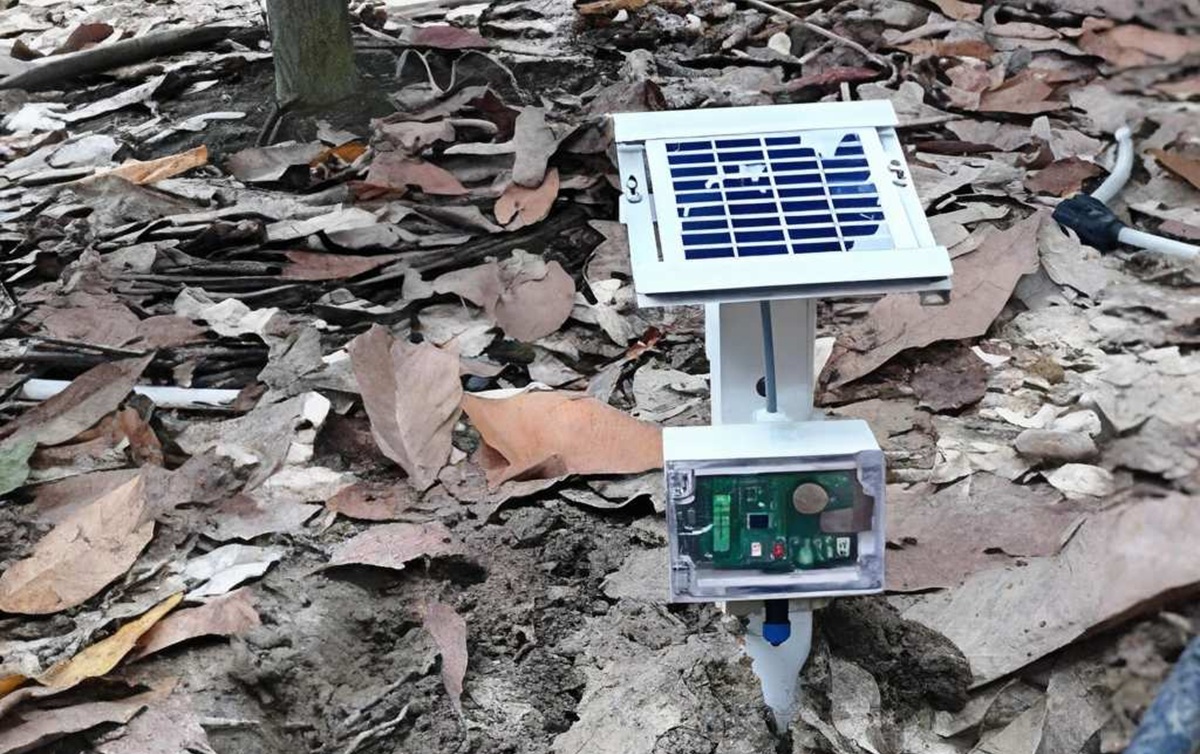
Researchers in Malaysia buried sensors at 15 and 30 cm and can now predict soil moisture with 95.49% accuracy, helping the field to irrigate only at the right time and reduce water waste.
-
Technology developed to protect military communications in the 1940s scrambled voices and today gives rise to the robotic sound that dominates current music.

-
If you look at the sky this Wednesday, you will see the Pink Moon shining at its peak at 10:11 PM, but before you get disappointed, know that the name has nothing to do with the color and instead refers to flowers that bloom at this time in the United States.


Old Batteries And The “Memory Effect”
In The Era Of Nickel Batteries, Such As Nickel-Cadmium (NiCd), The Occurrence Of The “Memory Effect” Was Common, A Phenomenon That Progressively Reduced The Charge Capacity When The Battery Was Recharged Before Being Fully Discharged.
This Scenario Began To Change In The 1990s, With The Adoption Of Lithium-Ion (Li-Ion) Batteries And Later Lithium-Polymer (Li-Po) Batteries.
With These New Technologies, The Notion That A Laptop Charging All The Time Suffers From Battery Memory Effects Stopped Making Sense.
Charge Management And Safety
Today, Modern Laptops Feature Intelligent Energy Management Systems, Known As BMS (Battery Management System), That Monitor And Control The Battery Charging Process.
These Systems Automatically Stop Sending Power To The Battery Once It Reaches 100%, Causing The Device To Be Powered Directly From The Outlet.
This Prevents Not Only Overcharging But Also Overheating And Premature Battery Degradation.
Additionally, The Latest Laptop Models Come Equipped With Additional Protection Features.
Some Operating Systems And Firmwares Limit Charging To 80% In Certain Usage Profiles, A Common Practice In Equipment Dedicated To Artificial Intelligence Or Intensive Corporate Use.
This Behavior Aims To Further Extend The Lifespan Of The Battery Cells.

The Impact Of Temperature On Battery Lifespan
Although Battery Memory Is No Longer An Issue With Lithium Batteries, They Remain Susceptible To Another Critical Factor: Temperature.
Continuous Operation Under Excessive Heat Can Compromise The Chemical Integrity Of The Cells, Accelerating Degradation.
This Occurs Because Prolonged Heat Expands Internal Components And Reduces Energy Efficiency.
Therefore, Keeping The Laptop In Ventilated Areas And Avoiding Use On Surfaces That Block Ventilation Is A Recommended Practice.
Is Full Discharge And Calibration Still Necessary?
Another Recurring Topic Among Users Is The Question Of Whether To Let The Battery Fully Discharge.
Despite Seeming Harmless, Discharging The Battery To 0% Is Also Not Ideal.
When The Charge Reaches Extremely Low Levels, The Effort To Reactivate The Cells Increases, Causing Chemical Stress.
Although Modern Laptops Have Systems That Automatically Shut Down Before This Limit Is Reached, Constantly Repeating This Depletion Can Reduce Charge Retention Capacity.
The Practice Of “Calibrating” The Battery — That Is, Fully Discharging It And Then Charging It Back To 100% — Was Common In The Past, But Today It Is Rarely Necessary.
This Should Only Be Done In Specific Cases, Such As When There Is A Discrepancy Between Actual Usage Time And The Estimated Percentage Of Charge Shown By The Operating System.
Even So, This Action Should Be Taken With Caution And Only When Recommended By The Manufacturer.
Simple Care To Prolong Laptop Lifespan
Despite The Sophistication Of The Technologies Embedded In Laptops, Some Care Still Makes A Difference In Battery Preservation.
Recommended Practices Include:
- Avoid Excessive Heat
- Do Not Allow The Charge To Reach 0% Frequently
- Keep The Operating System Updated
- Disconnect The Charger If The Laptop Remains Inactive For Long Periods
- Perform Periodic Cleaning Of The Ventilation System
Keeping The Laptop Charging All The Time Poses No Risks To Battery Health, As Long As The Model Is Modern And Features Compatible Management Systems With Current Technologies.
Users Operating Older Models, Prior To The Popularization Of Lithium Batteries In The 2000s, May Be More Vulnerable To Issues Related To Prolonged Charging.
However, These Devices Are Becoming Increasingly Rare In The Market.
Current Technology Provides More Safety To The Laptop
Today, Manufacturers Such As Dell, Lenovo, Apple, And HP Incorporate Multiple Layers Of Protection Against Overcharging, Overheating, And Chemical Degradation.
These Features Are Present In Both Premium Models And More Affordable Versions, Indicating That The Concern With Battery “Memory” Has Become Irrelevant In Most Cases.
With The Popularization Of Laptops Equipped With Processors Optimized For Artificial Intelligence And Focused On Energy Efficiency, The Trend Is For Intelligent Charge Management To Become Increasingly Accurate.
These Devices Monitor Not Only The Battery Level But Also Usage Patterns And Temperature, Making Automatic Adjustments To Preserve The Integrity Of Internal Components.
Even With All The Advancements, It Is Up To The User To Adopt Conscious Habits To Maximize Battery Lifespan.
Did You Know That The Old “Battery Memory” Is A Thing Of The Past? How Do You Usually Take Care Of Your Laptop Battery?







Seja o primeiro a reagir!