





 Portuguese
  English
  Spanish
  3 min of reading
  0 comments


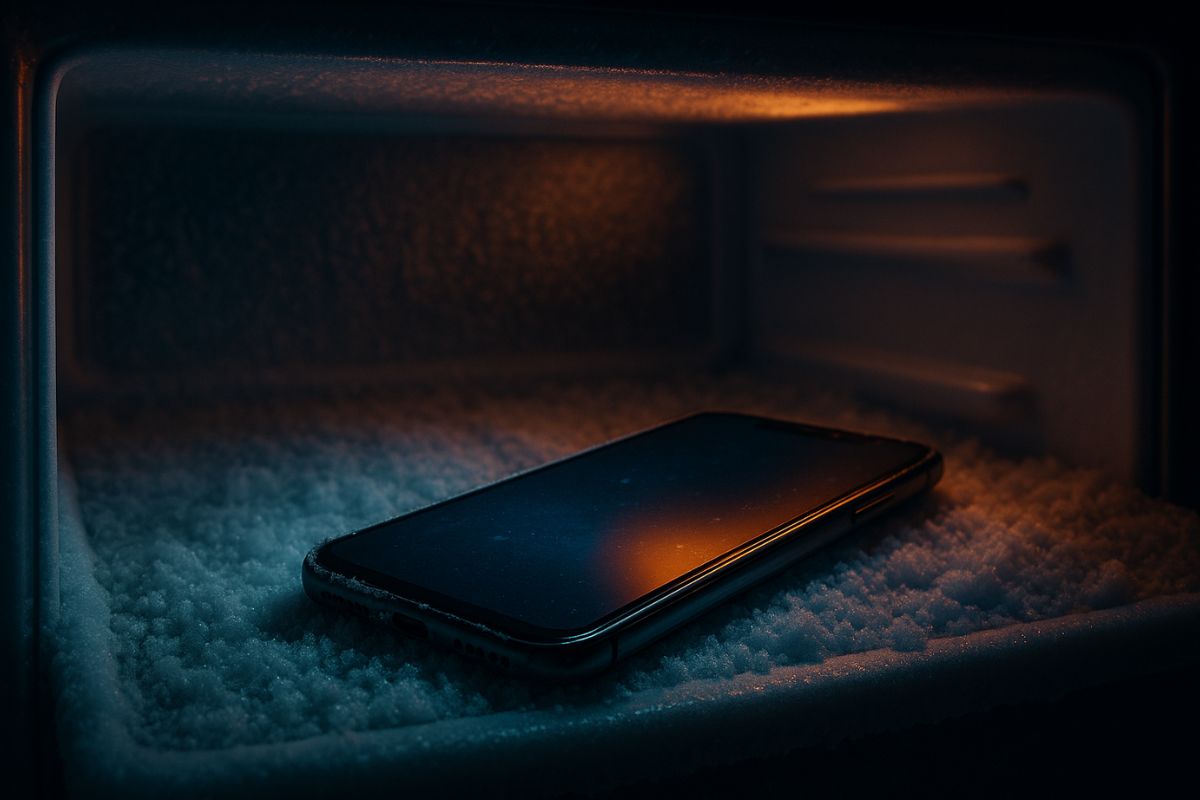
Thermal Shock And Condensation Can Damage Internal Components And Destroy Your Device’s Battery Irreversibly. Here’s What To Do.
On a hot summer day, or after using a heavy app, it’s common to feel your phone heat up to the point of burning your hand. Many people’s first impulse is to rush to the fridge or even the freezer in search of a quick solution. However, this action, which seems logical, is one of the worst mistakes you can make and can cost your device’s life.
It’s better to let the phone cool down on its own than to subject it to such a drastic temperature change. The science behind this is simple and involves two major villains: condensation and thermal shock.
The Danger of Condensation: Water Inside Your Phone
When you take a cold object out of the fridge, doesn’t it “sweat”? The same happens with your phone, but on the inside. When you place the hot device in a cold and humid environment like the fridge, the moisture in the air condenses into small water droplets on the internal electronic components.
-
How the Egyptians erected giant structures like pyramids, temples, and obelisks without modern technology, cranes, or engines still amazes the world and reveals the power of engineering based on ramps, levers, ropes, and colossal organization.

-
The induction stove you know may be numbered: a new invisible technology hides the stove under the stone countertop, heats only the pot, and promises to cook up to 50% faster while using less energy.

-
Garlic with pure honey undergoes a natural fermentation that transforms the two ingredients into a versatile condiment for marinades, sauces, and roasted vegetables, and it can also be used as a natural treatment in your garden.

-
A woman in the United States hired six immigrants for a $10,000 job on her house, and when the work was almost done, she allegedly called ICE to avoid paying and to have the workers deported.


This water can cause short-circuits on the motherboard, damage connectors, and, in extreme cases, render the device completely useless. It’s silent damage and often irreversible.
Thermal Shock: The Invisible Enemy of Components
The second major risk is thermal shock. The materials that make up your phone (metal, glass, plastic, silicon) expand with heat and contract with cold. A too rapid temperature change forces these materials to contract abruptly and unevenly, which can cause:
- Microcracks on the screen: Even if they are not visible, small cracks can compromise the integrity of the glass.
- Damage to the solder: The solder points that connect the components on the board can crack, causing malfunction.
- Battery damage: Lithium-ion batteries are extremely sensitive to extreme temperatures. Sudden cold can permanently reduce their capacity to hold a charge, shortening your phone’s lifespan.
How To Properly Cool Your Phone
If your phone has overheated, patience is your best friend. The correct way to cool it down is to allow it to dissipate heat naturally. Follow these steps:
- Stop using it immediately: Close all apps, especially games or video editing apps.
- Remove the case: The case acts as a thermal insulator, trapping heat.
- Unplug from the charger: Charging the device generates even more heat.
- Reduce the screen brightness and activate airplane mode. If possible, turn the device off completely.
- Leave it in a cool and well-ventilated place, away from direct sunlight. A fan can help, but never place it directly in front of an air conditioning vent.
Have you ever made the mistake of putting your phone in the fridge to cool down? What’s your trick for dealing with overheating? Share in the comments!









Seja o primeiro a reagir!