





 Portuguese
  English
  Spanish
  2 min of reading
  0 comments


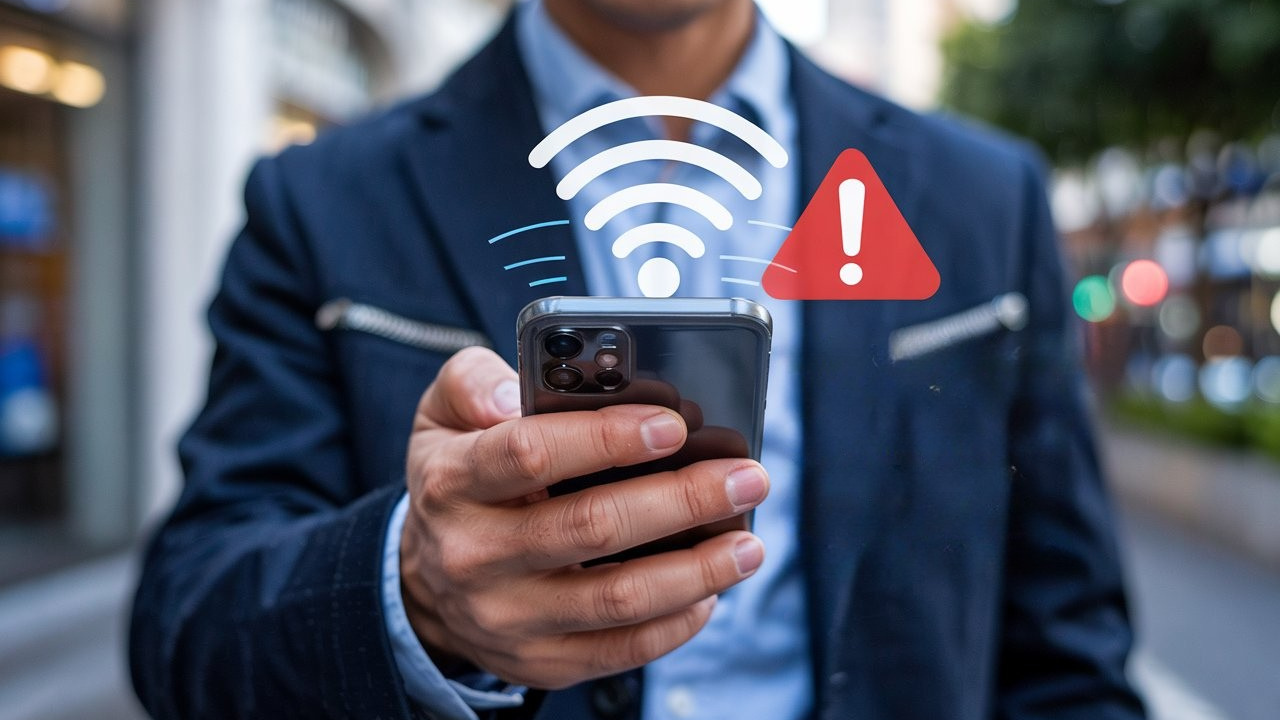
Leaving Your Phone’s Wi-Fi On Outside May Compromise Security, Exposing Data and Location. Disable It to Avoid Insecure Connections and Cyber Attacks.
When leaving home, it is common for many people to keep their Wi-Fi on their phones for convenience. However, this habit can compromise the security of your data and devices. Keeping it on outside can expose sensitive information and facilitate cyber attacks. In this article, understand the risks involved and learn how to protect your phone when leaving home.
The Danger of Automatic Connections
When the Wi-Fi on your phone remains on when leaving home, the device tries to automatically connect to open networks.
This poses a significant risk to security, as unknown networks may be vulnerable or controlled by cybercriminals. Thus, your privacy may be compromised without your knowing.
-
Expedition 501: Scientists drill into the ocean floor and discover a giant reserve of fresh water hidden beneath the sea, extracting nearly 50,000 liters and revealing an invisible system that could reshape the map of water scarcity.

-
Archaeologists find an intact tomb over 2,500 years old, with more than 100 preserved objects, weapons, jewelry, and human remains never touched.

-
Volcanic lava transforms into threads as fine as human hair that travel over 30 kilometers by wind and fall like cutting rain on roofs and backyards in Hawaii and Iceland.

-
NASA issues a warning for the feared Godzilla El Niño that could change the planet’s climate in 2026 with extreme warming of the Pacific capable of causing devastating droughts in some regions and historic floods in others simultaneously.

How Does the User’s Location Get Exposed?
Many people save Wi-Fi networks from frequented places, such as cafes, banks, and parks. This facilitates internet access but also allows hackers to track your routine.
If you often leave home with Wi-Fi on, your phone may transmit data that reveals your location.
Deleting saved networks and activating them only when necessary are essential measures to reinforce your security.
Public Wi-Fi Networks Are an Invisible Risk
Malls, restaurants, and other establishments offer free Wi-Fi networks, but connecting to them without caution can be dangerous.
Personal data can be exposed to malware and hacker attacks. To enhance security, avoid using open networks to access sensitive information, such as banking apps.
How to Protect Your Phone When Leaving Home?
Disable Wi-Fi when not in use;
Regularly delete saved networks;
Use secure connections whenever possible;
On systems like Windows, mark networks as “public” to avoid unwanted file sharing;
Use VPNs to increase security when connecting to unknown networks.
To ensure more protection, activate Wi-Fi only when necessary and avoid automatic connections to unknown networks. Small habit changes can make all the difference in keeping your phone and information secure.








Seja o primeiro a reagir!