





 Portuguese
  English
  Spanish
  4 min of reading
  4 comments


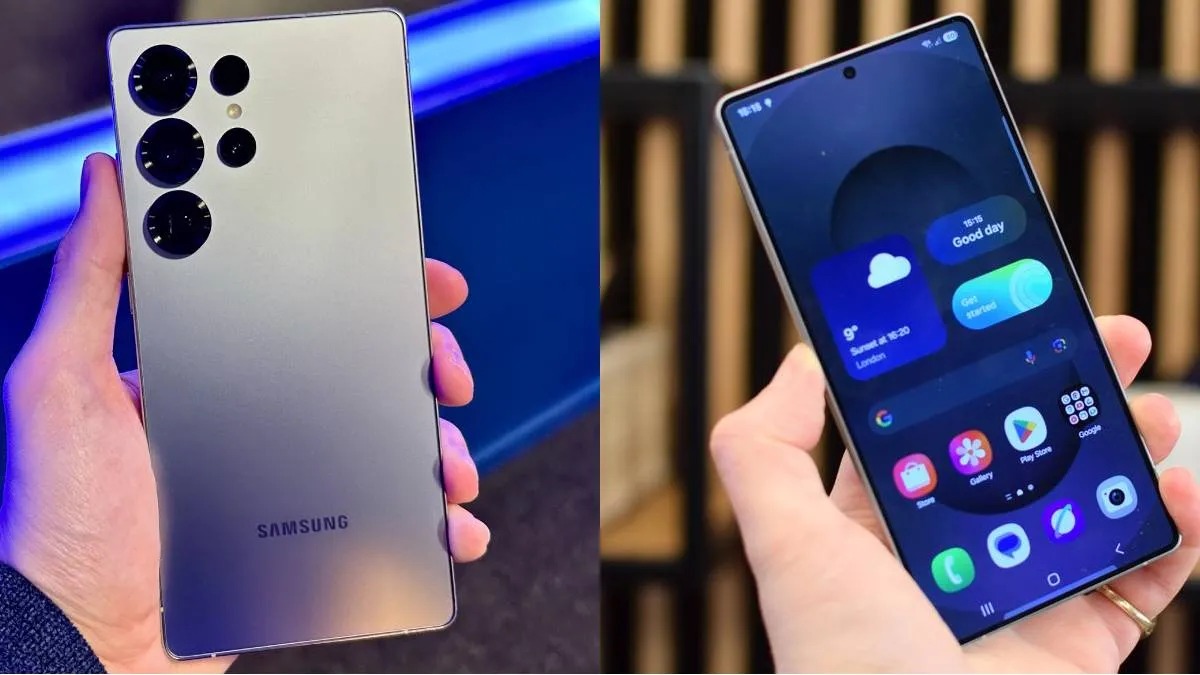


Three-Month Review Reveals Strengths of the Galaxy S25 Ultra, Useless Features, Battery Performance, and Price Comparison with the S24 Ultra.
After three months of daily use, the channel Oficina da Net shared a critical review of the Galaxy S25 Ultra.
The focus of the video was to show the real experience with Samsung’s flagship phone, addressing useful features, underutilized functions, and whether the current price is justified compared to the previous model.
The aim of this review was to be more practical, bringing impressions that arose in everyday use, both positive and negative.
-
With a cost per shot close to zero, the DragonFire laser could change naval warfare in 2027 and provide British ships with nearly unlimited defense against drones.

-
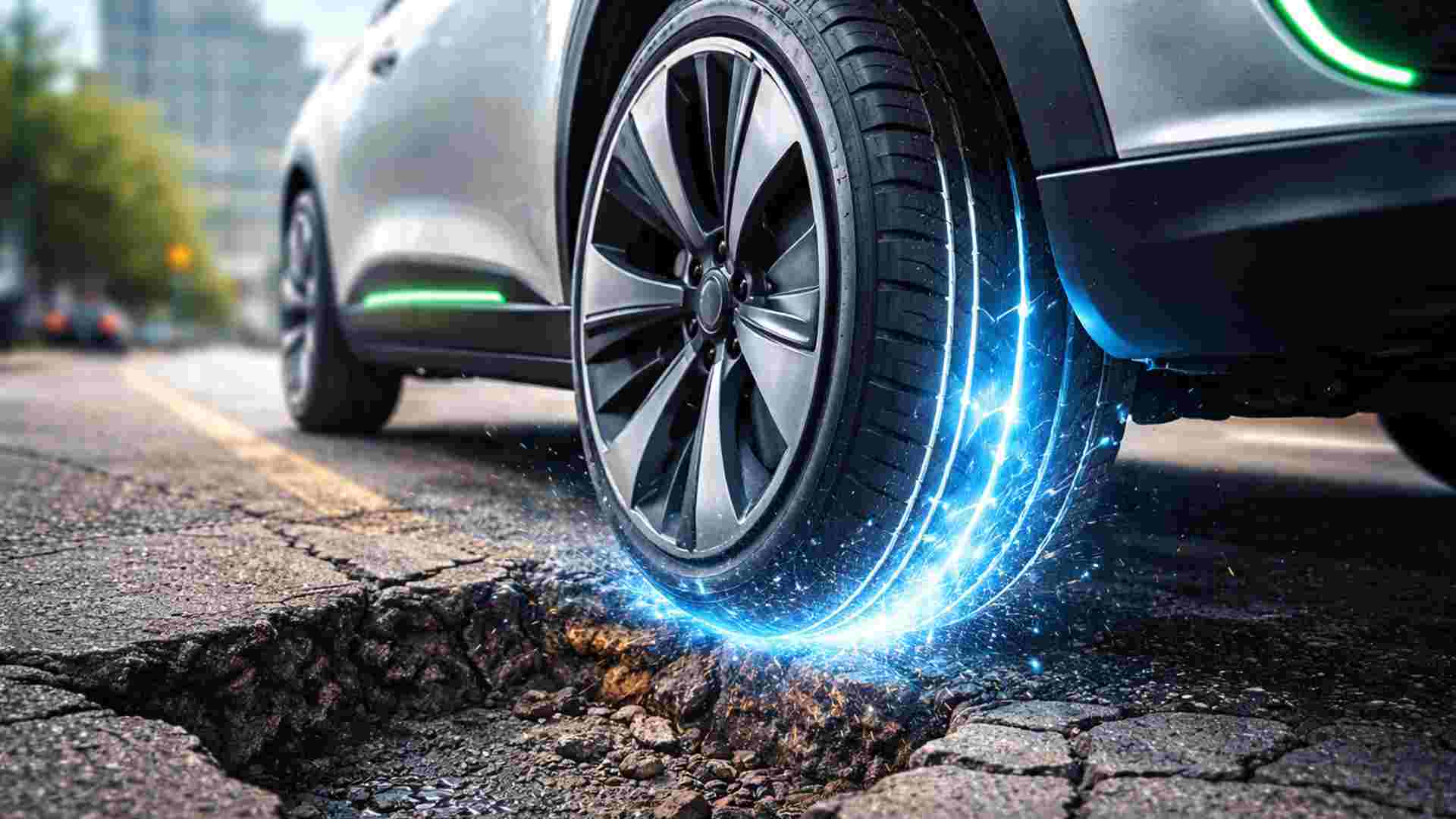
A British startup creates tires that generate electricity in electric vehicles when passing over potholes, speed bumps, and cracks.
-
Scientists have created robots made with living cells that have their own nervous system, swim on their own, explore the environment, and self-organize without any genetic engineering, and now they want to do the same with human cells.

-
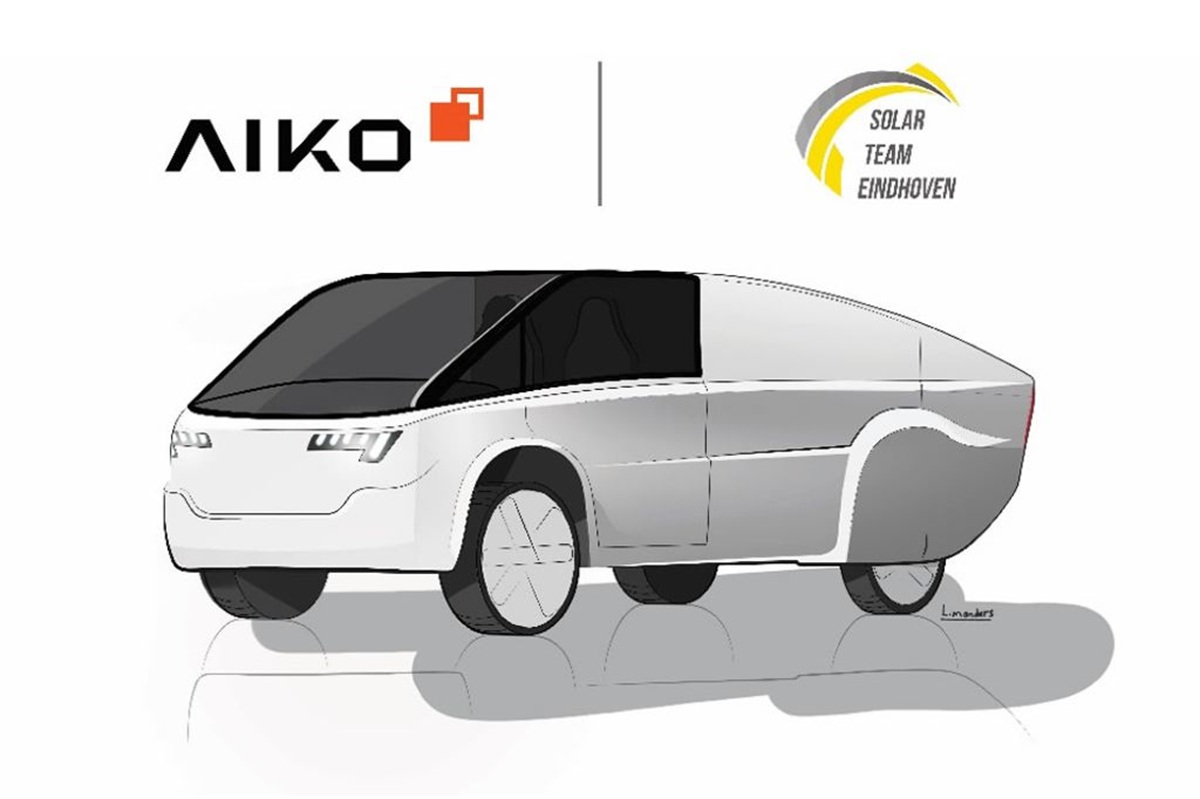
Students create a solar-powered ambulance that operates without a plug, without fuel, and still keeps medical equipment running in remote areas.

Interface and Useless Functions
One of the first points mentioned was the system interface, which includes the NOW BAR feature.
The idea behind this feature is to offer a summary of the most relevant information at the moment, but in practice, it proved to be limited.
When opening the NOW BAR, the displayed information was limited to weather forecasts and music suggestions on Spotify. For those expecting something truly intelligent, the tool fell short.
Another detail that bothered was the monochromatic customization of the icons.
Although the proposal is to create a minimalist look, many apps do not adapt their icons to the chosen theme, resulting in a screen with mixed colorful icons.
The feature, which could offer more visual harmony, ended up disappointing those seeking a more uniform appearance on the device.
S-Pen: An Unnecessary Feature for Many
The presenter also commented on the S Pen, which for his usage profile proved to be completely useless.
He stated that he does not have the habit of taking notes or drawing on his phone and that after the initial testing period, the pen was forgotten.
In the previous model, the S Pen still had utility for remotely triggering the camera, but this function relied on Bluetooth and was removed in the S25 Ultra.
Thus, for those who do not use advanced features, the pen turns out to be just an aesthetic item without practical function.
There was even an attempt to use the S Pen to write captions on Instagram, but the experience was negative, as the keyboard went into pen mode and disabled finger touch.
The result was a slow and not very intuitive process. In light of this, the presenter believes that Samsung may even remove the S Pen in future models of the line.
Quick Share: A Really Useful Feature
On the other hand, Quick Share stood out as one of the most useful tools of the device.
The function allows for quick and wireless file transfers to other Android devices and Windows computers.
For those who work with photo and video editing, this integration represents a significant advantage, eliminating the need for USB cables and making the sending process practically instantaneous.
This feature proved so efficient that, according to the presenter, it surpassed the transfer experience he had with the iPhone and Mac.
High-Level Screen
Another highlight was the screen of the Galaxy S25 Ultra.
Samsung is already known for manufacturing high-quality screens, but on the S25 Ultra, the experience was described as the best ever seen in a smartphone from the brand.
The resolution is extremely high, and the anti-reflective technology ensures good visibility even in bright environments.
For those who consume videos and work with visual content, this screen is one of the main differentiators.
Cameras That Impress
The cameras were also praised. The rear set includes four sensors and a laser for autofocus, while the front camera records in 4K at 30 frames per second.
The stabilization and image quality gave the presenter confidence, who previously preferred to record videos with an iPhone.
He noted that the front camera is an excellent alternative for quick recordings, especially for those who do not own professional equipment.
The absence of the log format on the front camera is a negative point, but there is hope that the function will be included in future updates.
Battery: Good Performance with Adjustments
Although some users report autonomy issues, the presenter said that the battery of the S25 Ultra performs well.
On one occasion, the charge dropped quickly because a camera app was active in the background, consuming 18% by itself.
After manually closing that app, autonomy returned to normal, lasting a whole day with moderate use. He emphasized the importance of monitoring which apps are active to avoid unnecessary energy consumption.
Price and Recommendation
At launch, the Galaxy S25 Ultra hit the market priced at R$ 12,000 for the 256 GB version.
With discounts and cashback, the presenter paid less than R$ 5,000, a price considered excellent for a device of this level.
Currently, the model can be found in the range of R$ 7,800, but the Galaxy S24 Ultra, which costs around R$ 5,000, offers better value for money at the moment.
The channel’s recommendation is to wait until the S25 Ultra reaches a price below R$ 6,000 to make the purchase worthwhile.
Despite some less relevant features, like the S Pen and the NOW BAR, the Galaxy S25 Ultra impresses with its screen quality, cameras, and integration with Windows via Quick Share.
For those seeking a premium smartphone, it is a solid choice, but the price difference compared to the S24 Ultra still weighs heavily.








Muitos nunca tiveram imaginação pra usar a caneta. Deveriam mantê-la pois é muito útil. Pensar apenas usar pra escrever, é ter uma visão limitada de uso. Uso muito para edição de fotos e em jogos no celular. A precisão é o destaque para o uso.
Uso bastante a S-pen para edição de fotos e vídeos, onde a seleção e a facilidade de ajuste fino com o dedo ficam mais complicadas pelo tamanho do dedo ou na hora de apagar partes de uma foto, mas com a caneta é imbatível. Até mesmo com jogos a caneta é muito mais precisa.
Falar em retirar a SPen chega a ser até um desaforo
Muitos nunca tiveram imaginação pra usar a caneta. Deveriam mantê-la pois é muito útil. Pensar apenas usar pra escrever, é ter uma visão limitada de uso.