





 Portuguese
  English
  Spanish
  4 min of reading
  2 comments


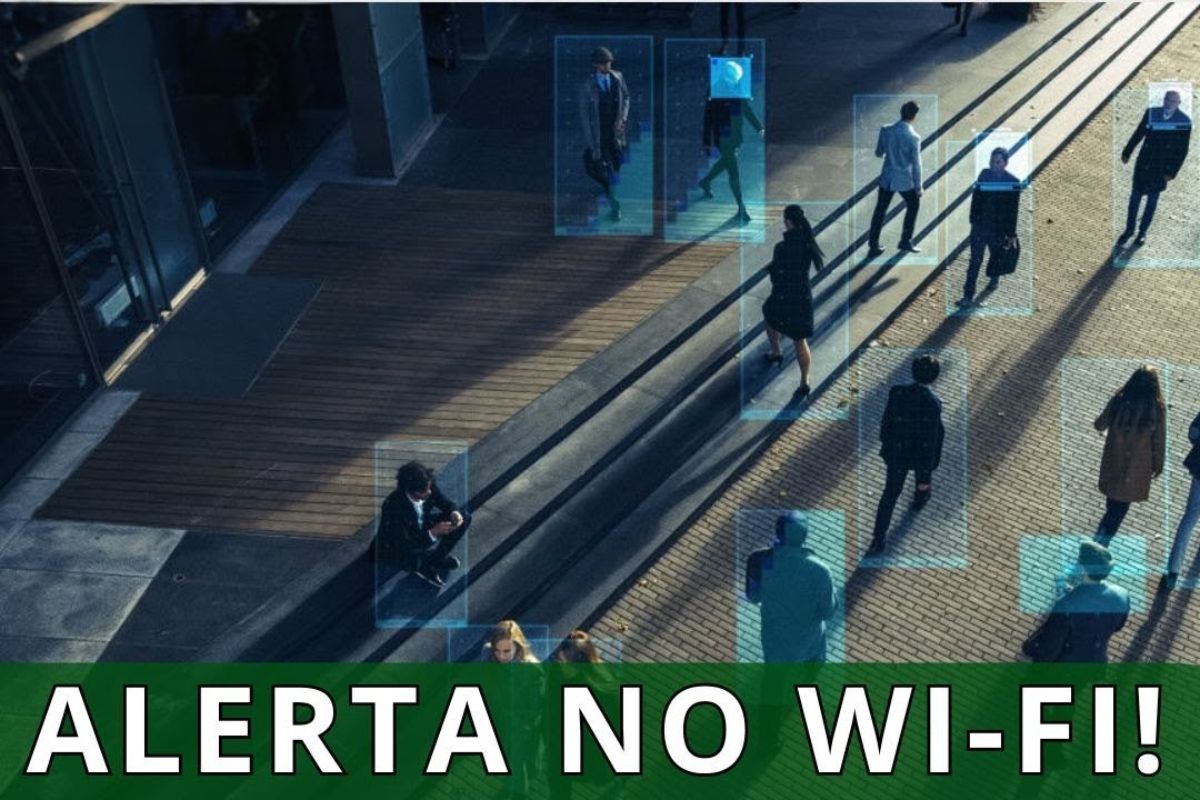


Wi Fi Can Monitor You Through Different Technical Means, From Identifying Devices Connected to Triangulating Signals and Creating Images of the Environment, with Practical Measures to Reduce Exposure and Protect Digital Privacy in Public Places
The Wi Fi can reveal much more than most people realize. Routers and antennas capture signals from devices, identify communication patterns, and, under certain conditions, allow tracking presence, movement, and relative position within an environment.
The discussion is not theoretical. According to a report from Olhar Digital, even without connecting to a network, the device emits probes that can be observed by anyone monitoring the location. In scenarios with multiple antennas, it is possible to triangulate the origin of the signals and infer movements in real time, which raises privacy concerns and requires practical caution from the average user.
How Wi Fi Identifies Connected Devices
When a phone or laptop joins a known Wi Fi network, it technically introduces itself to the router. This registration allows associating a device with a specific time and access point, something trivial in cafes, stores, and airports.
-
In the middle of the sea, these enormous concrete and steel structures, built by the British Navy to protect strategic maritime routes, look like they came straight out of a Star Wars movie.

-
For years, no one could cross a neighborhood in Tokyo because of the tracks, but an impressive solution changed mobility and completely transformed the local routine.

-
With 15 floors, an unusual building in Curitiba uses concrete, pilasters, and exposed roofs to create the effect of stacked houses.

-
Archaeologists opened a secret chamber that had been sealed by sand for 40,000 years inside a cave in Gibraltar and found what may be the last place where Neanderthals lived before disappearing from Europe forever.


For those operating the network, knowing that a device X was connected during such times is straightforward information from the authentication process. In environments with high foot traffic, this simple history already enables mapping routines and patterns of stay.
Even without authentication, the device searches for nearby networks by sending “probe requests”. In these probes, it announces that it is “looking for Wi Fi,” which can be heard by any receiver in the area.
Even if the user enables random MAC addresses, other technical fields of the signal reveal characteristics of the device. The combination of these clues creates a “digital fingerprint” that distinguishes one device from another over time.
Digital Fingerprint of Devices and Tracking
Each device exposes its own technical profile. Operating system, capabilities, supported frequencies, and negotiation details vary and create a rare pattern that matches exactly between two devices.
With this digital fingerprint, an observer can recognize the same device during different visits, even if the MAC changes. This enables the construction of presence and recurrence profiles without relying on registration or logging into the network.
With three or more antennas, the relative signal strength allows estimating where the device is located. The method does not require a formal connection, only that the device continues to emit probes.
In stores, malls, or transportation terminals, triangulation can trace approximate paths in almost real time. Seeing the “path” of someone through the environment becomes a technical task, not just a hypothesis.
Wi Fi as a Presence Sensor and Images of the Environment
There are even more advanced scenarios. By analyzing the variations in the electromagnetic field of the environment, algorithms can infer basic postures and movements, such as whether a person is standing, walking, or crouching.
In this approach, Wi Fi acts as a passive sensor. It is not necessary for the person to carry a phone. Disruptions in the signal are enough to indicate that someone is present, allowing for a sort of low-definition “image” of the environment.
Enable random MAC addresses on your phone and laptop to reduce the direct and repeated association of your device with a fixed identifier. This is a simple and effective step to reduce traceability in your routine.
In public places, disable Wi Fi when not in use. This saves battery and reduces the volume of probes. If additional isolation is needed, airplane mode cuts transmissions when you don’t need connectivity.
Best Practices for Browsing and Extra Layers
When accessing services, prefer end-to-end encrypted connections. Sites with a padlock in the browser protect the content of data, even when the path infrastructure is not ideal.
To enhance protection, a reliable VPN creates an encrypted “tunnel” between the device and the service provider. Keeping the system updated also closes gaps that expose unnecessary information during Wi Fi negotiations.
The average user tends to be the target of commercial flow monitoring, not complex and targeted operations. Nonetheless, presence and movement profiles hold market value, motivating the use of metrics in retail environments.
In friends’ homes or known networks, the risk of malicious profiles is lower, but the same rules of caution remain valid. Understanding how Wi Fi works helps decide when to turn on or off the radio and what layers of protection to adopt.
Wi Fi is useful and ubiquitous, but it also exposes signals that allow for identifying devices, tracking movements, and even inferring presence without a camera. With correct settings, conscious use, and up-to-date updates, it is possible to reduce exposure without sacrificing connectivity.
Do you agree with this change? Do you think it impacts the market? Leave your opinion in the comments, with examples from your daily life in stores, airports, and events. We want to hear from those who live this in practice.








A letra é tão pequena que não dá para opinar porque não consegue ler
Que loucura tudo isso.