





 Portuguese
  English
  Spanish
 4 min of reading
  0 comments


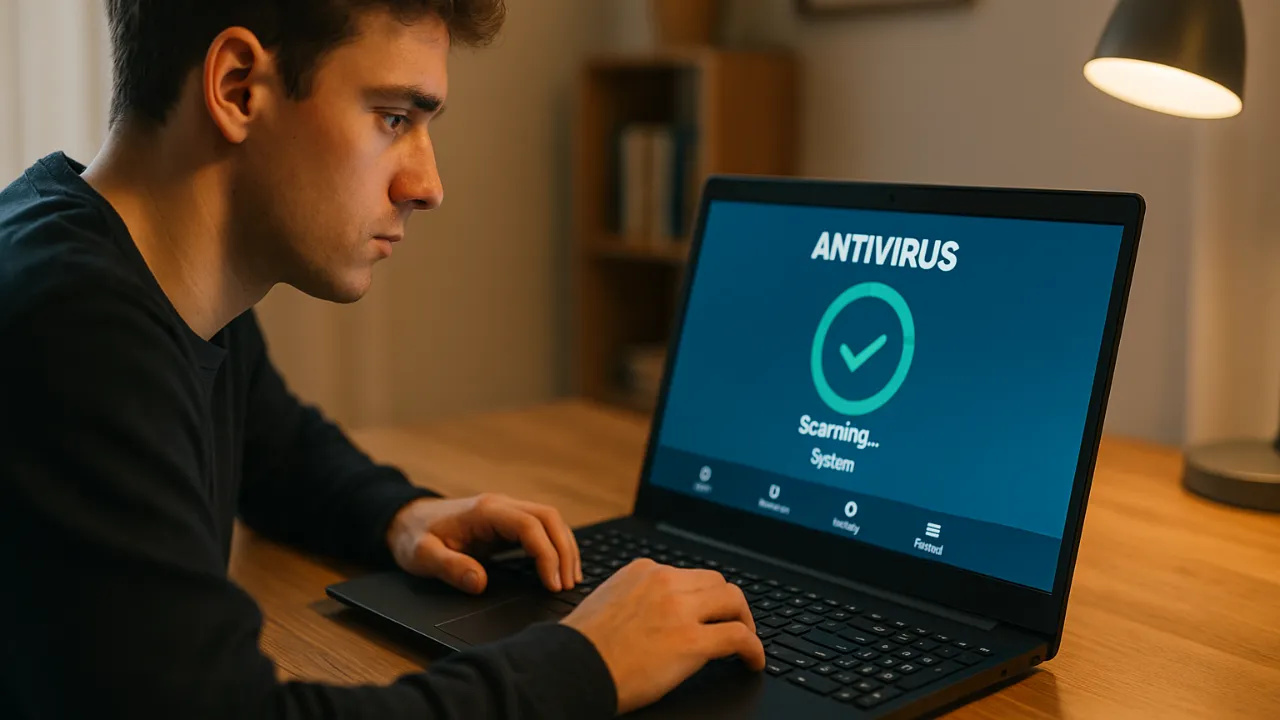
Have you ever experienced your computer suddenly slowing down, programs taking a long time to open, and even strange windows popping up on the screen? These are classic signs of a digital infection — and the good news is that free antivirus solutions can resolve this without costing you anything. The market has changed: the free versions from major companies today offer nearly the same detection power and performance as paid options.
Many users still believe that “free antivirus” is synonymous with weak protection, but that hasn’t been true for years. Cloud technology, smart databases, and integration with modern operating systems have made these tools essential even for those who are not technology experts. The difference lies in the details — and that’s what this article will show you.
Free Antivirus That Really Deliver Security
When we talk about free antivirus, the first point that grabs attention is the balance between performance and protection. No one wants a system bogged down or frozen by software that should make the computer lighter and more secure. Fortunately, some programs stand out in this regard.
-
The oceans are darkening all over the planet – what is happening?

-
An engineer designs a solar plane to fly on Mars at an altitude of 1,000 meters and a speed of 300 km/h, covering 16,000 kilometers in a Martian year, 900 times the distance traveled by the Ingenuity helicopter in three years on the planet before experiencing a rotor failure, and NASA is already funding the feasibility study.

-
A new phenomenon of contactless magnetic friction intrigues scientists and questions a theory that has been valid since the 17th century.

-
An impressive phenomenon in Northern Brazil causes rivers of different colors to flow side by side, revealing secrets about sediments, currents, and biodiversity.


Windows Defender, which comes pre-installed on Windows, is a classic example. It has evolved from a basic system to a complete suite, with real-time scanning, a firewall, and even ransomware protection. The best part? It’s fully integrated with the operating system and practically invisible in daily use.
Another highlight is Avast Free Antivirus, a veteran that remains relevant. Its simple interface and intelligent detection engine make it a smart choice for those who want something efficient and automatic. Avast also offers network scanning and protection against fake websites, which is excellent for those who shop online or use internet banking.
Rounding out the podium, AVG AntiVirus Free impresses with its low resource consumption. It shares the database with Avast (the two companies are part of the same group), but has a more minimalist and straightforward approach, ideal for those who don’t want constant notifications.
And for those seeking a modern solution, Kaspersky Free provides robust protection, without intrusive ads. Even in the free version, it offers defense against phishing, malware, and real-time attacks, backed by the reliability of a brand that is a global reference in cybersecurity.
How to Choose the Right Antivirus for Your Profile
Before downloading any program, it’s important to understand your usage type. A free antivirus can perfectly meet the needs of someone using the PC for browsing, studying, and basic tasks. However, if you handle sensitive information or frequently conduct financial transactions, you might consider investing in premium versions that offer support and extra layers of defense.
If your computer is older, prioritize lightweight solutions like AVG or Defender. If you use a modern laptop and are always connected to public Wi-Fi networks, Avast and Kaspersky are more suitable, as they include network protection modules and automatic vulnerability scans.
Another detail that makes a difference: keep the antivirus updated. Free programs also receive constant virus definition updates and security patches, ensuring protection even against new threats. Ignoring this step is the most common mistake among users who end up infected, even with the software installed.
The Importance of Real-Time Detection
The crucial point of any antivirus is its ability to detect and block threats in real-time. This means it doesn’t wait for damage to occur: it monitors everything you do, from opening an email to downloading a suspicious file.
In the most modern free antivirus programs, this system is cloud-based, allowing it to identify new viruses before the file even reaches your computer. It’s a kind of “global radar” that protects millions of users simultaneously.
Moreover, PC performance doesn’t have to be sacrificed. Independent tests show that antivirus software like Defender, Kaspersky, and AVG consume little memory and CPU, keeping the system fluid. In other words, it’s possible to browse, game, and work without feeling the computer “choke”.
Care That Complements Protection
Even the best free antivirus can’t work miracles if users don’t have safe habits. Avoid clicking on unknown links, don’t download programs from dubious sites, and be suspicious of unexpected attachments in emails. A good practice is to combine the antivirus with an updated browser and activate two-factor authentication on important services like banks and social networks.
Another common mistake is installing two antivirus programs simultaneously, believing that it doubles the protection. In fact, the opposite effect occurs: the programs conflict, making the system more vulnerable. The ideal is to choose a single trusted free antivirus and let it do its job alone.
Digital security starts with small habits and good choices. And the right choice can be free. Technology has already proven that it’s possible to have complete protection without opening your wallet — you just need to know where to click.









-

-

2 pessoas reagiram a isso.