





 Portuguese
  English
  Spanish
  2 min of reading
  0 comments


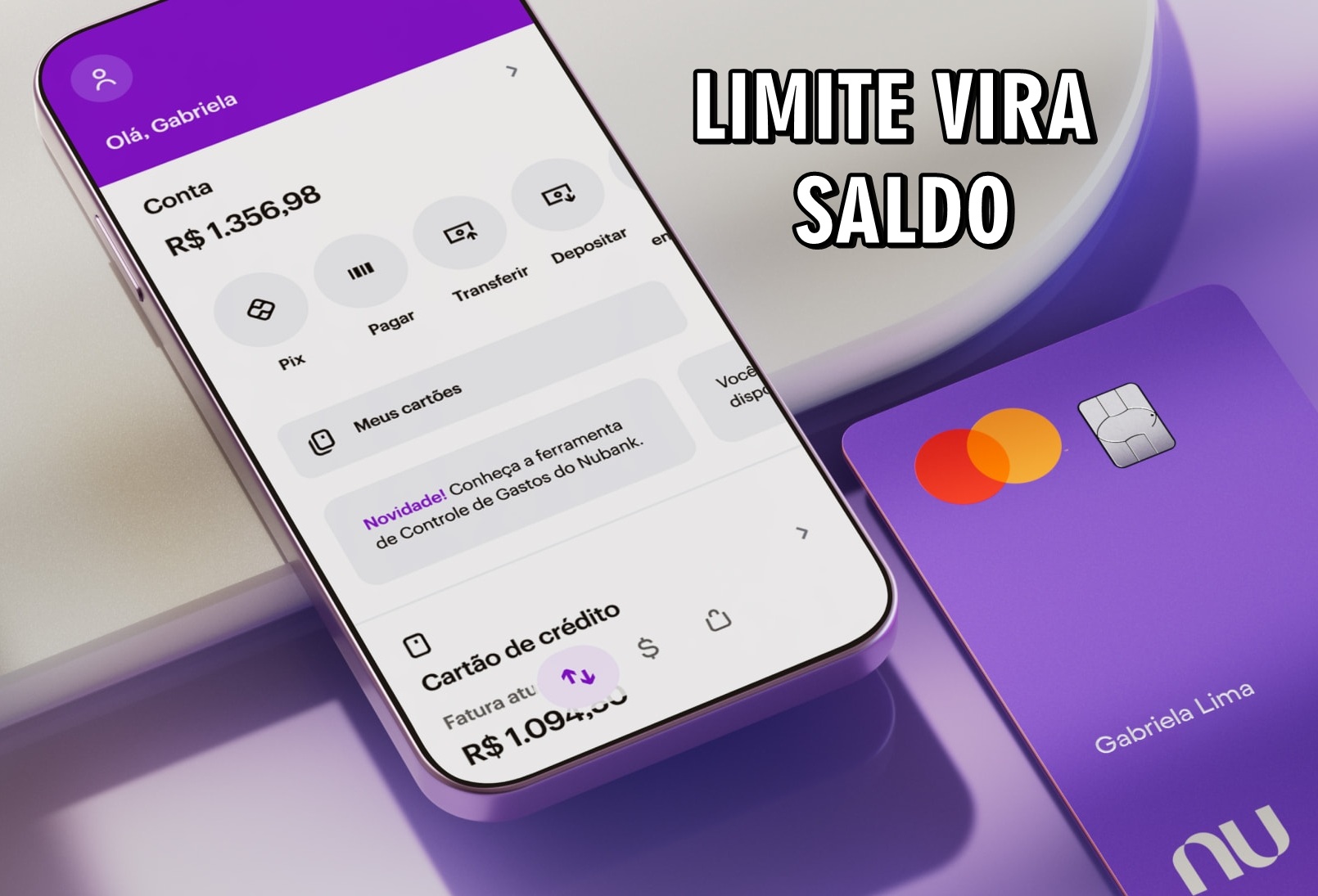
Understand How Nubank’s Feature Allows You to Convert Your Credit Card Limit into Account Balance, with Interest, Installments, and Immediate Use.
If you’ve ever found yourself without balance in your account and with a credit card full of limit, Nubank offers a quick solution that transforms Nubank limit into balance.
Since last year, the fintech has released a feature that allows customers to convert their credit card limit into balance directly in their account. The operation is done through the company’s app and has helped many people in emergency situations.
How the Limit Conversion Works
The feature allows you to transfer your credit card limit to your account as if it were cash credit.
-
The coldest region of Brazil will experience very hot weather in the first days of April, with maximum temperatures reaching up to 35 degrees in Rio Grande do Sul, and only in the last week of the month an intense cold front is expected to finally lower the temperatures in the South and Southeast.

-
Goodbye common refrigerator: essential appliance starts to gain competition with technology that preserves food for longer and reduces waste.

-
Germany discovers how to reuse old window glass without melting anything and can transform 220,000 tons per year into new high-performance panels, using material from nearly 150 million old windows that would be discarded.

-
China creates hypersonic engine that can make planes and missiles fly more than 6 times the speed of sound with less weight, more range, and without system change.


This can be useful in cases where payment needs to be made via PIX, or to take advantage of discounts on cash purchases. It also serves situations where the available balance is not enough for an urgent transfer.
It’s important to remember that this operation involves interest charges. Once the amount is chosen, the app shows the conversion conditions.
The operation’s interest, IOF (Tax on Financial Transactions), CET (Total Effective Cost), and installment options are presented.
Step-by-Step to Convert Limit into Balance
Nubank has created a simple and straightforward process. The customer needs to follow these steps:
- Open the Nubank app;
- Access the “Credit Card” tab;
- Tap on the “Convert Limit” option;
- Choose the amount to be converted;
- Define how many installments you want to pay;
- Choose which invoice will be charged the amount;
- Check all the operation details;
- Enter the password to confirm.
Once confirmed, the amount appears in the account immediately, ready for use. The operation is based on the credit limit still available.
That is, if the customer has a total limit of R$ 10,000, but only R$ 5,000 released, that will be the maximum amount they can convert.
What to Consider Before Using
This feature is practical, but it should be used with caution. Since it involves interest and fees, it is ideal to opt for it only in cases of real necessity.
Situations like a cash purchase with a discount or a financial emergency can justify the conversion.
Nubank business clients also have an advantage: it is possible to transfer the limit from the personal card to the business credit card.
Before using the feature, it’s recommended to check all conditions in the app or on Nubank’s official website, where all updated fees and information are listed.







Seja o primeiro a reagir!