






 Portuguese
  Spanish
  2 min of reading
  0 comments


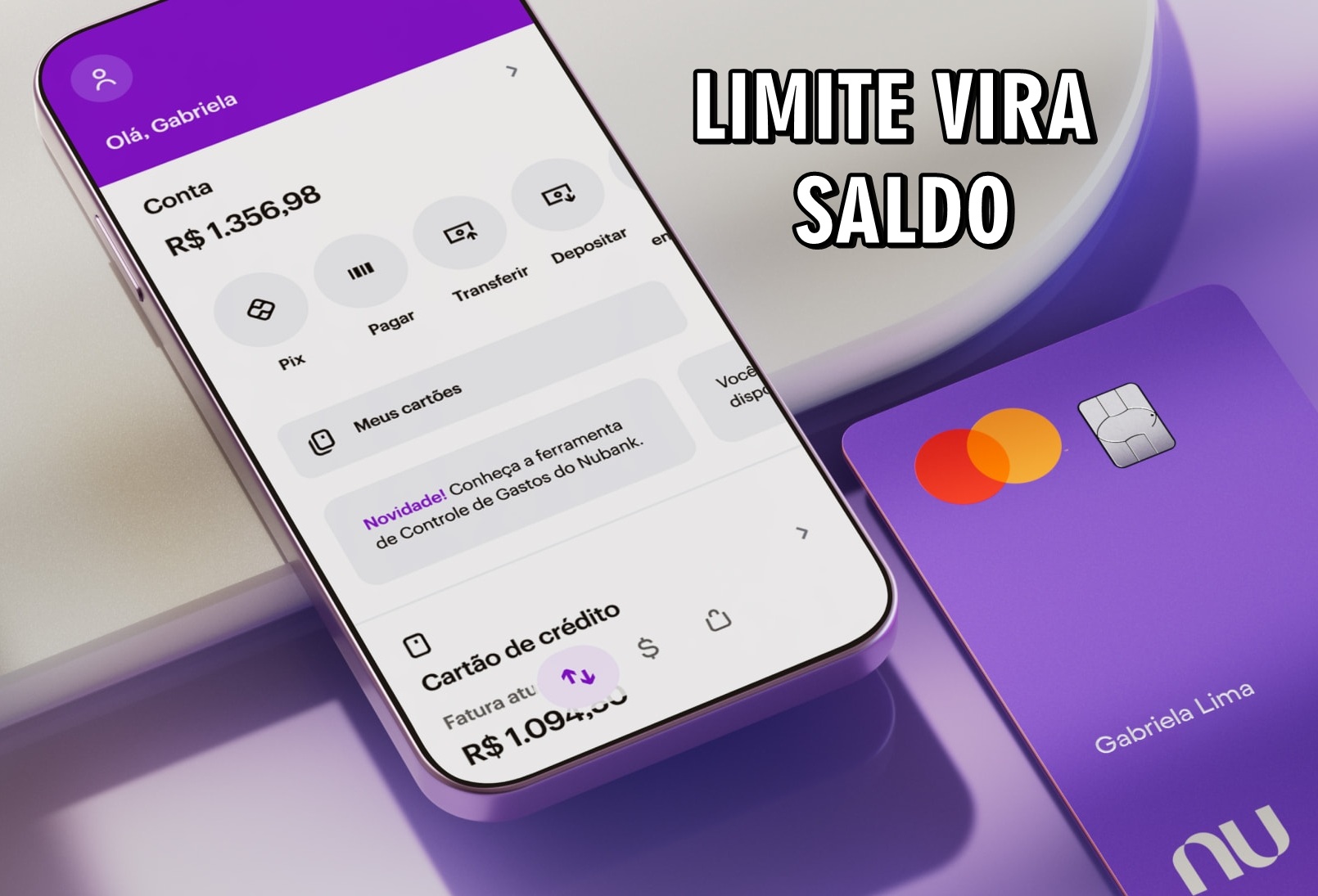
Understand How Nubank’s Feature Allows You to Convert Your Credit Card Limit into Account Balance, with Interest, Installments, and Immediate Use.
If you’ve ever found yourself without balance in your account and with a credit card full of limit, Nubank offers a quick solution that transforms Nubank limit into balance.
Since last year, the fintech has released a feature that allows customers to convert their credit card limit into balance directly in their account. The operation is done through the company’s app and has helped many people in emergency situations.
How the Limit Conversion Works
The feature allows you to transfer your credit card limit to your account as if it were cash credit.
-
NASA is advised to create a biocontainment facility on the Moon to prevent samples from Mars, the Moon, or other places in space from arriving directly on Earth with possible dangerous contaminants.

-
Scientists open lost cave in Norway and encounter a forgotten Arctic world with 46 species that existed 75,000 years ago.

-
Scientists were looking for a black hole in a galaxy 11 billion light-years away, but ALMA revealed a “factory” of neutrinos hidden by dust and powered by intense star formation.

-
Sandisk stock soars 5,636% in 14 months, surpasses Bitcoin’s appreciation in nine years, and shows how the race for artificial intelligence has turned SSDs and memory cards into coveted pieces by tech giants.





This can be useful in cases where payment needs to be made via PIX, or to take advantage of discounts on cash purchases. It also serves situations where the available balance is not enough for an urgent transfer.
It’s important to remember that this operation involves interest charges. Once the amount is chosen, the app shows the conversion conditions.
The operation’s interest, IOF (Tax on Financial Transactions), CET (Total Effective Cost), and installment options are presented.
Step-by-Step to Convert Limit into Balance
Nubank has created a simple and straightforward process. The customer needs to follow these steps:
- Open the Nubank app;
- Access the “Credit Card” tab;
- Tap on the “Convert Limit” option;
- Choose the amount to be converted;
- Define how many installments you want to pay;
- Choose which invoice will be charged the amount;
- Check all the operation details;
- Enter the password to confirm.
Once confirmed, the amount appears in the account immediately, ready for use. The operation is based on the credit limit still available.
That is, if the customer has a total limit of R$ 10,000, but only R$ 5,000 released, that will be the maximum amount they can convert.
What to Consider Before Using
This feature is practical, but it should be used with caution. Since it involves interest and fees, it is ideal to opt for it only in cases of real necessity.
Situations like a cash purchase with a discount or a financial emergency can justify the conversion.
Nubank business clients also have an advantage: it is possible to transfer the limit from the personal card to the business credit card.
Before using the feature, it’s recommended to check all conditions in the app or on Nubank’s official website, where all updated fees and information are listed.







Be the first to react!