





 Portuguese
  English
  Spanish
  4 min of reading
  0 comments


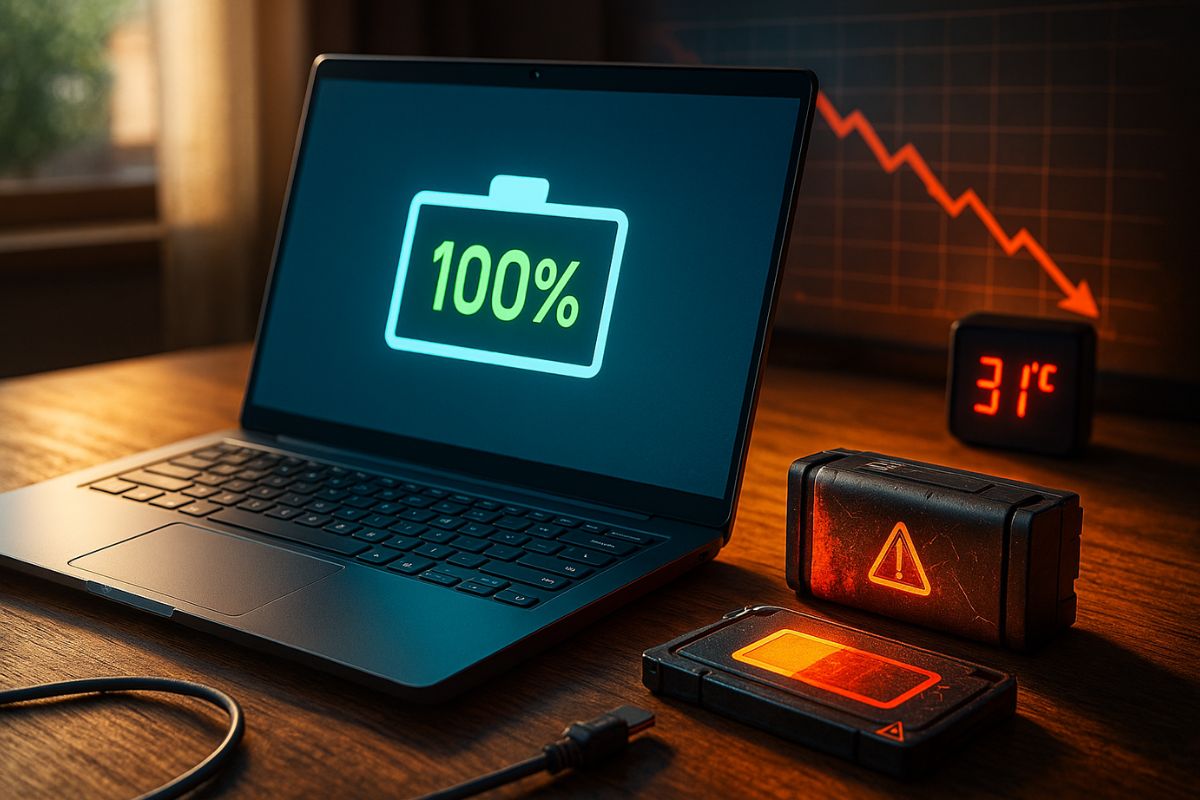
Experts Explain That Keeping Your Laptop Plugged In Doesn’t, By Itself, Damage The Battery, But Factors Like Excess Heat, Charge Cycles, And Poor Usage Can Compromise The Equipment’s Lifespan.
The question is recurrent: does leaving the laptop plugged in always ruin the battery? This common practice in offices and home offices sparks debate among consumers and technicians. According to experts consulted by g1 and Brazilian universities, the answer is more complex than a simple “yes” or “no.” The fact is that the battery does not suffer extra wear just for being connected to power, but there are variables that directly affect its lifespan.
Every lithium battery has a limited lifespan. Regardless of usage, it degrades over time due to internal chemical reactions. Professor Bruno Lima from Mackenzie Presbyterian University explains that the average durability is 2 to 3 years, which can vary according to the manufacturer, the quality of components, and how the user interacts with the equipment.
Charge Cycles: The Invisible Factor That Ages The Battery
One of the main indicators of wear is the charge and discharge cycle.
-
The oceans are darkening all over the planet – what is happening?

-
An engineer designs a solar plane to fly on Mars at an altitude of 1,000 meters and a speed of 300 km/h, covering 16,000 kilometers in a Martian year, 900 times the distance traveled by the Ingenuity helicopter in three years on the planet before experiencing a rotor failure, and NASA is already funding the feasibility study.

-
A new phenomenon of contactless magnetic friction intrigues scientists and questions a theory that has been valid since the 17th century.

-
An impressive phenomenon in Northern Brazil causes rivers of different colors to flow side by side, revealing secrets about sediments, currents, and biodiversity.

Each time the battery goes from 0% to 100%, a cycle is counted.
After hundreds of cycles, the autonomy tends to decline.
Keeping the laptop plugged in can even reduce the frequency of complete cycles, extending its short-term autonomy.
However, on the flip side, constant heating within the equipment can accelerate degradation not only of the battery but also of other internal components like the motherboard and the processor.
Old Models vs. Modern Models
Technology also makes a difference.
In older laptops, power would flow through the battery before powering the system, which accelerated wear.
In current models, power is sent directly to the computer when connected, sparing the battery.
Still, as Ricardo Ciuccio from Senac University Center warns, accumulated heat remains a silent enemy.
At elevated temperatures, battery cells lose efficiency, and excess heat can compromise essential circuits.
What The Manufacturers Say
Major manufacturers have distinct positions on the topic:
Lenovo: states that keeping the laptop plugged in does not harm the battery but recommends activating the Battery Charge Threshold feature, which limits the charge to 80%, preventing unnecessary wear.
Dell: suggests that the user disconnect the equipment periodically to complete charge cycles, balancing the battery’s lifespan.
HP: recommends that the laptop not remain plugged in for long periods, as this can cause loss of calibration of the battery, requiring later adjustments.
These differences show that there is no universal rule.
Each manufacturer develops energy management systems differently, and the best practice is to follow the instructions in the equipment’s manual.
Other Factors That Reduce Lifespan
In addition to cycles and heat, there are other elements that compromise the battery:
Falls and physical impacts, which can damage the internal structure and cause leaks;
Exposure to sunlight or surfaces that retain heat, like sofas and beds, which prevent proper ventilation;
Using non-original chargers, which can cause voltage and electrical instability issues;
Frequent complete discharges, which increase the chemical stress on the battery;
Lack of ventilation, which raises the risk of overheating the system.
These cumulative factors can reduce the battery’s lifespan by up to 3 years, hastening the need for replacement.
How to Identify a Battery That Is Near the End of Its Life
There are clear signs that the battery needs to be replaced:
Visible swelling in the compartment;
Slower charging than normal;
Reduced autonomy, with sharp drops in the charge level;
Sudden shutdowns, even with battery percentage available.
In these situations, the recommendation is to replace the component at an authorized service center, avoiding risks of leaks or explosions.
Good Practices to Extend Lifespan
Experts suggest simple measures that can make the battery last longer:
Keep the laptop’s air vents unobstructed;
Avoid using it on soft surfaces that retain heat;
Connect the charger only to stable electrical outlets;
Use original chargers from the manufacturer;
Activate charging limit features when available;
Avoid exposing the laptop to extreme temperatures.
Leaving the laptop always plugged in is not, by itself, the main villain of battery lifespan.
What truly matters are charge cycles, heat accumulation, and the user’s daily care.
By paying attention to these details, it’s possible to extend the durability of the equipment and avoid premature replacements.
And you, do you usually leave your laptop plugged in, or do you prefer to alternate between battery and charger? Do you think the manufacturers’ recommendations make sense? Leave your thoughts in the comments — we want to hear real experiences from those who deal with this doubt in their daily lives.








Seja o primeiro a reagir!