





 Portuguese
  English
  Spanish
  6 min of reading
  0 comments


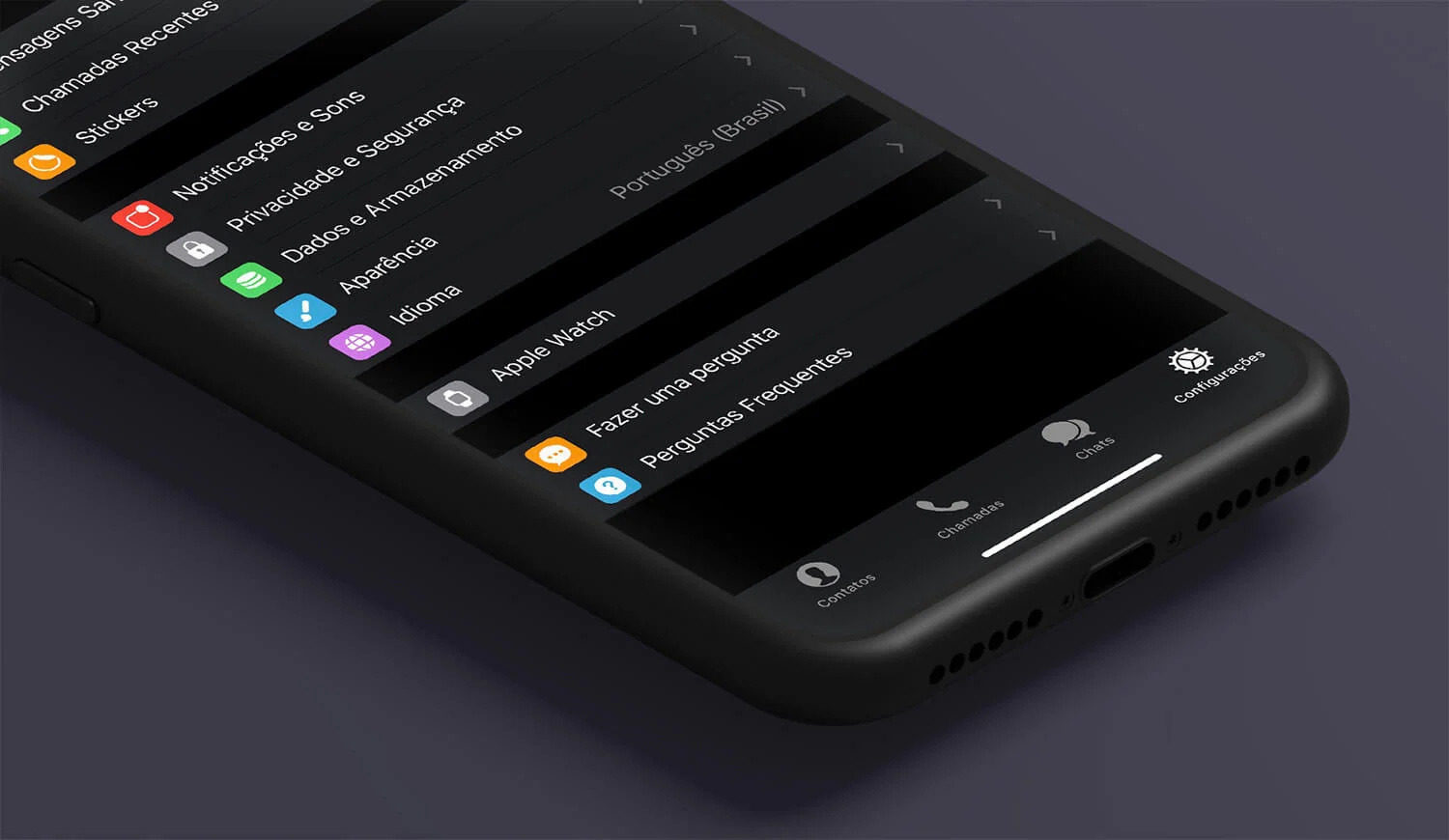
Check Out What Recent Tests Reveal About The Impact Of Dark Wallpaper On Battery Saving. See How The AMOLED Screen Influences The Energy Consumption Of The Phone And Find Out If This Tip Really Works.
The battery saving on cell phones is a constant concern for those who rely on the device all day long. A widely discussed practice is using dark wallpaper to reduce the energy consumption of the phone, especially on devices with AMOLED screens. But does this really work? This article brings information based on real tests, updated data, and technical explanations for you to understand if this habit is a fact or just a popular myth.
Dark Wallpaper And Battery Saving: Understand The Relationship
The use of dark wallpaper to save battery has a technical basis, but its effectiveness is conditioned by the type of screen technology of the phone. This is because on AMOLED (Active Matrix Organic Light Emitting Diode) screens, each pixel emits its own light.
When the pixel is displaying black, it is practically turned off, consuming very little or no energy.
-
Brazilian beaches are among the most contaminated in the world by cigarette butts, with levels up to 40 times above the global average and areas where this waste already represents the majority of all the trash found.

-
2,000-Year-Old Machine Gun: Roman weapon found in Pompeii fires arrows at 109 m/s with an automatic gear mechanism, leaving perfect geometric patterns on the walls and proving its real use in the siege of 89 B.C.

-
Petrobras builds inverted bridge and the project becomes a tourist attraction: unique structure allows the river to flow over the road and replaced precarious crossings.

-
Archaeologists find in Egypt mummies with tongues made of gold buried over 2,000 years ago, a rare discovery surprises researchers and reveals an unusual funerary practice.




This functionality allows images and wallpapers with predominance of black or very dark colors to reduce energy consumption in comparison with light images, which require higher brightness from the pixels.
Tests conducted by specialists, including analyses published in Gizmodo Brasil, show that on devices with AMOLED screens, battery savings can be noticeable—ranging from 5% to 20%, depending on usage and set brightness.
In contrast, on LCD screens (Liquid Crystal Display), the panel operates with a backlight that remains on at all times, regardless of the displayed colors. This means that dark wallpaper does not influence the phone’s energy consumption, making this practice useless for devices with this technology.
AMOLED Screen: The Essential Role For Battery Saving With Dark Wallpaper
The AMOLED technology is the main reason behind the real impact of dark wallpaper on battery savings. This technology is used in various models of modern smartphones, especially in mid-range and high-end devices.
Each pixel on an AMOLED screen is a small LED that emits its own light, and can be turned on or off individually. When a pixel displays black, it is essentially off, which reduces the phone’s energy consumption. Therefore, the more black or dark pixels on the screen, the lower the battery usage.
Technical studies indicate that depending on the intensity of black (whether pure black or black with gray tones), consumption may vary. Pure black guarantees maximum savings, while lighter shades reduce this effect.
Moreover, the dark mode implemented in operating systems like Android and iOS takes advantage of this feature to reduce consumption in menus, apps, and interfaces, going beyond just dark wallpaper.
Cell Phone Energy Consumption: Factors That Impact Beyond Dark Wallpaper
Although dark wallpaper can help save battery, it is important to highlight that it is just one of several factors that influence cell phone energy consumption.
Screen Brightness
The adjustment of screen brightness is one of the factors that most impact energy consumption. The higher the brightness, the more energy is consumed, especially on AMOLED and LCD screens. Reducing brightness to comfortable levels can result in much greater battery savings than simply changing the wallpaper.
App Usage
The operation of apps, especially those that run in the background, constantly connect to the internet, or require high graphics processing, can drain the battery quickly. Games, video streaming, and social media are common examples.
Connectivity
Wi-Fi, mobile networks, Bluetooth, and GPS are big energy consumers. The constant search for a signal or data transfer increases battery usage.
Settings And Usage Habits
Activating power-saving modes, turning off unnecessary notifications, and limiting automatic synchronization help extend battery life. User behavior, such as how often they unlock the screen or use the device, also influences.
Thus, dark wallpaper should be seen as a complement to good usage and configuration practices on the phone to optimize energy consumption.
How To Use Dark Wallpaper To Maximize Battery Saving On AMOLED Screens
If your phone has an AMOLED screen, following some tips can help you make the most of the battery savings provided by dark wallpaper:
- Choose Wallpapers With Pure Black: Prefer images with absolute black (#000000), which turn off pixels and reduce consumption.
- Enable The System’s Dark Mode: Both on Android and iOS, this mode changes the interface to darker tones, increasing savings.
- Adjust The Screen Brightness: Even with dark wallpaper, high brightness consumes a lot of energy.
- Use Apps With Dark Themes: Many popular apps already have this option, which can extend battery life.
On Android, it is possible to download specific wallpapers for battery saving, while on iOS, the dark mode has been integrated since iOS 13, also changing the appearance of apps and menus.
Dark Wallpaper, Battery Saving, And AMOLED Screen: What Do Experts Recommend?
Technology experts recommend using dark wallpaper as one of the strategies to improve battery life on phones with AMOLED screens. However, they warn that the effect is not miraculous.
The site Gizmodo highlights that this technique should be combined with other practices, such as reducing brightness, turning off unused functions, and controlling the use of heavy apps. This combination promotes real and noticeable savings in the phone’s energy consumption.
Furthermore, manufacturers and developers are investing in software that optimizes battery use, including improvements in AMOLED technology and dark mode, making this option more efficient over time.
Why Is Dark Wallpaper Not Effective On LCD Screens?
It is important to understand that not all phones benefit from dark wallpaper. LCD screens have a constant backlight that illuminates all pixels regardless of the displayed color.
This means that even if the wallpaper is black, the backlight remains on at the same level, consuming energy equivalent to that of light wallpaper. Therefore, on devices with LCD screens, switching to dark wallpaper does not bring significant savings.
In such cases, the best way to save battery is to adjust screen brightness, reduce the screen-on time, and control app usage.
Complementary Strategies For Battery Saving On Mobile Phones
In addition to dark wallpaper, there are several other strategies that are more effective in prolonging the phone’s battery life, regardless of the screen type:
- Turn Off Connections When Not Used: Wi-Fi, Bluetooth, and mobile data consume energy even in the background.
- Use Power Saving Modes: Almost all smartphones have this function that limits processes and reduces consumption.
- Update Apps And System: Updated versions tend to be more efficient in battery use.
- Avoid Extreme Temperatures: Excessive heat or cold affects battery performance.
- Manage Notifications And Synchronizations: Limiting notifications reduces energy expenditure on alerts.
Thus, dark wallpaper should be part of a set of practices for efficient battery saving.
Is It Worth Using Dark Wallpaper To Improve Phone Energy Consumption?
In summary, using dark wallpaper can help save battery; however, this advantage is real only on devices with AMOLED screens. For these devices, savings can reach up to 20% under specific conditions, especially with moderate to low brightness and heavy screen usage.
For devices with LCD screens, changing the wallpaper does not bring significant benefits to the phone’s energy consumption.
Understanding your device’s technology and combining dark wallpaper with other practices, such as adjusting brightness and controlling apps, is essential to prolonging battery life.
Therefore, if you want to get the most out of your phone and its battery, dark wallpaper is a valid tool, but it should be used along with other strategies to ensure the best possible savings.








-

-

-

3 pessoas reagiram a isso.