





 Portuguese
  English
  Spanish
  4 min of reading
  0 comments


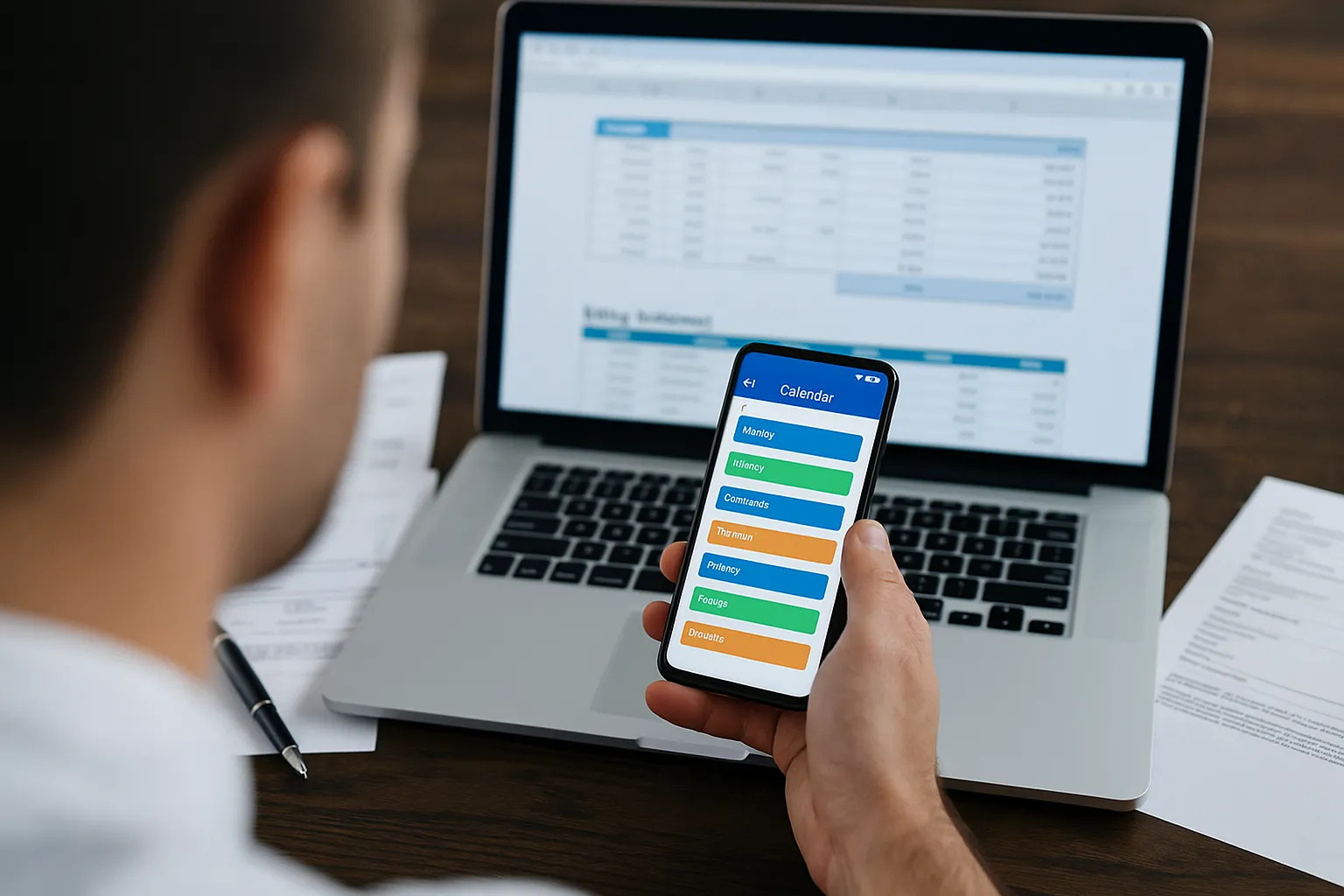
Have you ever stopped to think about how many times you’ve forgotten an appointment because you relied solely on your memory? In a world where time seems to fly faster than ever, apps for organizing your weekly routine have become indispensable allies. They help clarify tasks, distribute activities, and even create moments for breaks. More than just simple digital planners, these applications are personal management tools that bring order to the chaos of everyday life.
Apps For Organizing: Allies In Everyday Life
It’s no exaggeration to say that a good app can change the way you approach your week. By centralizing appointments, task lists, and reminders, you reduce the stress of trying to remember everything on your own. And the best part: many of these apps are intuitive, free, and available for both Android and iOS.
Google Calendar: Simplicity That Works
Among the apps for organizing your routine, Google Calendar is a classic. Automatically synced with your Gmail account, it integrates appointments, meetings, and even reminders for important events. You can create different calendars — one for work, another for studies, and another for personal commitments — and switch between them easily. In addition, smart notifications ensure you won’t miss any deadlines.
-
An engineer designs a solar plane to fly on Mars at an altitude of 1,000 meters and a speed of 300 km/h, covering 16,000 kilometers in a Martian year, 900 times the distance traveled by the Ingenuity helicopter in three years on the planet before experiencing a rotor failure, and NASA is already funding the feasibility study.

-
A new phenomenon of contactless magnetic friction intrigues scientists and questions a theory that has been valid since the 17th century.

-
An impressive phenomenon in Northern Brazil causes rivers of different colors to flow side by side, revealing secrets about sediments, currents, and biodiversity.

-
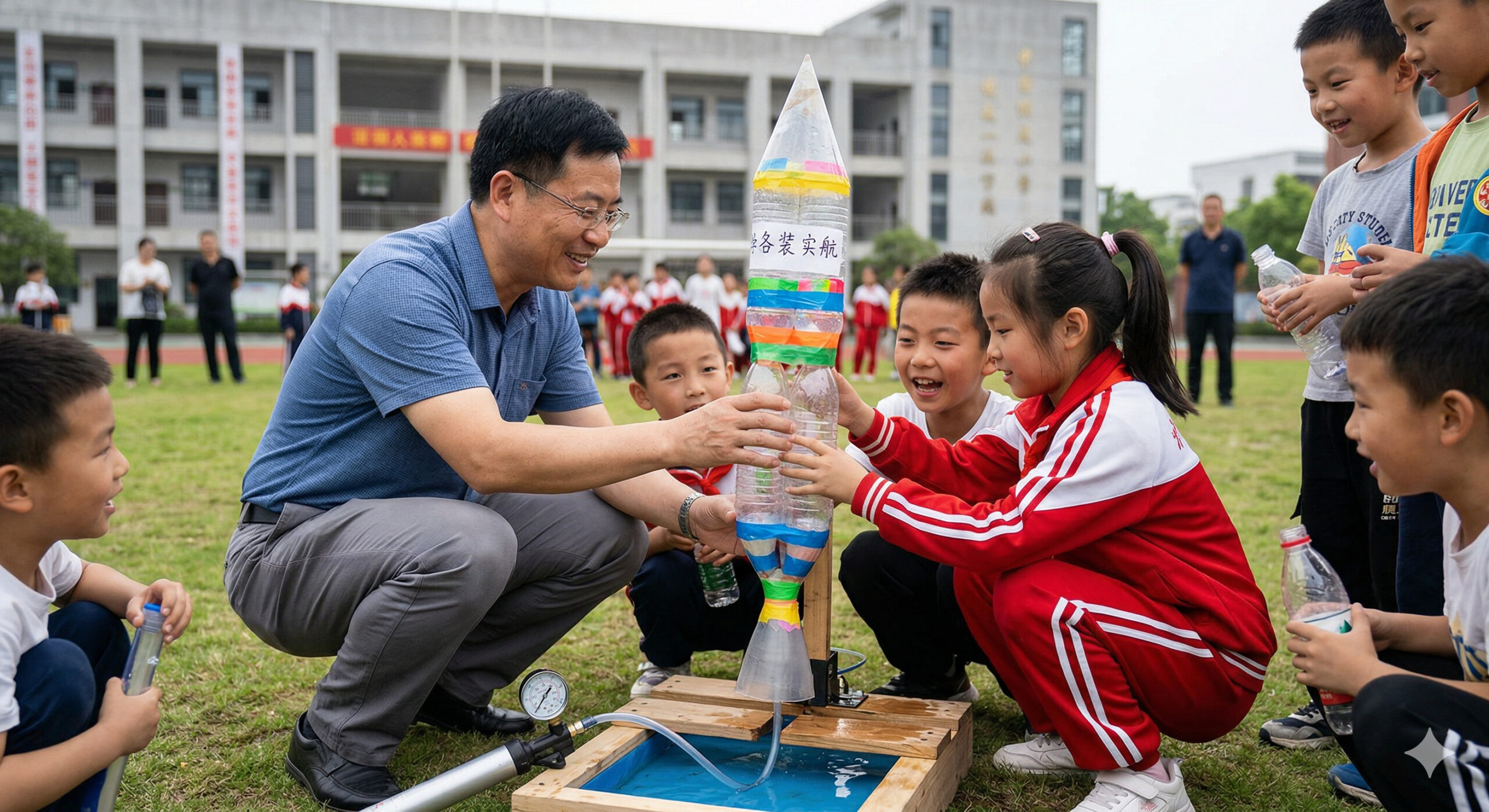
While many schools are still struggling with the basics, a teacher in China went viral for having elementary school students build a two-stage rocket using plastic bottles, water, and pressurized air in a science class that caught the attention of the entire world.

Todoist: Smart Lists
If you enjoy the feeling of checking tasks off a list, Todoist is perfect. This app organizes activities by priority, date, and even by projects. The interface is clean and straightforward, making it easy to focus on what really matters. One of the most interesting features is the ability to delegate tasks to others, ideal for those who work in teams or share responsibilities at home.
Trello: Visual Organization
For those who prefer to see their routine in the form of boards, Trello is one of the most comprehensive apps. It uses cards and columns to organize everything from a simple shopping list to planning a large project. Each card can have checklists, deadlines, colored labels, and even attachments. It’s a tool that blends personal organization with team management, making it versatile for both students and entrepreneurs.
Notion: The Digital Swiss Army Knife
Known as the “Swiss Army knife of productivity,” Notion goes beyond task lists. It allows you to create customized pages with calendars, note blocks, databases, and even integration with other tools. Although it requires a bit more time to learn, its flexibility pays off: you can create a system fully adapted to your lifestyle.
Microsoft To Do: Integration With Windows
Those who already use a Windows computer find a natural ally in Microsoft To Do. It replaced the old Wunderlist and features daily task lists, synchronization across devices, and integration with Outlook. The “My Day” feature is especially helpful, as it prioritizes only what truly needs to be done at that moment, avoiding overload.
Habitica: Productivity In The Form Of A Game
Among the apps for organizing, Habitica stands out for its fun proposal: turning your routine into an RPG. Each completed task earns points and rewards, as if you were leveling up a character in a game. This playful approach is perfect for those needing extra motivation to maintain habits, whether it’s studying, exercising, or drinking more water.
How To Choose The Best App For You
With so many options, the choice depends on your organizational style. People who prefer straightforward lists may adapt better to Todoist or Microsoft To Do. Those who appreciate a broad and visual view may feel more comfortable with Trello or Notion. And for those who need fun and constant stimulation, Habitica stands out as a differential.
Another important point is to test usability in your daily routine. Sometimes, an app full of features can become confusing if you don’t have time to explore them. Therefore, the tip is to start simple: use one tool, see if it makes your life easier, and if necessary, move on to more robust options.
Technology As A Partner In Your Routine
It’s worth remembering that no app works miracles if there isn’t discipline. Technology is a partner, not a substitute for personal organization. The secret lies in creating the habit of recording commitments, reviewing your week frequently, and adjusting your routine whenever necessary.
Incorporating these apps into your daily life is a step towards a lighter existence, with fewer forgetfulness and more time for what really matters. After all, when your schedule is organized, there’s mental space for creativity, rest, and quality of life.








-

Uma pessoa reagiu a isso.