






 Portuguese
  Spanish
 4 min of reading
  0 comments


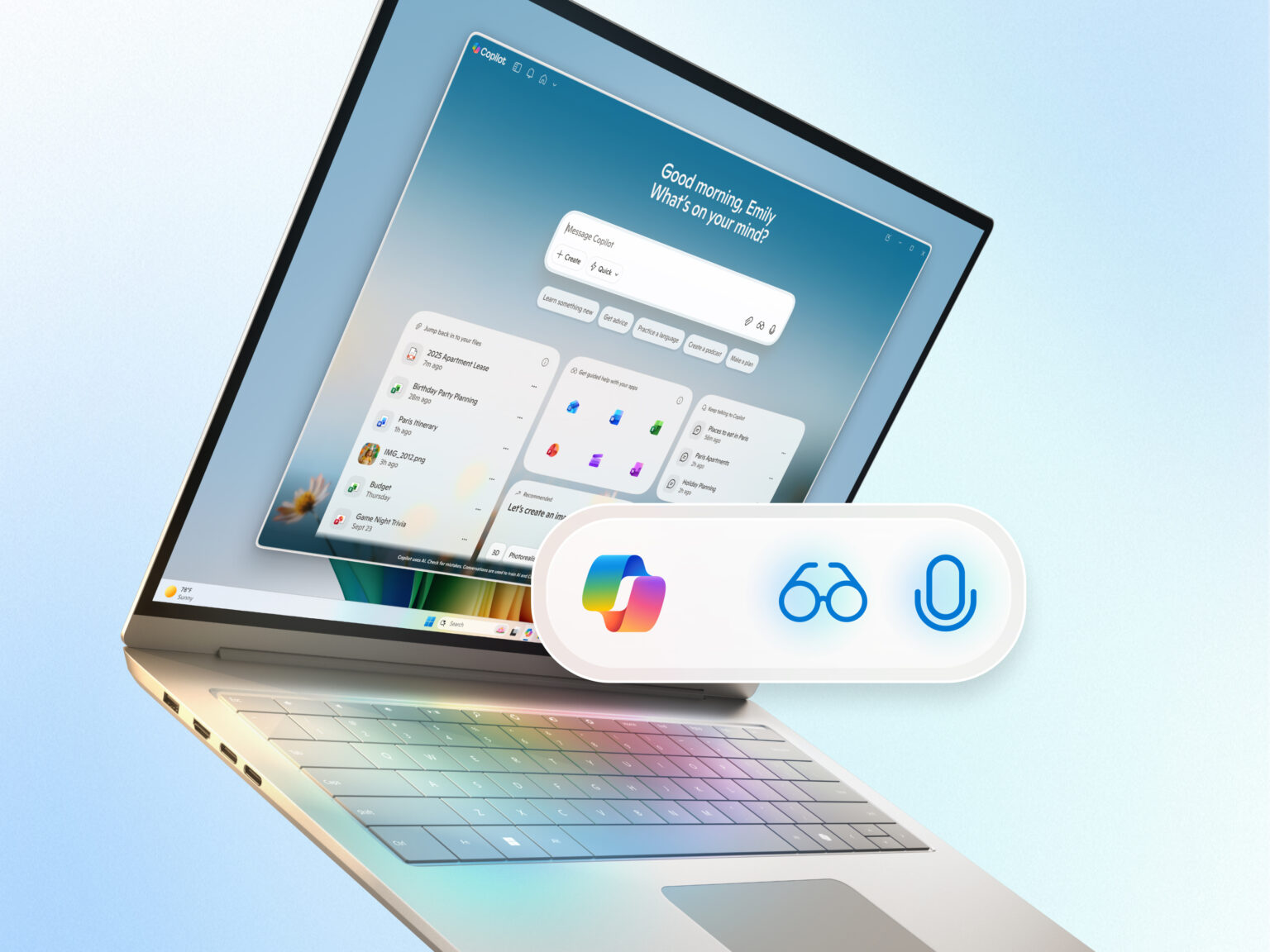
You blinked and Windows Gained Eyes and Ears. The new update to Windows 11 promises to completely change the way we interact with computers: now, the AI from Windows will be able to see your screen, hear your voice, and even perform complex tasks on its own.
What seemed like science fiction has become reality — and the most impressive part is that everything happens integrated into the system, without the need for additional hardware. Microsoft is turning Windows into a true digital personal assistant, capable of understanding, acting, and learning from the user.
Microsoft’s AI in Windows: When the System Starts to Understand You for Real
Microsoft introduced two new features that are drawing attention: Copilot Voice and Copilot Vision. The first allows you to converse with the computer by simply saying “Hey Copilot.” It’s like having an intelligent voice assistant within Windows itself, ready to open programs, organize files, answer questions, or even dictate texts in applications like Word and Outlook.
-
Helicopter Drops 180 Tons of Sand and Gravel on Swedish River to Revive Ecosystem Damaged by Decades of Exploitation

-
Brazilian Company Launches Retro Smartphone with 48 MP Camera, T9 Keyboard, and Privacy Features for Social Media-Free Use

-
Self-Taught Chinese Farmer Builds 5-Ton Submarine from Scrap, Launches It in Anhui River
-
Invisible Induction Technology Enables Wireless Power for Blenders, Coffee Makers, and Air Fryers, Reducing Countertop Cables





On the other hand, Copilot Vision is the company’s boldest step: it literally “sees” what’s on your screen. This means that the AI can analyze the displayed content, identify patterns, and help you execute tasks more quickly. Need to reorganize a spreadsheet, create a presentation, or understand a graph? Vision sees what you’re doing and suggests actions in real time.
And, according to Microsoft, all of this happens within the visible limits of the screen — except in Word, Excel, and PowerPoint, where the assistant has full access to the content to provide complete support during document editing.
The Voice That Makes Windows Act on Its Own
With Copilot Voice, just speak naturally for the system to understand what you want. Questions like “organize my travel photos” or “summarize this PDF” can already be processed by the AI, which executes the actions automatically.
In tests conducted by Microsoft, users who utilize voice commands interact up to twice as much with Copilot as those who type commands. It is proof that voice control is no longer just an accessibility feature — it has become a practical and intuitive way to use the computer in daily life.
Additionally, the company is testing Copilot Actions, an experimental feature that allows the AI to perform complete tasks on local files, such as renaming images, extracting information from spreadsheets, or moving entire folders. The user can follow the process in real time and even take control if preferred to finish manually.
New Start Menu: The Heart of Microsoft’s AI in Windows
The traditional Start menu of Windows has also been redesigned to give prominence to artificial intelligence. Now, the “Ask Copilot” button appears next to the Windows icon, allowing instant access to Copilot Voice and Vision.
The search has become smarter and more dynamic: as you type, results appear in real time, bringing not only apps and files but also contextual recommendations made by the AI.
According to Microsoft, the system uses APIs from Windows itself to ensure security and privacy, without granting direct access to the user’s personal content.
Total Integration with Google and Microsoft 365
The AI of Windows has also become more connected than ever. Thanks to new “connectors,” Copilot can interact with external services like OneDrive, Outlook, Gmail, Google Drive, Google Calendar, and Google Contacts.
This integration allows, for example, asking the AI to create a document in Word based on an email from Gmail, or generating a spreadsheet in Excel using data extracted from Google Drive. All with simple commands in natural language.
For those who work with content editing, there’s another bonus: direct integration with File Explorer, Filmora, and the website creation agent Manus, which simplifies tasks previously considered complex.
Windows That Understands Context: The Future Begins Now
The next step for Microsoft is to take Copilot to a new level with Copilot+ PCs, AI-optimized computers that are already prepared to handle these advanced functions.
These devices will have integration with tools like Zoom, allowing quick actions such as scheduling a meeting just by hovering over an email address. The promise is to make routines smoother, with fewer clicks and more productivity.
Even with so many features, Microsoft reinforces that users have complete control: it is possible to activate or deactivate Copilot Voice and Vision at any time, maintaining privacy and customizing the experience.
A Leap in Productivity — and an Inevitable Debate
As exciting as it is, the arrival of the AI from Windows also raises discussions about privacy and technological dependence. After all, we are talking about a system that literally sees and hears what happens on the computer.
Still, the advancement is undeniable: Microsoft is bringing Windows closer to a truly intelligent interaction model, where speaking and acting become part of the same experience. And this can completely change the way we study, work, and create in the digital world.
The future of PCs has already begun — and it has voice, vision, and intelligence to understand you better than ever.





Be the first to react!