






 Portuguese
  Spanish
 3 min of reading
  0 comments


Have you ever stopped to think if your smartphone has been hacked and you didn’t even notice? Many users only find out too late, when the damage has already been done — whether it’s an unauthorized purchase, access to private photos, or even suspicious transactions in the banking app. The good news is that your device gives clear signs, and understanding these signals can mean the difference between acting quickly or becoming a victim of digital scams.
How To Recognize The First Alerts Of Hacking
The first step is to recognize that no phone is 100% immune. Even with antivirus software and system updates, cybercriminals find vulnerabilities. When the smartphone has been hacked, signs appear in small changes that often go unnoticed.
Abnormal Battery Drain
If your battery that used to last all day is now draining in a few hours, without any change in your usage habits, it may indicate malware running in the background. Spyware consumes power while collecting information, accessing the camera, or microphone.
-
Helicopter Drops 180 Tons of Sand and Gravel on Swedish River to Revive Ecosystem Damaged by Decades of Exploitation

-
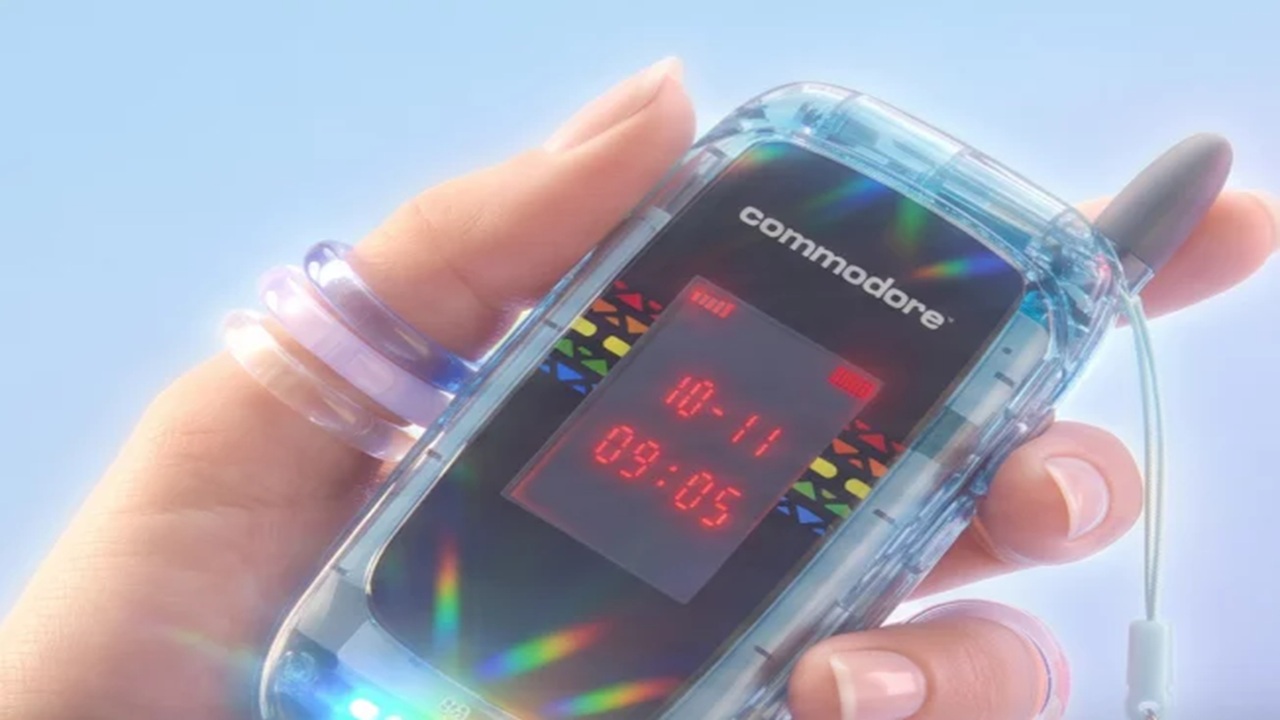
Brazilian Company Launches Retro Smartphone with 48 MP Camera, T9 Keyboard, and Privacy Features for Social Media-Free Use

-
Self-Taught Chinese Farmer Builds 5-Ton Submarine from Scrap, Launches It in Anhui River
-
Invisible Induction Technology Enables Wireless Power for Blenders, Coffee Makers, and Air Fryers, Reducing Countertop Cables




Sudden Slowdown Of The Device
A modern phone shouldn’t freeze constantly. If your smartphone experiences sudden slowdowns, apps closing on their own, or delays in opening even simple functions, it’s possible that strange processes are running without your authorization.
Pop-Ups And Strange Apps
Have advertisements appeared that didn’t exist before? Are there apps that you don’t remember installing? This is one of the classic signs of hacking. Malicious programs can be downloaded along with games, free utilities, or even fake updates.
Mobile Data Disappearing Fast
Has your internet package started to run out much sooner than expected? This may indicate that information is being sent in the background to external servers. This is a silent but highly concerning sign.
Suspicious Access To Banking And Social Media Apps
Receiving login notifications from cities or devices you’ve never used is a red flag. If the smartphone has been hacked, criminals first try to access banking and social media apps, seeking financial gain or identity theft.
What To Do Immediately After Suspecting Hacking
When there is suspicion, acting quickly can minimize damage. The ideal actions are:
- Enable two-step verification on all possible services.
- Immediately change passwords for banking, email, and social media.
- Uninstall unknown apps and restore security permissions.
- Run a full scan with a trusted antivirus.
- If necessary, perform a factory reset to eliminate any malicious software.
How To Prevent Your Smartphone From Being Targeted By Cybercriminals
Prevention is still the best medicine. Avoid downloading apps outside of official stores, always keep the system updated, and be wary of links received via SMS or instant messaging. Another key point is to never save banking passwords in notes or photos in your gallery — places easily accessed by malware.
More than just installing antivirus software or being careful with downloads, it’s about creating a digital security routine. Just as we lock our doors at home, we need to safeguard our phones. Recognizing early that the smartphone has been hacked can prevent financial losses and preserve privacy.





Be the first to react!