Portuguese
  Spanish


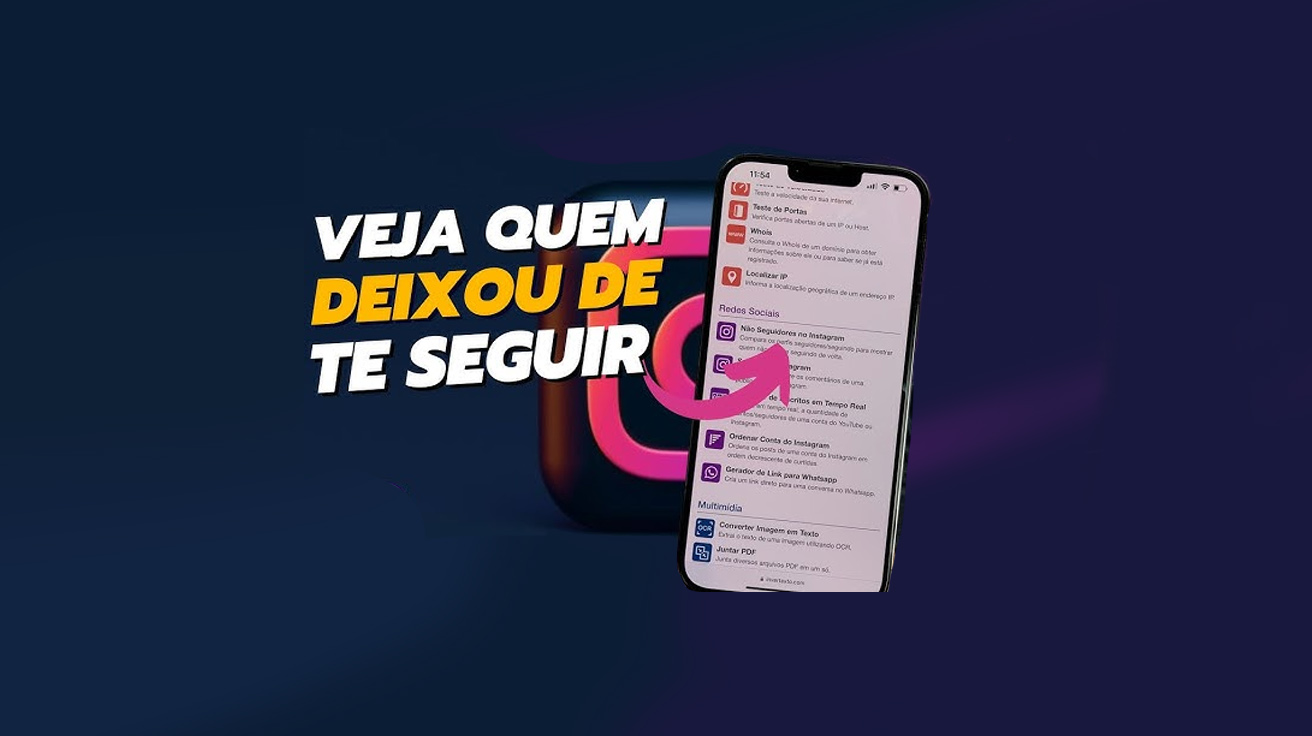

Discover How to Silently Identify Who Unfollowed You on Instagram with Tools That Promise to Reveal Unfollows Without Fanfare, But That Could Also Put Your Data at Risk. Learn How This Affects Your Digital Presence.
In an era of social media dominating interactions among friends, brands, and influencers, knowing who is returning or not returning your “follow” on Instagram has become more than just a curiosity: it’s almost a matter of digital etiquette.
Although the Meta app makes it easy to view who you follow and who follows you, it does not inform you when someone decides to unfollow your account, which creates a real mystery around “unfollowers.”
To fill this gap left by Instagram itself, various applications and even extensions for browsers like Google Chrome have emerged that promise to reveal who has silently stopped following you.
-
Thailand Converts 8 Tons of PET Bottles into 3,500 School Backpacks, Showcasing Circular Economy with Over 40 Factories Involved

-
Mysterious Bats Spotted in Paris’s Père Lachaise Cemetery, Drawing Tourists to the “Vampire Cemetery”

-
From Selling Street Food to Leading a $300 Million Construction Firm: The Journey of a Brazilian Entrepreneur

-
Abandoned Penthouse in Houston Reveals Million-Dollar Suite with 24-Karat Gold, Tiffany Crystals, and Opulence Even Elvis Might Have Snubbed




However, digital security experts warn that using third-party tools may violate the platform’s guidelines and even put your account at risk.
Still, many users continue to turn to these resources out of curiosity or for strategic reasons — especially content creators, influencers, and small entrepreneurs who rely on the real engagement of their followers to grow on Instagram.
The Search for Reciprocity on Social Media
The relationship between following and being followed has become increasingly sensitive on social media.
On platforms like Instagram, this dynamic often influences marketing decisions, audience relationships, and even the self-esteem of ordinary users.
That’s why the demand for solutions that identify the so-called “non-followers” — profiles you follow but that do not follow you back — has grown.
Although Instagram does not offer a native function for this, some apps available in the Android and iOS stores, as well as specific browser extensions, can provide this information with just a few clicks.
Apps to Know Who Unfollowed
In the mobile environment, both for Android and iOS, there are free apps that promise to show who has unfollowed your account.
Among the most popular are:
For iPhone (iOS)
- Reports+ for Followers
- Reports Followers Unfollowers
For Android
- Followers + Stalker for Insta
- Followers Analyzer
- Followers & Unfollowers
These apps offer more than just a list of “unfollowers” — many of them also include engagement graphs, number of ghost followers, recent blocks, and even suggestions on how to optimize your profile.
However, it is important to note that using these apps may pose risks to your privacy, as they require you to log in to your account.
Instagram’s official recommendation is that its users avoid using unauthorized external platforms, especially those that request direct access to your credentials.
In addition to potentially stealing sensitive data, these tools may lead to account suspension or banning.
Chrome Extension: A Quick and Practical Alternative
For those who prefer not to install apps on their phones, there is a practical alternative directly in the Google Chrome browser: the “Non-Followers on Instagram” extension.
This tool allows you to quickly identify the profiles you follow, but who have not reciprocated the follow.
This includes everything from personal accounts to profiles of celebrities, brands, or institutions that have never followed your account.
The installation is simple and takes only a few minutes:
- Access the address chromewebstore.google.com using the Chrome browser.
- Type “Non-Followers on Instagram” in the extension store search bar.
- The first option listed is usually the correct one. Click on it.
- Select the blue “Add to Chrome” button and then click “Add extension” when the pop-up appears.
After the installation process, the extension icon — usually with a pink background — will be displayed in the upper right corner of the browser.
How to Use the Extension to Discover Non-Followers
With the extension already activated, the process to identify the profiles that do not follow you back is straightforward:
- Access Instagram and log in to your account as usual.
- Click on the pink icon of the extension at the top of the browser.
- A pop-up window titled “Instagram Non-Followers” will open.
- Click on “Load.” In a few seconds, a complete list of profiles you follow, but who do not follow you back, will be displayed.
The advantage of the extension is that it does not require installing apps on your phone nor providing passwords outside the platform, which increases the security of the process.
However, like any external tool, it relies on permission to access your browser and your Instagram account to work correctly.
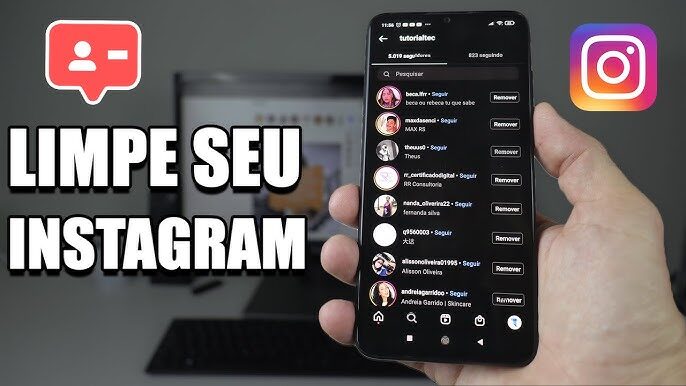
Attention to Risks and Instagram’s Policy
Although these solutions are quite popular, it is worth noting: using third-party services can pose a risk to your account.
Instagram has publicly stated that it does not support tools that request login outside its own interface, and may penalize users who share data improperly.
Additionally, some of these tools may only work for a period and then require payment to continue displaying the complete information.
Others are quickly discontinued, forcing users to frequently look for new alternatives.
Is There an Official Way to Monitor Followers?
For now, Instagram does not have an integrated function that informs when someone has unfollowed your account.
You can manually visit the followers list and compare it with the profiles you follow, but this process is slow and inefficient for those with many contacts.
However, in business accounts, there are more advanced analytical data that allow you to track follower growth or loss over time.
Still, this information does not reveal who specifically unfollowed the profile.
And you, have you ever been curious to know who doesn’t follow you on Instagram anymore? Or do you prefer to keep the mystery to avoid frustrations? Comment below and share your opinion!