






 Portuguese
  Spanish
  3 min of reading
  0 comments


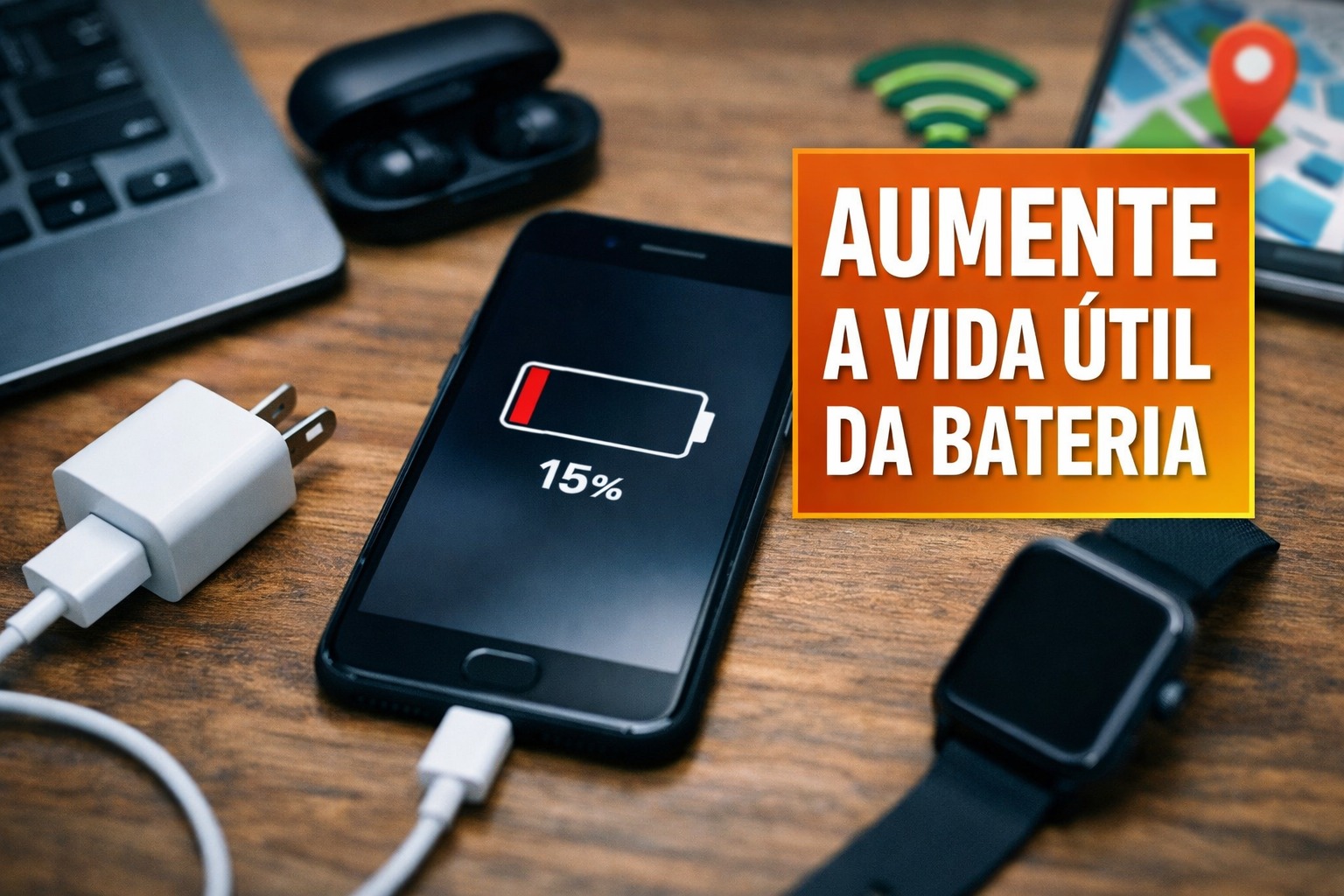
Screen Brightness, Background Apps, Connections, and Charging Directly Influence Autonomy. See Quick and Effective Practices That Help the Charge Last Longer and Reduce Battery Wear
With the use of social networks intensifying more and more, the battery of the smartphone has ceased to be just a technical detail and has become central to digital routine. Amid constant notifications and hours of active screen time, many users deal with the feeling that the charge is never enough. Although most smartphones use lithium-ion batteries, which naturally lose capacity over time, simple changes in settings and behavior can significantly alter this experience.
Simple Adjustments That Make Immediate Difference
Among the factors that most impact energy consumption, the screen stands out as the protagonist. Keeping brightness at an intermediate level, activating automatic brightness adjustment, and reducing the screen-on time are among the most effective measures in daily life.
The difference tends to be even more noticeable in devices with a high refresh rate, where each additional second of display demands more from the battery.
-
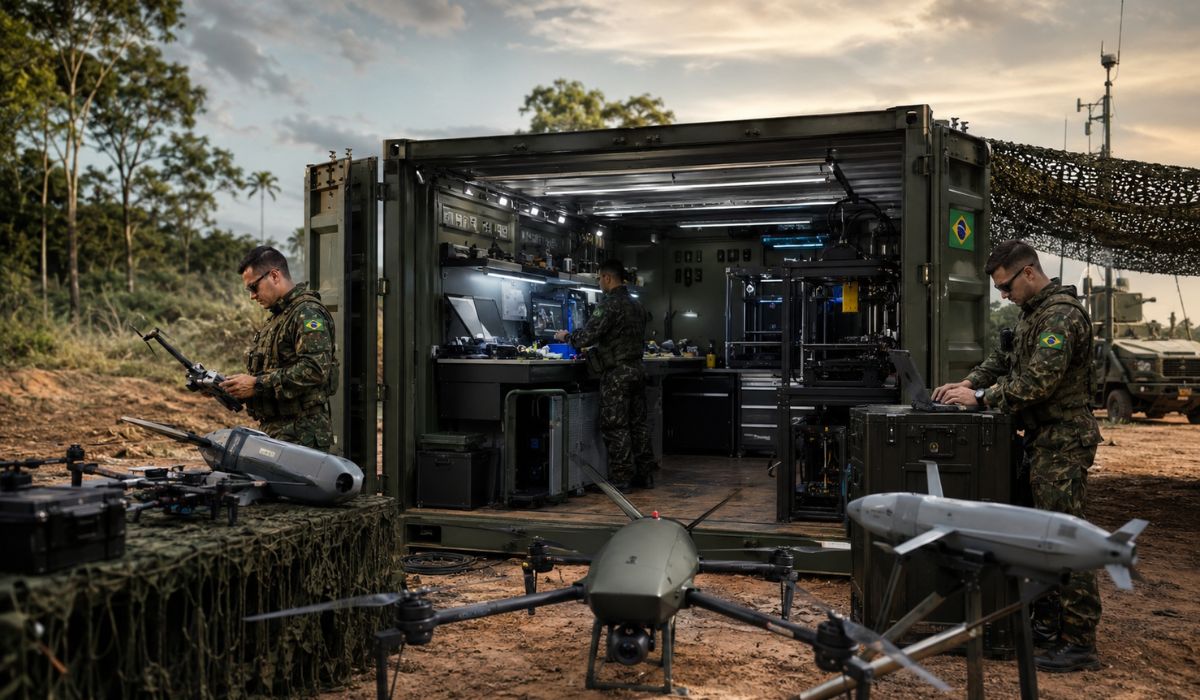
The factory that fits in a container: Brazilian Army wants to produce bomber and kamikaze drones on the front line with 3D printing, seeks partners to set up a mobile combat unit, and tries to shorten in Brazil the war logic that exploded in Ukraine.

-
Man creates homemade system with laptop batteries and reduces dependence on the power grid; the project has been operating since 2016 with reused batteries, 24 solar panels, and more than 10 kW.

-
China’s logistical rise raises an alert for Brazilian infrastructure: AI-driven ports handle 47 million TEU, Beijing invests R$ 285 billion in Africa and threatens up to US$ 60 billion of Brazilian agribusiness while Santos faces historical bottlenecks.
-
NASA focuses on astronaut feces to feed plants on the Moon with a system of 3 bioreactors capable of recycling waste, recovering water, and extending space missions after achieving 98% reuse on the ISS.


Updates also play a relevant role. Systems and applications frequently receive fixes and energy optimizations.
Ignoring these updates may mean living with already resolved bugs and invisible charge waste.
Likewise, reviewing permissions, removing unused apps, and avoiding unnecessary widgets helps contain background processes.
Strategic Settings to Save Energy
Battery-saving tools limit less essential tasks, reduce automatic synchronizations, and adjust device performance.
They gain importance in critical moments, such as when the charge is low and there is no forecast for recharging.
Controlling connections like Wi-Fi, Bluetooth, mobile data, GPS, and NFC also proves decisive. Disabling features not in use reduces consumption without compromising essential functions.
Understanding the Apps That Drain Battery Most
Energy consumption reports allow identifying which applications exert the most pressure on the charge. Social networks, games, camera, and navigation often top the list.
By recognizing this pattern, the user can adjust usage time, review location permissions, and restrict background activities.
A basic roadmap helps in this process:
- Open battery settings
- Check apps with the highest consumption
- Review permissions and background activity
- Disable non-essential notifications
- Track results for a few days
Recharging Habits That Preserve the Component
The way the smartphone is charged directly influences battery health. Lithium-ion components tend to conserve better in intermediate ranges, between about 20% and 80%.
Using quality chargers and cables, avoiding excessive heat, and prioritizing partial charges are among the most recommended practices.
In devices with fast charging, the guideline is to use it sparingly. Removing very thick cases in case of heating and using outlets in good condition complement the care.
These are discreet measures, but over time, they can prolong the device’s lifespan and reduce future headaches.
With information from Estado de Minas.








Be the first to react!