






 Portuguese
  Spanish
  4 min of reading
  0 comments


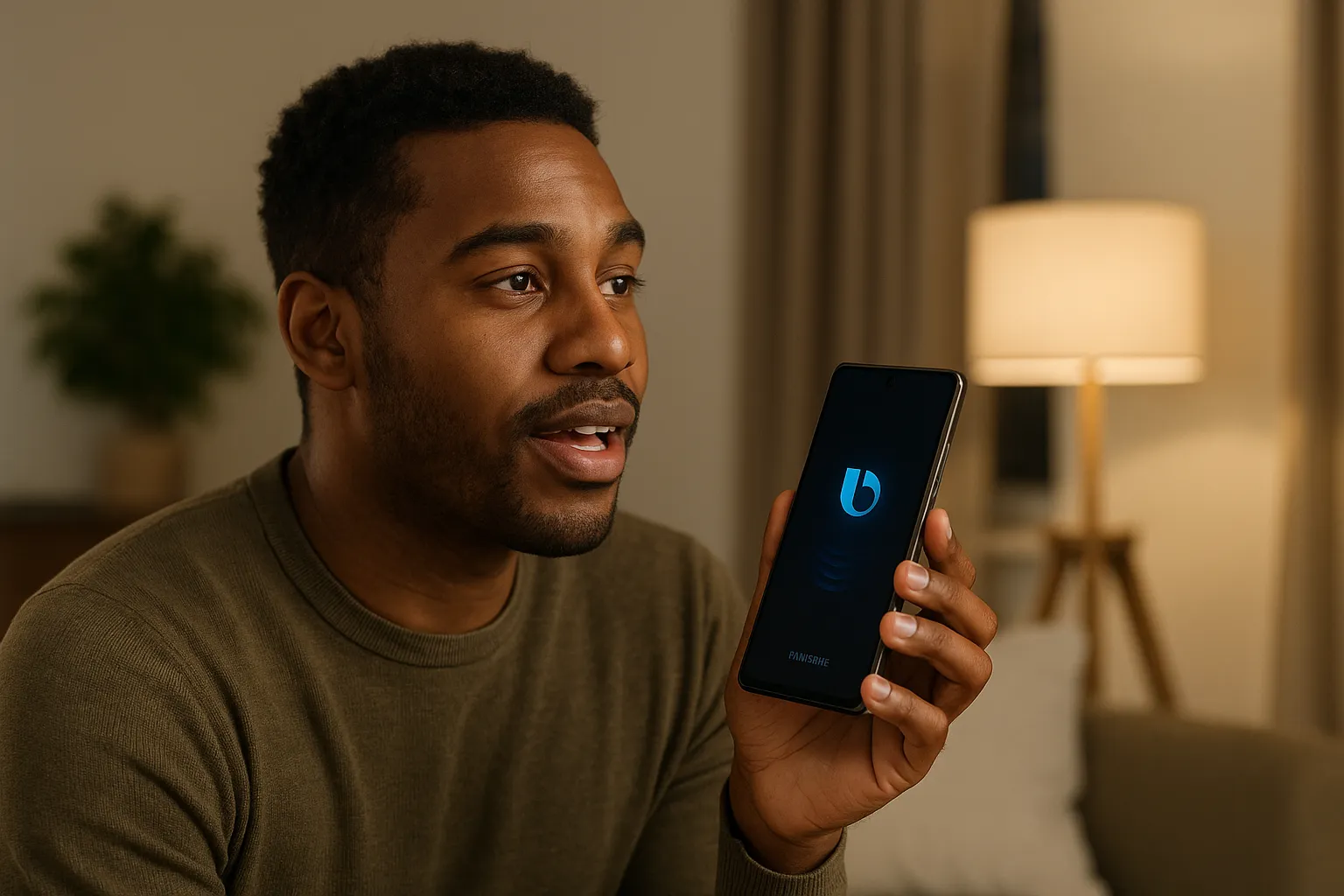
Have you ever stopped to think about how much time you could save if some tasks in your daily life were done just by using your voice? Samsung smartphone users have Bixby at their disposal, the virtual assistant that goes far beyond answering trivial questions. Although many still underestimate it, it holds a series of tricks and voice commands that can transform the Galaxy experience into something much smoother, practical, and even fun.
What Is Bixby on Samsung Galaxy
Bixby was launched as Samsung’s answer to the wave of virtual assistants like Siri, Alexa, and Google Assistant. But, unlike its competitors, it was born deeply integrated into the Samsung ecosystem. This means that, in addition to basic functions, it can control specific device features and even communicate with other smart devices from the brand.
For those who have a Smart TV, an air conditioner, or even a refrigerator from the Samsung line, Bixby becomes even more powerful, functioning as a true voice command hub.
1. Create Quick Reminders with Voice Commands
One of the most useful tricks of Bixby on Samsung Galaxy is the ability to create reminders instantly. Instead of opening the Calendar or Notes app, just say: “Bixby, remind me to call João at 3 PM”. The assistant registers the appointment and sends the notification at the right time.
This feature is especially valuable for those who live in a rush and don’t want to waste time typing. It’s like having a personal assistant always available in your pocket.
-
Helicopter Drops 180 Tons of Sand and Gravel on Swedish River to Revive Ecosystem Damaged by Decades of Exploitation

-
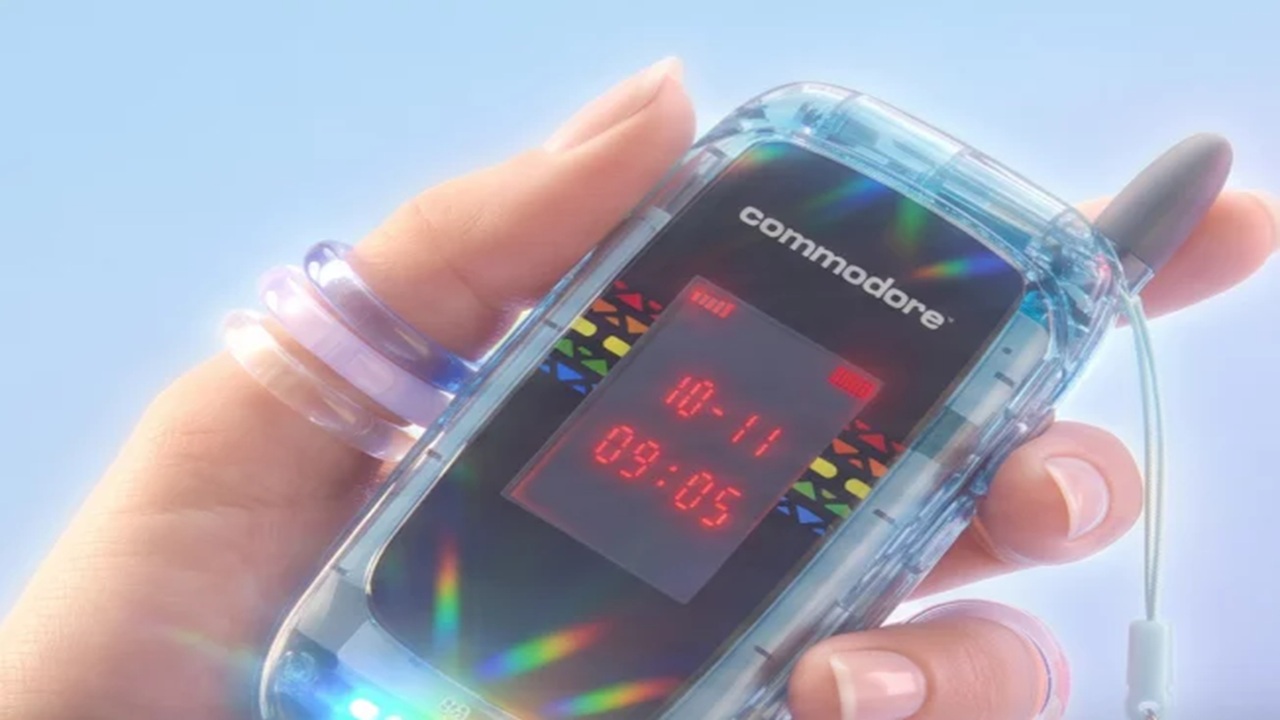
Brazilian Company Launches Retro Smartphone with 48 MP Camera, T9 Keyboard, and Privacy Features for Social Media-Free Use

-
Self-Taught Chinese Farmer Builds 5-Ton Submarine from Scrap, Launches It in Anhui River
-
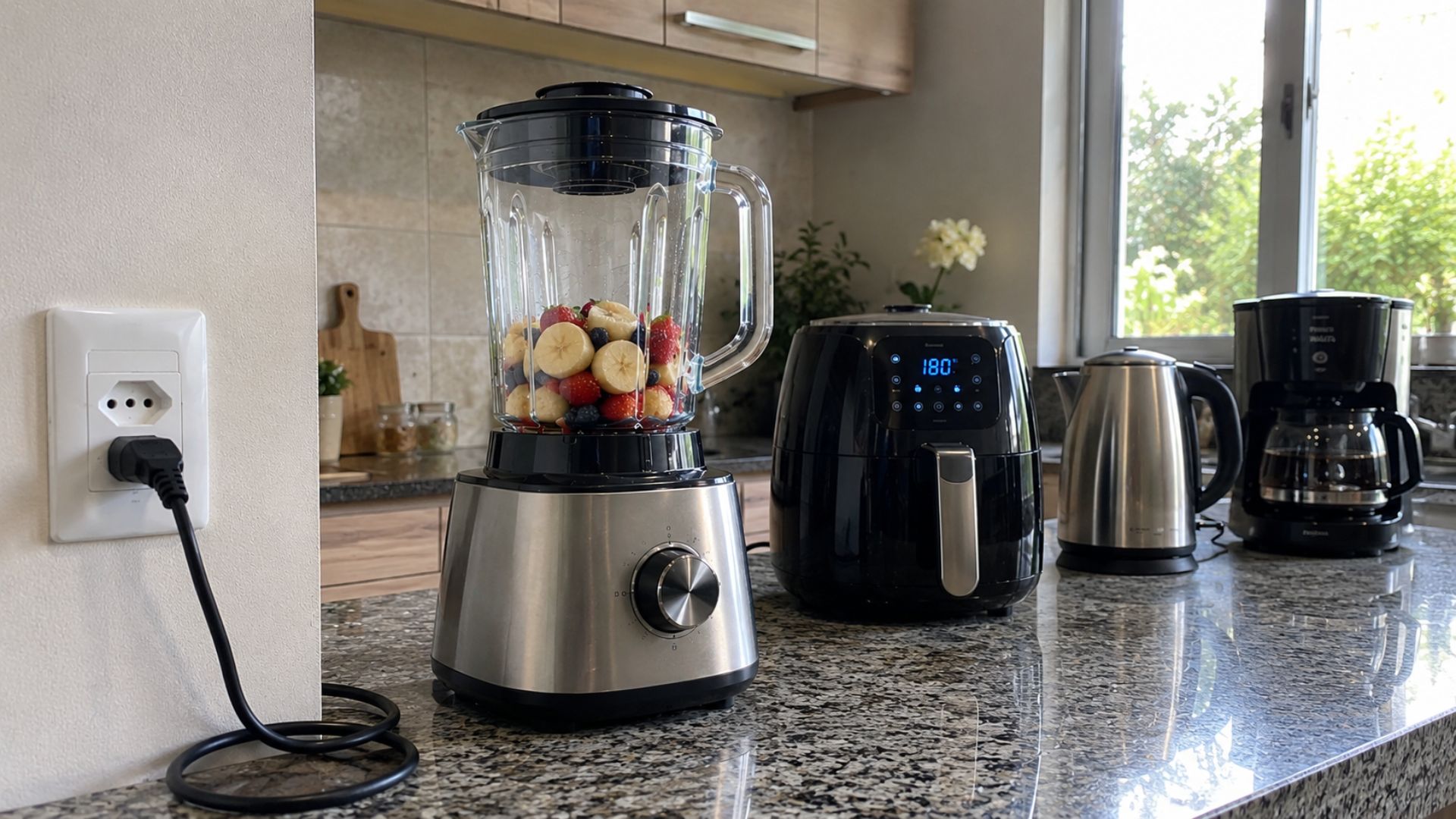
Invisible Induction Technology Enables Wireless Power for Blenders, Coffee Makers, and Air Fryers, Reducing Countertop Cables



2. Adjust Phone Settings Without Touching the Screen
How many times have you been navigating through menus to find a simple setting? With Bixby, that problem disappears. You can simply say: “Turn on Wi-Fi”, “Turn off Bluetooth”, or “Put the phone on silent mode”.
This direct control makes all the difference in situations where your hands are busy, like in the kitchen or while driving. Bixby on Samsung Galaxy shortens paths and gives the user immediate control over the device’s functions.
3. Launching Apps and Custom Shortcuts
Another little-explored function is opening apps with your voice. Instead of searching for the icon on the home screen, just say: “Open Spotify” or “Open WhatsApp”.
But the feature doesn’t stop there: you can create chained commands. For example, by saying “Bixby, workout time”, it can open Spotify, adjust the volume to 70%, and start the timer all at once. It’s like programming smart routines that adapt to your lifestyle.
4. Instant Translation in Real Time
Those who love to travel or need to deal with different languages will be surprised by this trick. Bixby on Samsung Galaxy can translate phrases quickly. Just say: “Bixby, translate ‘where is the train station’ to English”.
This function works practically and can save time in situations where a translation app would take longer to open. It’s like having a personal interpreter who accompanies you anywhere.
5. Camera Control and Taking Photos
Whether to capture a moment without interrupting what you’re doing or to take selfies without touching the screen, Bixby is a lifesaver. Try saying: “Bixby, take a photo” or “Record a 30-second video”.
Additionally, it’s possible to adjust details, like turning on the flash or switching to the front camera, all just with voice commands. This feature showcases how integrated the assistant is with the Galaxy hardware.
6. Integration with Samsung Smart Devices
The cherry on top is Bixby’s interaction with other Samsung devices. Imagine coming home and saying: “Bixby, I’m home”. Automatically, the lights turn on, the air conditioner adjusts the temperature, and the TV turns on to your favorite channel.
This automation transforms the experience into something worthy of science fiction, but completely real. With more and more smart devices available, the trend is for Bixby to become even more indispensable.
Why Many Still Don’t Take Advantage of Bixby
Curiously, despite so many features, many people still ignore or disable Bixby. The reason? In part, the strong presence of Google Assistant on Android phones. However, those who allow themselves to explore discover that Bixby on Samsung Galaxy has a unique advantage: the deep integration with native resources and the brand’s ecosystem.
This detail makes all the difference, especially for those looking for speed and automation in everyday tasks.
A Discreet Yet Powerful Ally
Bixby may not have the same marketing appeal as other assistants, but it is a tool that truly facilitates daily routines. Whether to optimize time, organize appointments, or even control smart devices, it is ready to assume a central role in digital life.
If you haven’t tried it yet, maybe it’s time to activate the feature and test some of the commands we’ve mentioned. After all, what could be more practical than solving common tasks just with your voice?





Be the first to react!