






 Portuguese
  Spanish
  4 min of reading
  1 comment


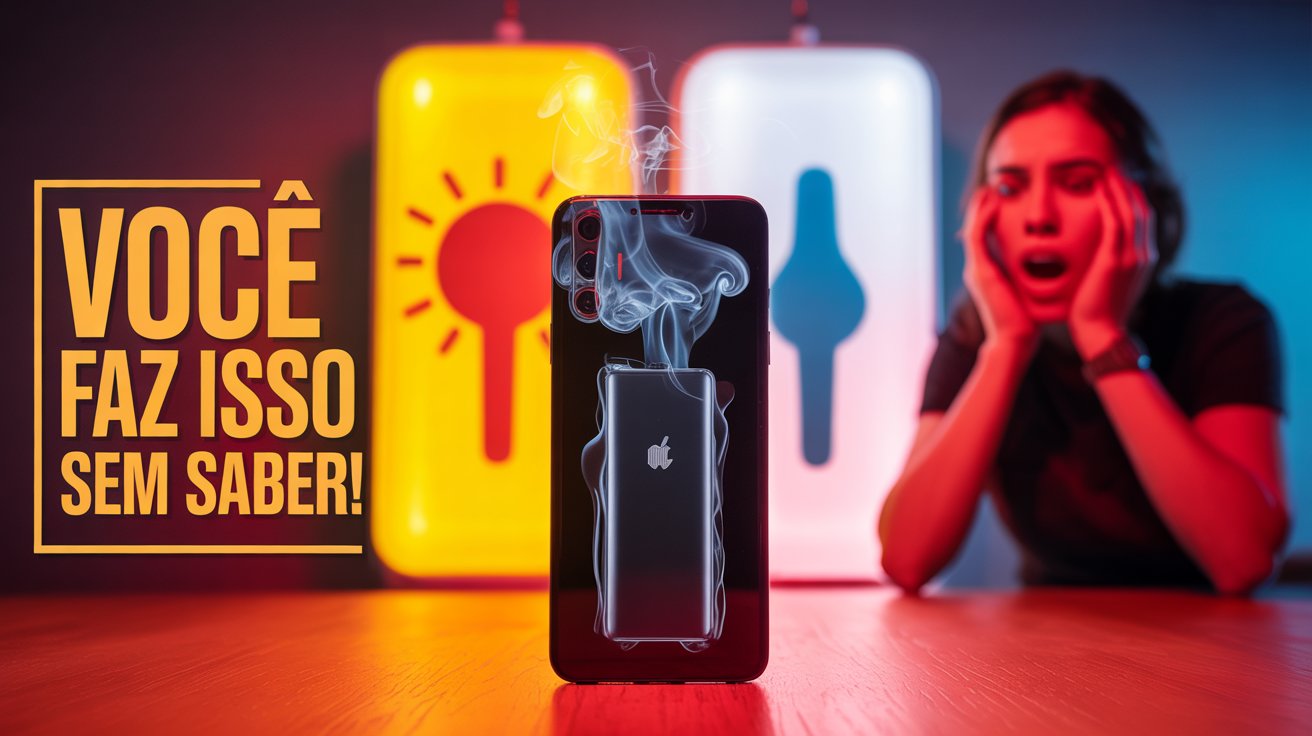


Bad Habits During Daily Use And Charging Can Drastically Compromise Battery Lifespan And Reduce Smartphone Performance Over Time. Know Which Practices To Avoid To Prolong The Useful Life Of Your Device.
Leaving The Phone Plugged In For Long Periods
Keeping the phone connected to the charger for long periods, especially overnight, is one of the most harmful habits for battery health.
Even though most modern smartphones have protection systems against overcharging, prolonged exposure to electric current can, over time, degrade charge retention capacity.
The common practice of leaving the device plugged in while the user sleeps favors internal heating and accelerates the wear of lithium ions, which are responsible for conducting energy in most current batteries.
-
About 700 residents live inside the crater of an active volcano in Cape Verde, with houses and vineyards spread over the already solidified lava. With each eruption that buries the village, the population returns and rebuilds everything in the same place, in one of the most extreme settlements on the planet.

-
Workers removed old panels from a Scottish lighthouse and found a hidden bottle with a message from 1892, names of engineers, lighthouse keepers, and details of a lens used to guide ships.

-
Your child may be gifted and you don’t even suspect it: experts warn that even low grades and disinterest in school may hide high abilities behind boredom.
-
An old telephone booth was removed during construction at an English station and ended up revealing tunnels under platform 4, with hidden rooms connected to the railway logistics of another era.



Charging To 100% Or Letting It Drain Fully
Allowing the battery to drain completely frequently or charging it to 100% constantly is a common mistake.
Technical studies indicate that extreme charging cycles — below 20% and above 80% — are the ones that most compromise the integrity of the component.
Keeping the charge level within this intermediate range helps reduce chemical and thermal stress on the battery’s internal elements, preserving its efficiency for longer.
Using Counterfeit Chargers
The use of counterfeit chargers or those without official certification poses a direct risk to the durability and safety of the phone.
Manufacturers such as Samsung, Apple, and Motorola advise that only certified accessories be used.
Parallel models, in addition to potentially causing overheating, generally do not offer protection against power surges, which can lead to irreversible failures or even fires.
The presence of seals like those from Anatel (National Telecommunications Agency) ensures that the charger has passed safety and performance tests.
Using The Phone While Charging
Using the phone while it is charging contributes to the increase in the device’s temperature.
The combination of charging and simultaneous processing, especially with heavy apps like games or video calls, generates excessive heat that directly affects the battery’s lifecycle.
Although the cooling systems of devices have evolved, continuous use during charging is still discouraged by technology experts.
Exposure To Extreme Temperatures
Exposing the smartphone to extreme temperatures significantly affects battery performance.
According to studies from Stanford University, temperatures above 35 °C or below 0 °C directly impact the internal chemistry of lithium-ion batteries.
Very hot environments accelerate internal reactions and compromise insulating material, while cold reduces temporary storage capacity and can cause energy reading failures.
It is recommended not to leave the phone in places like the car dashboard exposed to the sun or open areas on cold days.
Settings That Save Battery
The lack of adjustments in the operating system contributes to excessive battery consumption.
Simple settings, such as reducing screen brightness, activating power-saving mode, and turning off connections like Bluetooth, Wi-Fi, or GPS when not in use, can significantly increase the device’s autonomy.
Some systems, such as Android and iOS, offer native features that monitor and suggest automatic optimizations based on the user’s usage pattern.
Background Apps
Keeping apps open in the background negatively affects battery lifespan.
Many of these apps continue to consume processor resources even when they are not visible.
This increases the phone’s temperature and requires more frequent charging.
Regularly closing these programs, in addition to limiting unnecessary notifications, contributes to energy efficiency.
Periodic system updates also bring software improvements that fix consumption issues identified by manufacturers.
Signs Of Battery Wear
Over time, all smartphones will inevitably show signs of battery wear.
Some of the most common ones include a drastic reduction in autonomy, abnormal heating during use, and unexpected shutdowns, even with reasonable charge levels.
Such symptoms indicate that the component is nearing the end of its lifespan, and replacement becomes necessary.
When To Seek Technical Assistance
In such situations, it is recommended to seek authorized technical assistance.
Replacing the battery with qualified professionals avoids additional damage to the device and reduces the risks of leakage, swelling, or explosion of the component.
Some official networks offer free diagnostic services that identify if the problem is indeed with the battery or with other circuits in the device.
It is important to remember that attempts at replacement by unqualified individuals can render the phone useless.
Tools To Monitor Battery
For users who want to track the battery’s condition in real-time, there are free and reliable apps available in the official Android and iOS stores.
These tools provide data such as actual charge capacity, number of cycles performed, and alerts about temperature or irregular performance.
Apps like BatteryGuru (Android) or CoconutBattery (Mac/iPhone) are popular examples that assist in damage prevention and efficient battery management.
By adopting simple and conscious practices, such as avoiding the use of uncertified chargers, limiting charging time, and protecting the phone from abrupt temperature changes, it is possible to significantly prolong the battery’s lifespan and keep the device performance stable for longer.
Have you identified any of these mistakes in your daily routine? What measures have you started to adopt to preserve your phone’s battery?






Os aparelhos começaram a se tronar descartáveis quando foi retirado o acesso a bateria pelo usuário. A troca da bateria era feita em poucos segundos, bastava adquirir uma bateria nova original. Atualmente a vida útil de um smartphone está ligada a bateria e poucos são aqueles que ao final da vida útil daquela optam por fazer a troca, preferindo comprar outro aparelho. Fato!