






 Portuguese
  Spanish


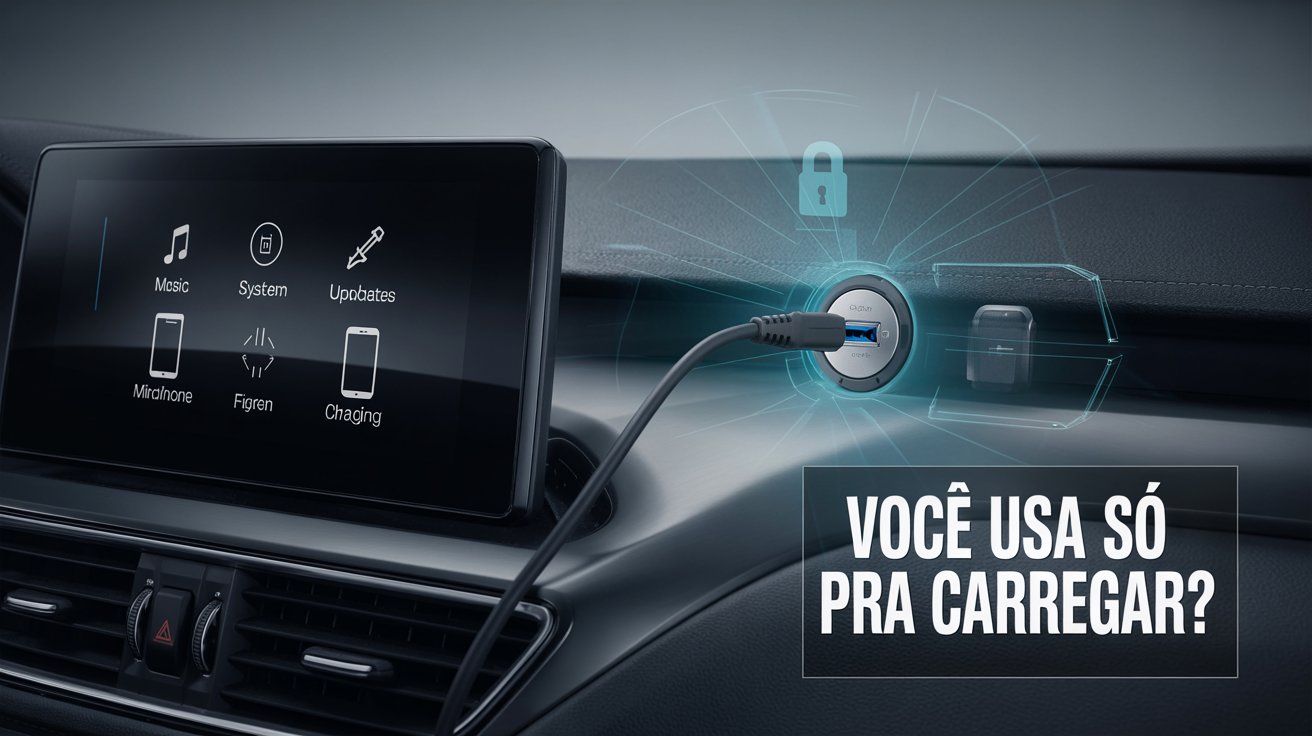
The Car USB Port Can Offer Much More Than Phone Charging, Revealing Useful Features That Improve Connectivity, Entertainment, and Safety During Daily Use of the Vehicle.
Although many drivers use the car’s USB port solely for charging their phones, this component hides a series of technical functionalities that remain unknown to a large part of users.
Present in virtually all current vehicle models, the USB port can be a powerful tool to enhance the driving experience, onboard entertainment, and connectivity between the car’s systems and the smartphone.
In times of cars increasingly equipped with multimedia centers and virtual assistants, understanding everything that this small interface is capable of offering can optimize the use of the vehicle in daily life.
-
Uber Black Revamps Fleet, Drops Ten Car Models and Sets Deadline for Electric BYD Dolphin

-
Chinese Giant Uses Metal Structures and Cranes to Deliver Over 700 Electric Cars to Brazil

-
Uber Faces Shareholder Scrutiny as Board Accused of Ignoring Safety, Compliance, and Harassment Warnings Amid Over 3,500 U.S. Lawsuits
-
Ferrari’s First Electric Car Divides Fans, Priced at $630,000, Amid Concerns Over Limited Editions; Brand Clarifies It’s Not Just for Future Perks


Based on practical tests and verified technical information, six underutilized but highly useful functions available through the automotive USB port have been compiled.
Vehicle USB Charging: Limitations and Technical Tips
Charging smartphones is undoubtedly the most common function associated with the car’s USB port.
However, the charging capacity can vary depending on the model and year of manufacture of the vehicle.
While some ports provide only 0.5 amperes (A), others can reach up to 2.1 A or more, resulting in significantly different charging times.
Depending on the multimedia center, using the USB port simultaneously for charging and mirroring the phone may affect performance.
It is advisable to test with a good quality cable and check if the device is indeed gaining charge or just maintaining the current level.
Specific applications can measure the received electric current, providing more accurate data on charging performance.
Additionally, it is important to observe that many vehicles only activate the USB port when they are on or in “accessory” mode.
Older models tend to offer less powerful ports, suitable only for data transfer.
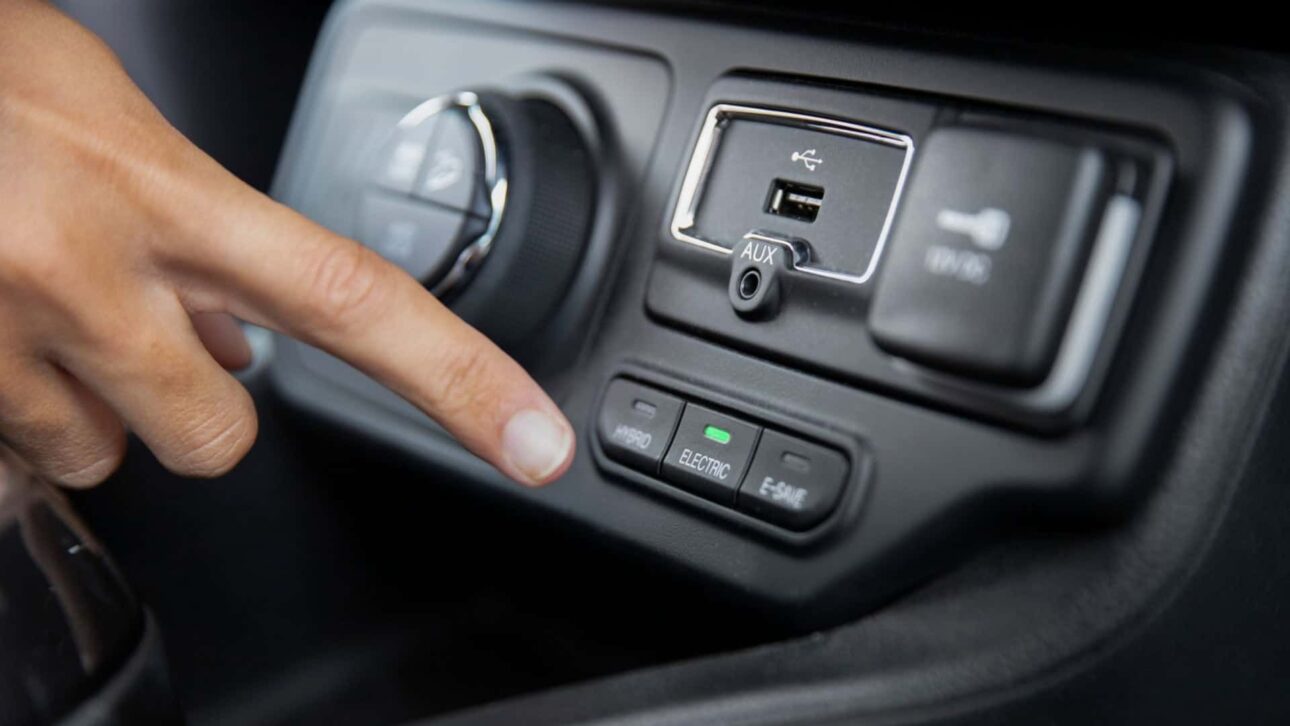
How to Listen to Music from a USB Drive in the Car
Another widely available function, but not always explored, is the playback of music directly from a USB drive.
Simply insert the device with files in compatible formats — such as MP3, WMA, or AAC — for the multimedia center to display playlists, album covers, and track information.
To ensure optimal functioning, it is recommended to use USB drives formatted in FAT32 and with a simple folder structure.
Older sound systems may have difficulties with devices larger than 32 GB or with file systems like NTFS.
This feature is especially advantageous on long trips, as it eliminates the need for internet use and avoids interruptions caused by app notifications or loss of signal.
Screen Mirroring with Android Auto and Apple CarPlay
In newer models, the USB port plays a crucial role in activating Android Auto (Google) and Apple CarPlay (Apple) systems, allowing apps like Waze, Spotify, Google Maps, and WhatsApp to be mirrored on the car’s screen.
The connection requires an original or certified cable, as well as any adjustments in the vehicle or smartphone settings.
In some multimedia centers, only a specific USB port supports mirroring; the others are dedicated to charging or file reading.
The quality of the connection can be compromised by low-quality cables or outdated versions of the cellphone operating system.
Even so, when it works correctly, mirroring significantly enhances navigation and communication while driving, providing support for voice commands and message reading.
Update the Multimedia Center via the USB Port
Few drivers know that it is possible to update the car’s multimedia system using the USB port.
These files, when transferred to a USB drive and inserted into the vehicle’s center, promote performance improvements, bug fixes, and, in some cases, new features.
This process can include updating GPS maps or improving compatibility with smartphones.
It is essential to check the model and the current version of the installed software before making any changes.
The update may take several minutes and should not be interrupted, as this could compromise the functionality of the center.
Playing Videos and Images via the Car’s USB
More sophisticated multimedia centers also allow video playback and photo viewing directly through the USB port.
For this, the content needs to be in compatible formats, such as MP4, AVI, or JPEG, and the car must be parked — a safety measure adopted by various manufacturers.
This functionality is useful, for example, for entertaining passengers during trips or for displaying a presentation before a meeting.
However, it is important to pay attention to resolution limits and file sizes, as simpler systems may freeze with very heavy content.
Another important point is to check if the center maintains playback position when the car is turned off, which indicates greater robustness in media management.
Automotive Accessories That Can Use the USB Port
The USB port can also serve as a power source for various auxiliary devices, such as portable fans, air purifiers, decorative LED lights, and even battery chargers for cameras and drones.
These accessories typically operate with 5 volts — the voltage supplied by most automotive USB ports.
Before adopting continuous use, it is recommended to test each device individually, checking if the operation remains stable during long trips.
Some vehicles cut power to the USB port when the engine is turned off, which can affect the use of accessories that need to remain active.
It is also inadvisable to use adapters to connect multiple devices simultaneously, as this can overload the vehicle’s electrical system.
Car USB Port: A Little Explored Function, But With Great Potential
Despite being widely available, the USB port continues to be underutilized in most vehicles.
With a simple USB drive and some knowledge about the functions of the multimedia system, it is possible to transform this connection into a powerful ally to make the car more efficient, safe, and comfortable.
Did you already know all these functions of the car’s USB port? Which one do you plan to test first?







Be the first to react!