






 Portuguese
  Spanish


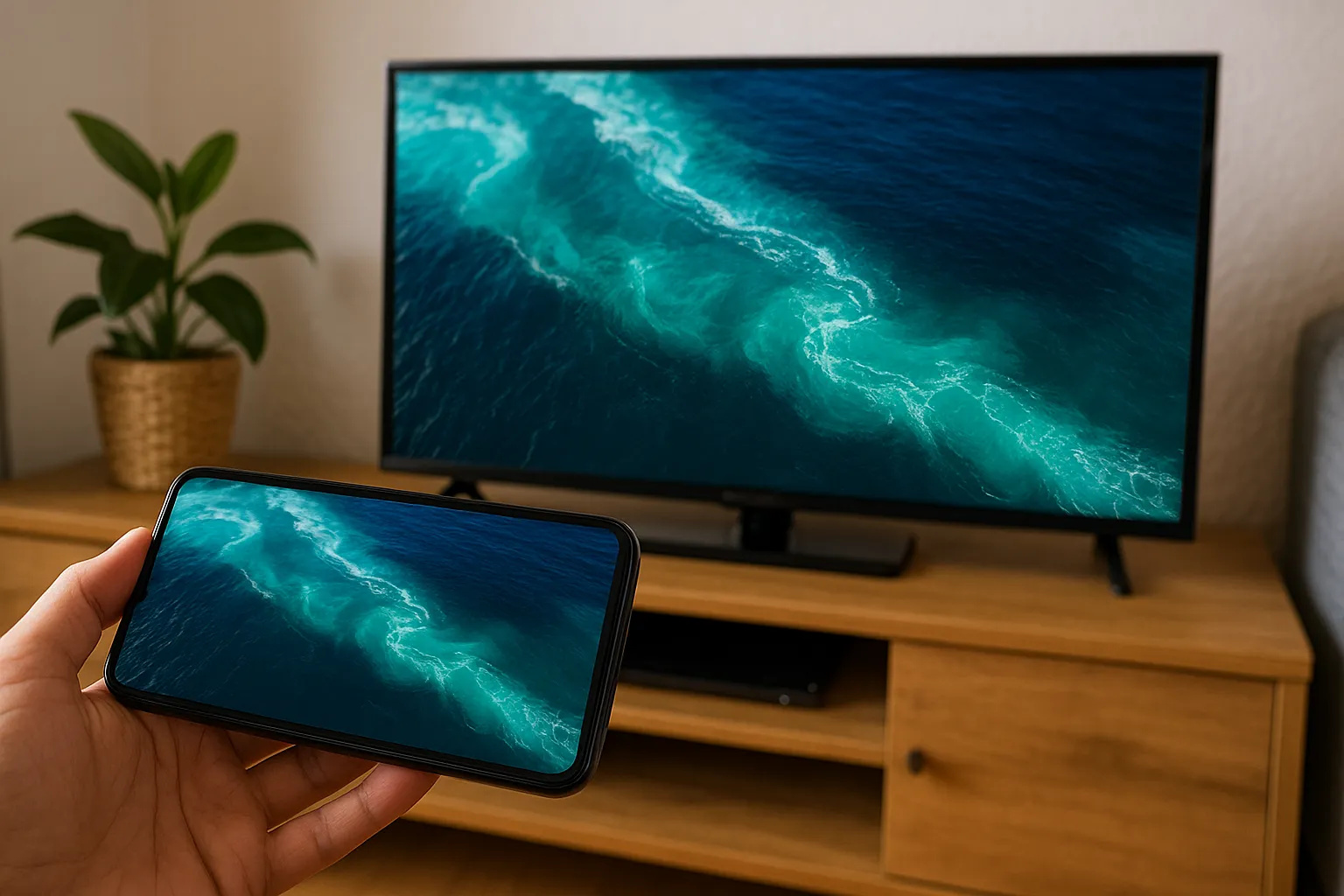


Have you ever tried to show a video from your phone to more people and ended up frustrated because you didn’t have an HDMI cable or a device like Chromecast? The good news is that mirroring your phone’s screen to the TV has become easier than many people think — and you don’t even need to buy anything extra for it. With the right resources activated and a few clicks, you can transform your regular TV into an extension of your smartphone.
How To Mirror Your Phone Screen Directly To The TV Without Cables Or Devices
The function to mirror your phone’s screen is built into most modern devices. On Android phones, it usually appears as “Cast,” “Smart View,” or “Screen Mirroring.” On iPhones, the name is “Screen Mirroring” via AirPlay. The trick lies in a Wi-Fi connection compatible with the device’s technology — both the phone and the TV need to be connected to the same wireless network.
Many Smart TVs already come with native mirroring support. This means you can enable the function on your phone, select the TV, and that’s it: everything on your phone will be replicated on the big screen in real-time. No HDMI, no USB flash drives, no hanging power cables needed. It’s instant and impresses even those who aren’t tech-savvy.
-
2,000-Year-Old Gold Rings Found with Human Bones in Thailand Reveal Rare Burial and Feature Ancient Indian Inscription

-
Lenovo Unveils Legion Y700 Tablet with RGB Backlighting, 5G, and SIM Card Support

-
World’s First Nuclear Hydrogen Unit Begins Operation: Copper-Chlorine Technology with Initial Capacity of 150 Liters per Hour, Aiming for 3,000 Liters per Hour
-
Mechanics Retrofit Old Fiat Uno with BYD Electric Motor for Silent, Low-Voltage Operation Reaching Nearly 60 km/h in Home Test



TV Models That Work Best With Native Mirroring
Some brands make the process even easier. Samsung TVs, for example, have Smart View, which communicates directly with phones from the same brand as well as those from other Android manufacturers. LG includes Miracast in many models, while Philips and Sony offer support for Google Cast or integrated versions of Miracast.
If your TV isn’t “smart” enough, there is still hope. Some of them come with a screen share feature via factory-installed apps, which can be activated using Wi-Fi Direct. It’s a practical alternative that, in many cases, doesn’t even require a password, just a quick pairing.
Using Free Apps To Activate Mirroring On The TV
Even if your TV doesn’t have the native feature, you can still mirror your phone’s screen using free apps. Applications like “AirScreen,” “ApowerMirror,” and “LetsView” are available in the stores of most Smart TVs and also on phones. They work by creating a bridge via Wi-Fi between the two devices, simulating what a Chromecast would do.
The secret lies in carefully following the instructions: downloading the app on both the phone and the TV, allowing the necessary permissions, and starting the mirroring process. In a few seconds, videos, photos, video calls, or even work presentations appear on the big screen without lag.
Tips To Avoid Lags And Improve Broadcast Quality
For the phone screen mirroring to work without hiccups, some precautions make all the difference. First, ensure that the Wi-Fi signal is strong on both devices. If possible, use the 5 GHz frequency, which is more stable and faster for mirroring.
Closing other apps on the phone before mirroring also helps — the fewer processes running in the background, the better the performance will be. And, of course, avoid leaving other devices using the internet while transmitting. This includes videos on tablets, downloads on computers, and even online games.
When It’s Worth Investing In A Paid Alternative Like Chromecast Or Fire Stick?
Although mirroring your phone’s screen is possible without spending anything, in some cases it may be worth investing in an external device. If you’re looking for total stability, support for streaming in 4K, superior sound quality, or want to turn any TV into a Smart TV, Chromecast, Fire Stick, or Xiaomi TV Stick are interesting options.
But for those who just want to watch YouTube videos, show photos from a trip, or even watch a casual movie with friends, free mirroring methods work well. No technical knowledge or accessory installation is required — just knowing the correct path within the settings.
Viewing content from your phone directly on the living room screen brings convenience and enhances the experience for viewers. And now that you know how to mirror your phone’s screen without cables or extra devices, it’s time to try it at home and surprise your family or friends.
Technology is becoming more and more accessible. What used to require wires, adapters, and juggling now fits in just a few taps on the screen — literally.


