Portuguese
  Spanish


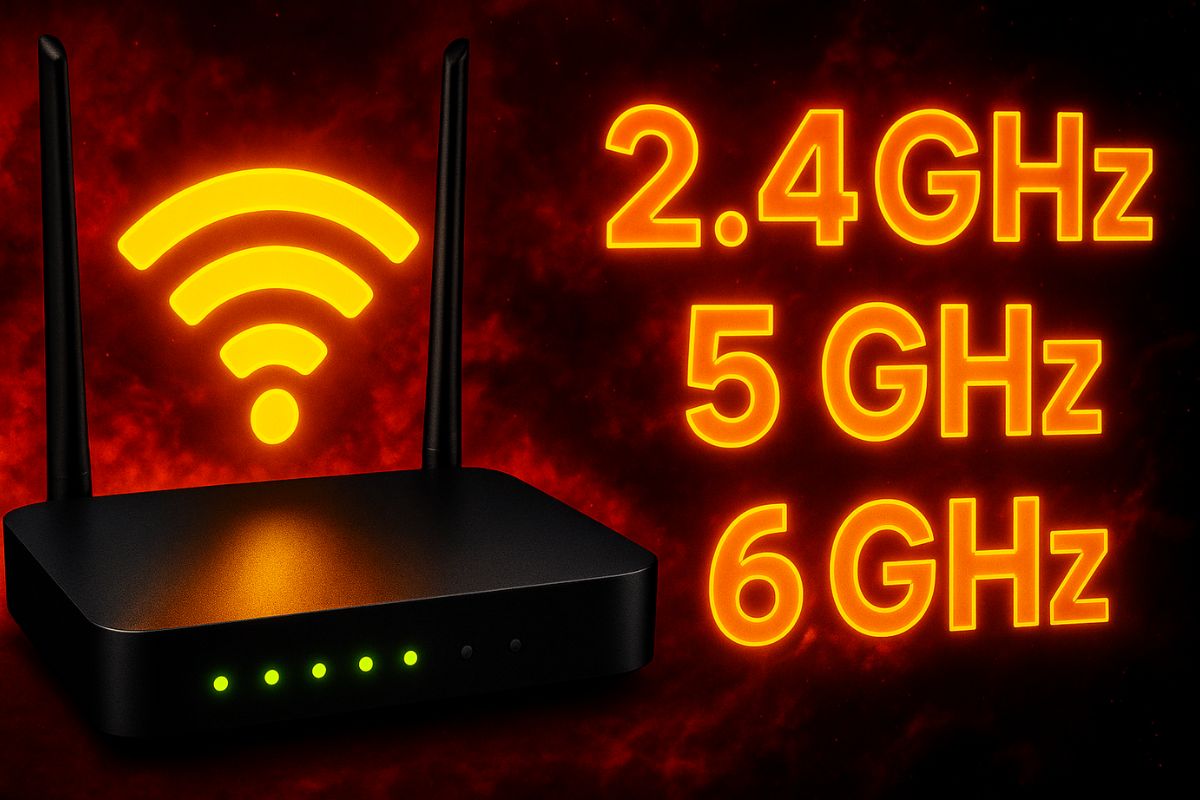

Understand The Differences Between Wi-Fi 2.4 GHz, 5 GHz, And 6 GHz And Know Which Band To Choose For Your Router And Your Devices
The differences between Wi-Fi 2.4 GHz, 5 GHz, and 6 GHz directly influence the speed, range, and stability of the connection. Choosing the right band can greatly improve internet performance at home or in the office.
Each frequency has its own characteristics. While the 2.4 GHz band is more stable over long distances, the 5 GHz band offers higher speeds. The newer 6 GHz band allows for even faster connections with less interference—but it requires compatible devices.
How Wi-Fi Bands Work
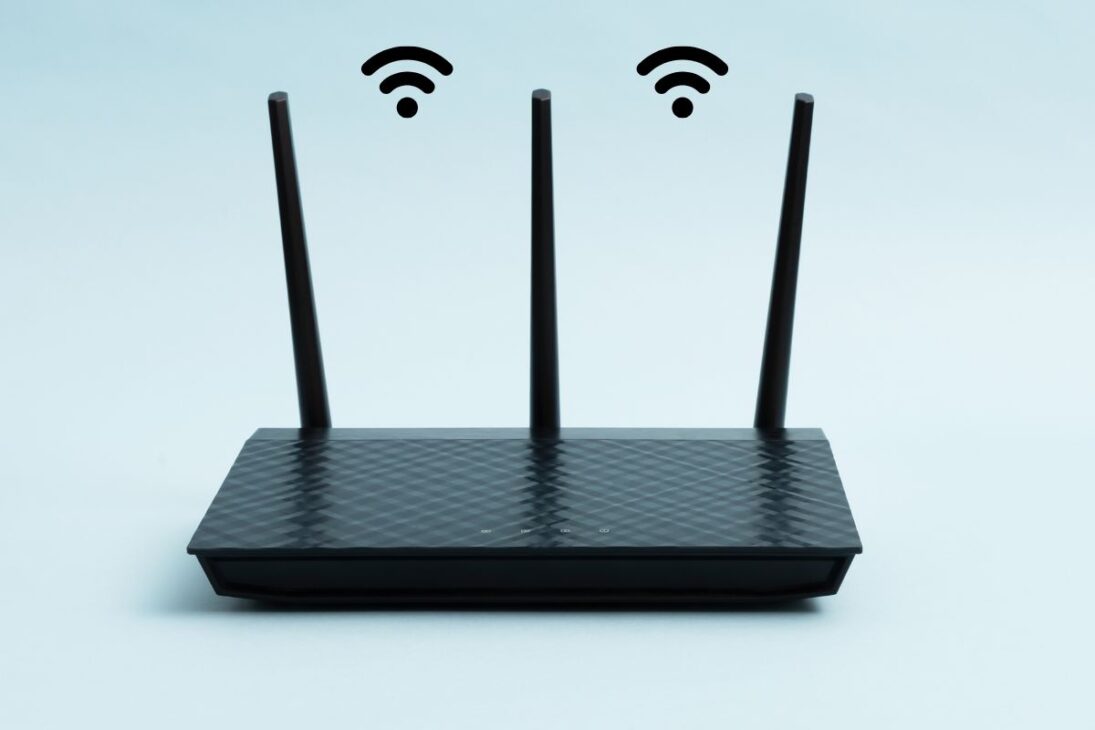
Wi-Fi 2.4 GHz is the oldest and most widely compatible band. It has a greater range but lower speed and suffers more from interference since it shares frequencies with other devices like microwaves and cordless phones.
-
Engineers Develop Jacket That Converts Air Humidity Into Drinkable Water, Producing Up to 900 ml Daily for Hikers, Campers, Rescuers, Rural Workers, and Military in Remote Areas

-
NASA Plans to Repurpose Mars Rover for Lunar Mission, Sending a 1-Ton Nuclear-Powered Vehicle to Explore the Moon’s South Pole Without Solar Dependence
-
Early Humans Made Beds Nearly 200,000 Years Ago in African Caves, Study Reveals

-
Japanese Smart Bike Detects Cyclist’s Intent to Turn and Potential Falls


Wi-Fi 5 GHz emerged as an alternative to improve speed. It is ideal for streaming, online gaming, and video conferencing because it transmits data more rapidly. Conversely, it has a shorter range and performs worse in environments with many walls.
Wi-Fi 6 GHz, also known as Wi-Fi 6E, provides additional and less congested channels, resulting in faster and more stable connections. However, it only works with routers and devices compatible with this new technology.
Comparison Between The Bands
| Characteristic | 2.4 GHz | 5 GHz | 6 GHz |
|---|---|---|---|
| Range | High | Medium | Low |
| Speed | Low | High | Very High |
| Interference | High | Medium | Low |
| Compatibility | Universal | Majority | Only New |
Which Wi-Fi Band To Use In Each Situation
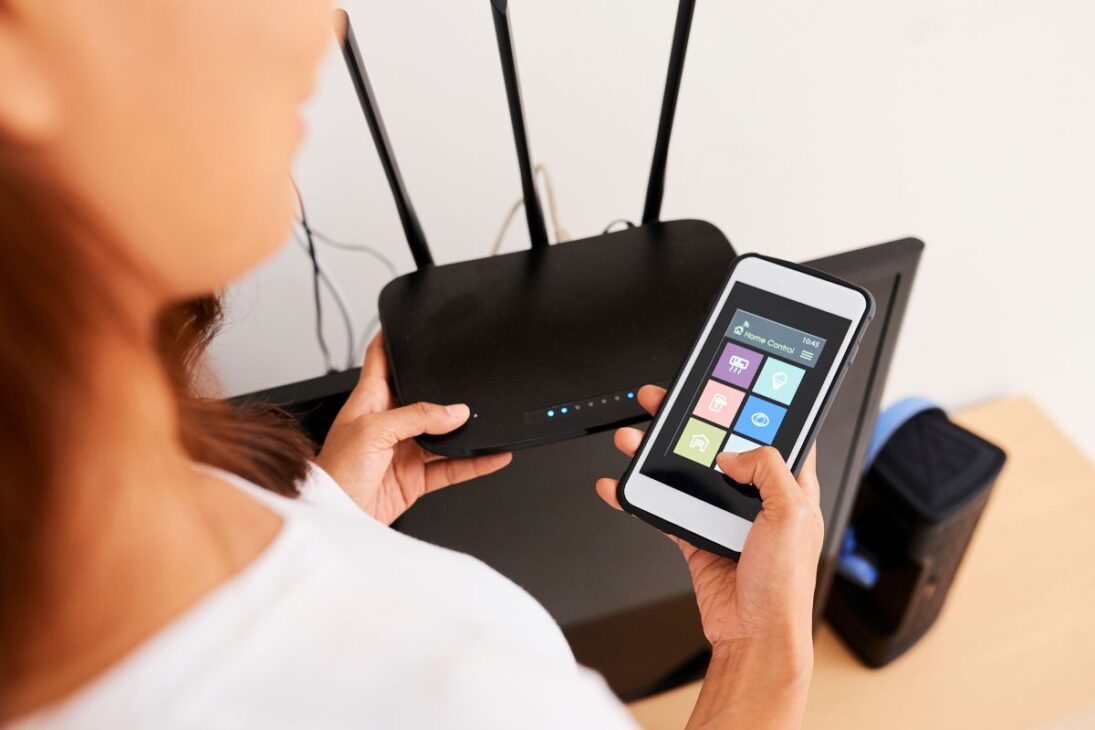
2.4 GHz is ideal for large houses or those with many obstacles. A good choice for IoT devices, such as cameras and smart bulbs.
5 GHz works better in smaller spaces or close to the router. Recommended for streaming, heavy downloads, and online gaming.
6 GHz is the best choice for those with the latest devices and who want ultra-fast connections with minimal interference, such as in corporate networks or gaming setups.
In Brazil, Anatel has authorized the use of the 6 GHz spectrum for Wi-Fi networks since 2021, making room for equipment with Wi-Fi 6E standards. According to the agency, this helps reduce congestion and improves the browsing experience in urban areas.
The differences between Wi-Fi 2.4 GHz, 5 GHz, and 6 GHz go beyond speed: they involve compatibility, range, and stability. Knowing how to choose the appropriate frequency makes a significant difference in the performance of your connection.
Have you tested all the bands on your router? Which one works best for your daily use?