Portuguese
  Spanish


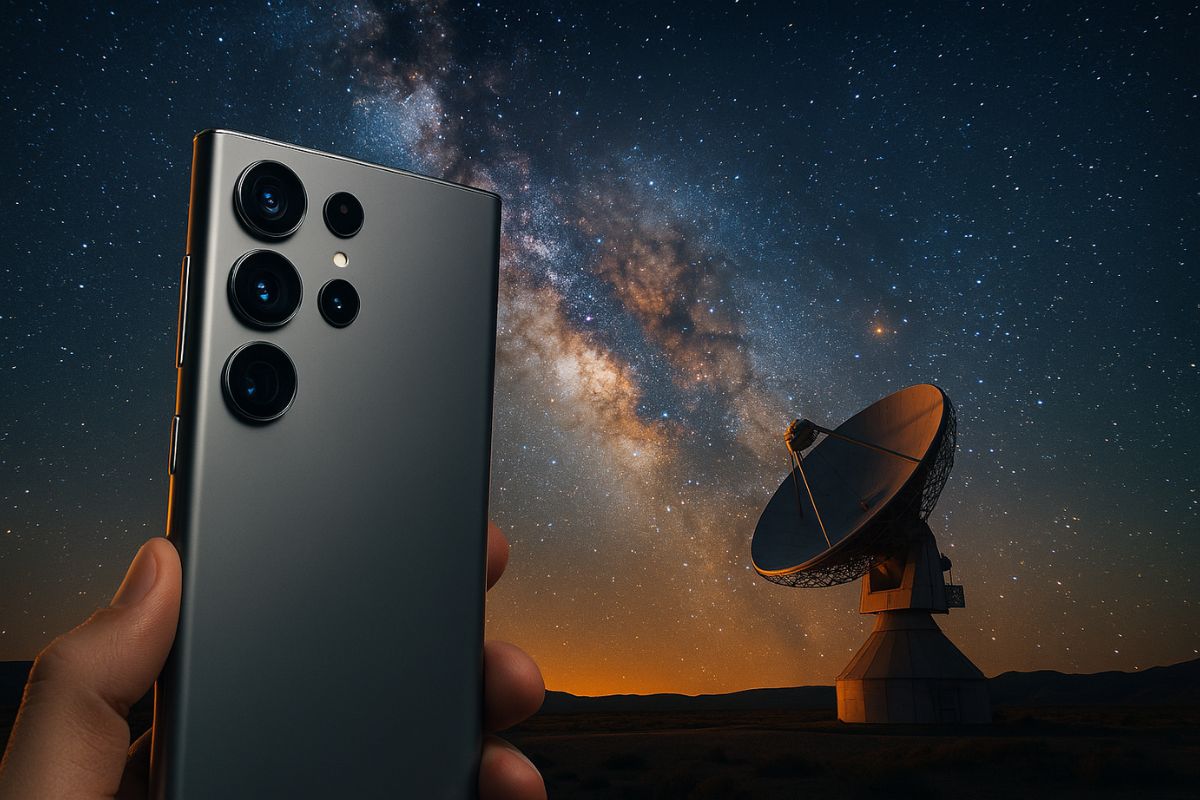


Advanced Function Allows Capturing Stars With Long Exposures of Up to 12 Minutes, but Is Not Listed in the Official Documentation
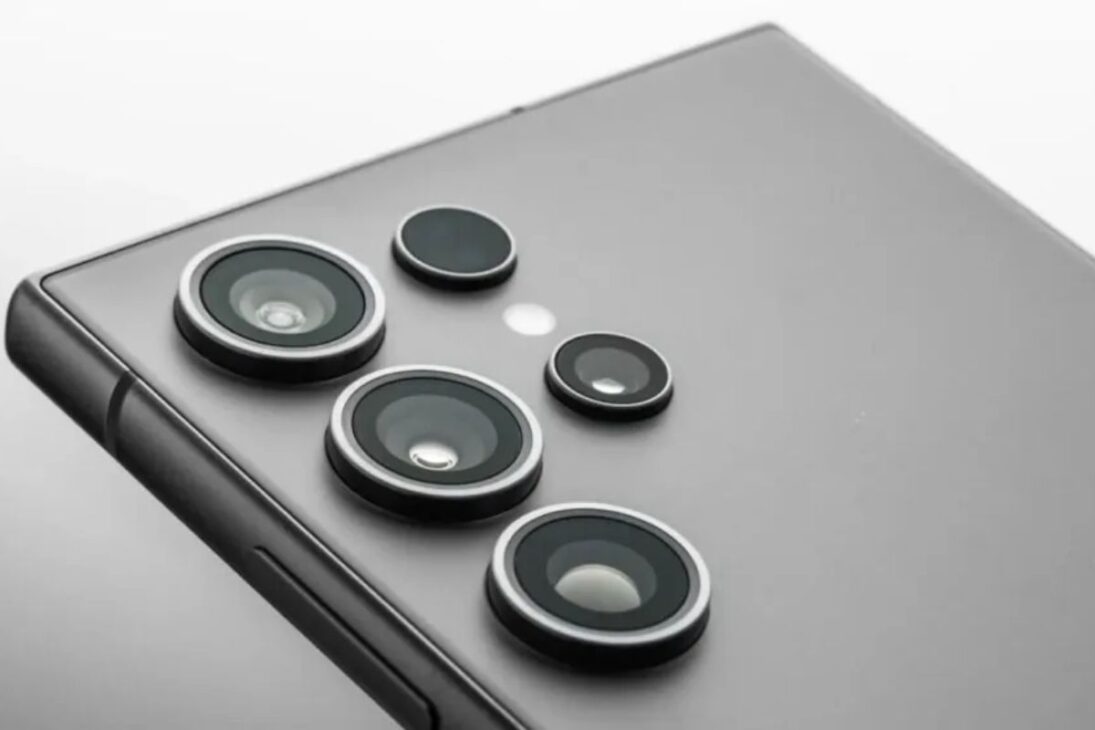
The Galaxy S25 Ultra has a hidden astrophotography mode, accessible only through the internal menu of the Expert RAW app by Samsung. The functionality, called Astrophotography Mode, is not listed in the standard camera menus, requiring manual activation within the Labs tab of the application.
With this feature enabled, the smartphone can perform automated long exposures of up to 12 minutes, capturing stars, nebulae, and even auroras with intelligent image stacking. Users report impressive results even in areas with low light pollution.
How to Access Astro Mode on the Galaxy S25 Ultra
To activate the astrophotography mode, the user should follow this path:
-
$12 Billion Invested in AI Data Centers in Semi-Desert Mexican State, But 17 of 18 Municipalities Now Face Water Shortages, Residents Receive Water Only 3 Days a Week

-
How Much Does Starlink Satellite Internet Cost for Cars, Trucks, and RVs? Prices for Antenna, Accessories, and Plans

-
Scientists Convert Food Waste into Aviation Fuel, Successfully Test 50% Blend with Conventional Kerosene to Cut Emissions and Promote Sustainable Flights
-
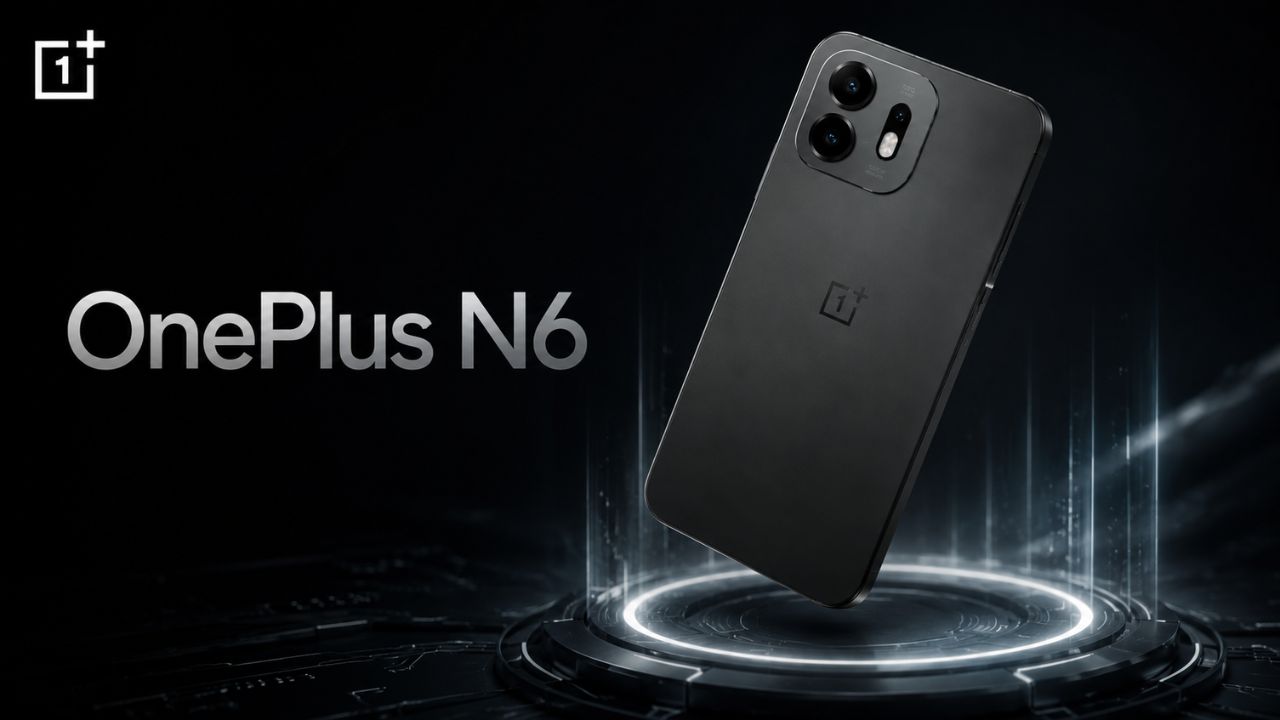
OnePlus N6 Smartphone to Launch in India with 8,000mAh Battery and 45W SuperVOOC Charging, Lasting Up to Three Days


- Open the Expert RAW app
- Tap on More
- Access Labs (laboratory flask icon)
- Activate the Astrophotography option
With the mode activated, the system enables sequential capture with image stacking, reducing noise and enhancing details. The interface displays a constellation icon, with exposure time controls and a sky location guide.
What Does This Mode Do Differently?

The mode uses a combined technique of long exposure with digital stacking. Each photo can have up to 15 to 20 seconds of individual exposure, accumulating dozens of frames over 4 to 12 minutes. The result is processed by built-in AI based on the ProVisual Engine, which reduces noise, preserves sharpness, and corrects distortions from the Earth’s rotation.
This makes the function ideal for amateur astrophotographers who want to capture the Milky Way, constellations, and celestial objects directly from their phones without needing external equipment.
When Did This Feature Arise?
The mode was discreetly introduced in the Galaxy S22 Ultra, expanded in the S23, and now improved in the S25 Ultra, launched in 2025. In the new model, the function is more stable, compatible with multiple lenses of the rear set, and integrated into the main image engine.
Despite this, Samsung still does not officially document the feature in the S25 Ultra manuals. It only appears in forums, demonstration videos, and the practical experience of users exploring the Expert RAW app.
Who Developed the Astrophotography Mode?
The feature is part of the advanced suite of the Samsung Camera Division, aimed at experienced users. Expert RAW is a separate app from the standard camera and offers access to settings like manual ISO, white balance, focus on specific points, and 16-bit RAW capture.
The integration into Astro mode was made to compete with similar solutions from brands like Google and Huawei, but with a focus on high resolution and greater creative control.
Is It Worth Using the Astro Mode of the Galaxy S25 Ultra?
If the user seeks to capture the sky with clarity and without external accessories, the mode offers surprising results with minimal effort. The only requirement is absolute stability: it is recommended to use a tripod or firm base, in addition to locations with low urban lighting.
Experienced users state that the results surpass those of the normal Pro mode, with greater depth and contrast in the stars, although some reports indicate the presence of artifacts in more complex scenes.
Samsung does not openly advertise this feature, but those who discover it seem to want nothing else. Have you discovered this hidden mode? Would you use it to capture the night sky, or do you prefer traditional cameras?
Share your experience in the comments—especially if you have tested or plan to test this feature on the S25 Ultra.