






 Portuguese
  Spanish


Old digitized photographs can gain new life with artificial intelligence resources in Gemini, provided the uploaded file is of good quality and the command clearly explains which damages should be corrected without distorting the original image.
Old digitized photographs can be restored with image editing resources by artificial intelligence available in Gemini, as long as the user uploads the file and accurately describes the type of repair desired.
In practice, Google’s tool allows altering images uploaded from a computer or mobile phone, but the result varies according to the quality of the original photo, the clarity of the command used, and the limitations of the platform itself.
Although it does not replace manual restoration done by a specialist in photographic preservation, the resource can help correct common visual damages in family images, such as tears, stains, folds, blurred areas, and faded colors.
-
Young Brazilian Inventor Develops Microplastic Filter, Wins Scholarship to Study in China, and Implements Solution to Improve Water Quality in Southern Brazil

-
Brazilian Teen Develops Cost-Effective Natural Fungicide from Kitchen Herb, Wins Top Prize at World’s Largest Science Fair

-
Father Mobilizes 28 Scientists and 16 Labs to Seek New Treatments for Son’s Medulloblastoma After Being Told Nothing More Could Be Done

-
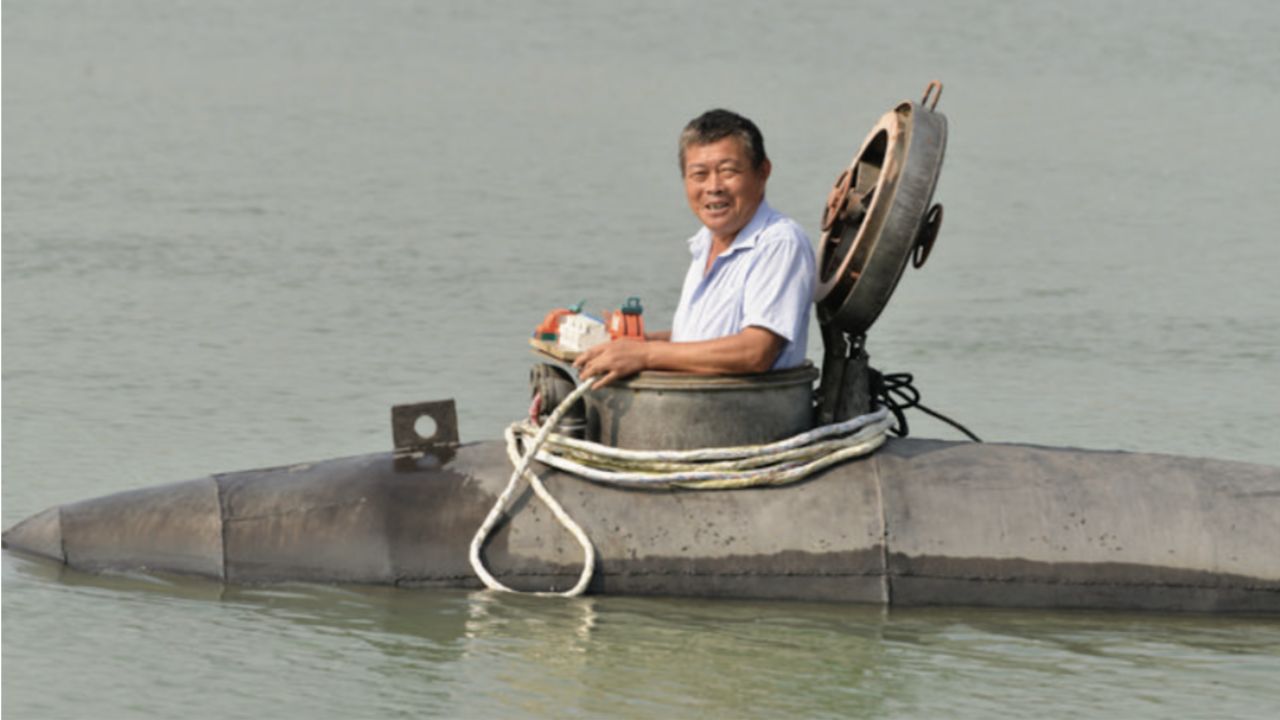
Chinese Farmer Builds 5-Ton Homemade Submarine Over a Decade, Capable of Diving 8 Meters with Two Passengers


These problems should be described in the request made to the AI, which interprets the request and generates an edited version from the sent material, better preserving details when the initial image has good definition.
Google’s official guidance states that Gemini can edit images generated in the app itself, receive an image sent by the user and apply changes, or combine multiple files to create a new composition.
Another relevant point is that the Help Center highlights an important restriction: image editing in Gemini is not available for users under 18 years old.
How AI restoration works in Gemini
To start the process, the old photograph needs to be digitized in a scanner or captured with a mobile phone, preferably with good framing, uniform lighting, and no reflections on the paper.
When the initial file has good resolution, the AI tends to preserve faces, clothes, background, and small details more consistently, helping to maintain the visual identity of the image.
After uploading the photo to Gemini, the user needs to carefully explain which parts should be corrected and which elements need to remain intact, avoiding generic requests that leave room for exaggerated interpretations.
Vague commands can produce artificial results, especially when the tool excessively smooths faces, intensifies colors beyond necessary, or creates elements that were not part of the original photograph.
In April 2025, Google announced the expansion of native image editing in the Gemini app, including the ability to modify images uploaded by the user or generated by the AI itself.
According to the company, the feature would gradually become available to more people, in over 45 languages and in most countries, within the editing experience integrated with the assistant.
Recommended prompt for recovering old photos
To achieve a more balanced restoration, the command should make it clear that the goal is to recover the appearance of the photograph without distorting people, scenery, objects, lighting, or texture of the original record.
A possible formulation is to request: “Restore this old damaged and worn photograph, correcting tears, stains, faded colors, and blurred areas, without altering the original elements or creating details that did not exist.”
From this central request, it is worth guiding the AI in six recovery fronts, starting with the correction of tears and cracks, which should be smoothed without completely erasing the texture of the paper.
Next, the command can request the removal of moisture stains, dirt, and visible marks that impair the reading of the scene, always maintaining the natural uniformity of shadows and colors.
When the photo is colored, the third step involves recovering the faded tones, with guidance to avoid excessive saturation and prevent the image from gaining too modern an appearance.
In black and white photographs, on the other hand, it is ideal to request balanced contrast and preservation of the original aesthetics, without transforming the image into an overly clean or artificial version.
The fourth guidance should address sharpness, especially in faces, hands, clothes, and central objects, but without eliminating the natural softness that is often part of old photographic records.
After that, the request needs to reinforce the preservation of the environment, maintaining background, framing, expressions, clothes, and objects, because these elements carry historical and emotional information about the recorded moment.
Finally, naturalness should appear as the main rule, making it explicit that the restoration should not look overly edited nor alter the visual memory preserved by the photograph.
Documentary restoration requires more care
When the priority is to preserve the historical value of the photograph, the command should be more restrictive and make it clear that the intervention cannot have an artistic or embellishing character.
In this scenario, the request needs to limit the AI to correcting visible damage, without changing lighting, texture, color, facial expression, proportions, clothes, background, or any relevant detail of the scene.
An appropriate command for this use is: “Restore this photograph while preserving all original elements. Correct only visible damages, such as cracks, stains, folds, and breaks, without modifying color, texture, lighting, expression, clothing, background, or any other visual detail of the scene.”
This type of instruction reduces the risk of AI interpreting the image as a free creation, which could generate idealized faces, altered scenarios, or elements incompatible with the original record.
Even so, AI editing may produce differences compared to the digitized file, which is why a comparison between the two versions should be made before final saving.
Limits of Gemini in Image Editing
The Brazilian page of Gemini informs that the application includes image generation and editing among its features, within the experience offered by Google’s artificial intelligence assistant.
However, availability may vary according to account, country, plan, usage limits, language, and policies applied to certain profiles, which helps explain differences between users.
Google also informs that images created or edited with Gemini’s native generation receive an invisible digital watermark SynthID, used to indicate content generated or altered by AI.
This detail is important because digital restoration should be treated as an edited version of the photo, not as a replacement for the original document preserved by the family.
In practice, the best results usually arise from specific requests, careful review, and successive adjustments when the first version appears artificial or deviates too much from the initial appearance.
Photographs that are very torn, with faded faces or large missing areas, may require professional restoration, as AI tends to fill gaps based on visual estimates.
For safety, the original photograph should remain archived, while the restored version can be saved as a copy for sharing, printing, or organizing in digital family collections.
It is also advisable to avoid commands that request beautification of people, change of scenery, or creation of nonexistent details, as these alterations can compromise the historical fidelity of the image.
With well-defined commands and careful review, Gemini can function as a visual recovery tool, helping to enhance old photos without erasing the memory preserved in the original record.


Be the first to react!