Portuguese
  Spanish


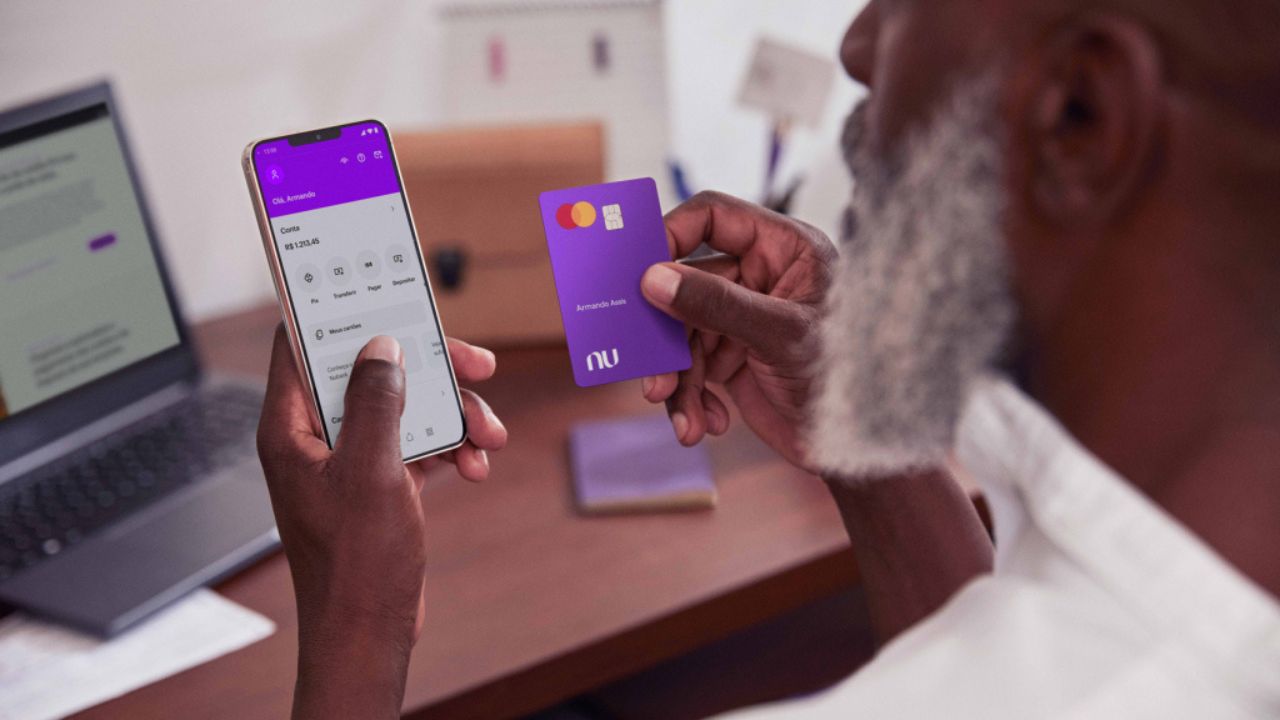

Street Mode Call, the functionality is activated automatically when you disconnect from your secure Wi-Fi networks, protecting your account in real time.
The dizzying increase in cell phone thefts in Brazil has created a new and major concern: the security of money stored in banking apps. With this in mind, Nubank developed Street Mode, an innovative security tool. Its function is to automatically protect your money, limiting the amount of transactions when you need it most: when leaving home.
Nubank’s Response to a Security Crisis
Brazil is facing a scenario where the theft of a smartphone is not just about the device, but has become a gateway to devastating financial fraud. With access to the apps, criminals carry out fraudulent transfers via Pix, pay bills, and even take out loans in the victims’ names.
Nubank identified this real “pain” of its customers and took action. The company noticed that many users already adopted manual “security rituals”. Street Mode was created to automate and simplify this need for protection, turning it into a robust solution integrated into the app.
-
Experts Warn: Aging NASA Launch Facilities Could Hinder Artemis Moon Mission Progress

-
Self-Driving Harvester Now Operating in Brazil’s Vast Farmlands
-
Astronomers Discover Two Giant Exoplanets as Light as Cotton Candy, Challenging Current Scientific Models 1,110 Light-Years from Earth
-
NASA’s Plan to Dump ISS Debris in Ocean Sparks Environmental Concerns Among Scientists


How Does Street Mode Protection Work?
The operation of Street Mode is based on a simple and effective principle. It creates a layer of protection that acts without you having to remember to activate it.
The foundation of the tool is your “security zones”. These zones are, in practice, the Wi-Fi networks that you define as safe, such as your home or work network. Upon disconnecting from these networks, Street Mode is activated automatically.
With it activated, high-risk transactions (Pix, TED, and bill payments) are limited to a maximum amount that you define. Upon returning to a safe location and reconnecting to the registered Wi-Fi, the function is deactivated, and the limits return to normal. It is a “configure and forget” system, designed for maximum protection with minimal effort.
How to Activate Street Mode on Your Nubank
The setup is done simply and quickly, directly in the Nubank app:
- Access Your Profile: On the home screen, tap the profile icon in the upper left corner.
- Select “Street Mode”: Find the option within the Security menu.
- Set the Protections: Configure the maximum amount that can be transacted when the mode is active.
- Add Your Safe Wi-Fi Network: Select and confirm the Wi-Fi network you trust.
- Complete the Process: After confirmation, the tool will be ready to work automatically.
Is Street Mode Foolproof? Advantages and Points of Attention
The main advantage of Street Mode is the peace of mind it provides. Users describe it as the “extra layer of protection that was missing”, particularly praising its automation.
However, the tool has a critical point of attention. The most severe criticism is about its mechanism to lift the limit in an emergency: facial recognition. There are multiple reports of customers being locked out of their own accounts in urgent situations because the biometrics system failed repeatedly.
Furthermore, it is crucial to understand its limitations. Street Mode is effective against theft of an unlocked cell phone, but does not offer protection in coercion scenarios, such as a kidnapping, where the victim may be forced by a criminal to perform facial validation.
A Complete Defense: Nubank’s “Protection Pack”


Security at Nubank is designed in multiple layers. Street Mode is a fundamental piece of the “Protection Pack”, a set of defenses that work together. Other important tools include:
- Smart Defenses: Artificial intelligence that analyzes patterns and blocks suspicious operations.
- Fraud Alert: A warning that appears on the screen before the customer confirms a transaction to a potentially fraudulent account.
- Protected Hello: Blocks calls from fake customer service centers.
- SOS Nu: An emergency center with all instructions on how to act in case of fraud, loss, or theft.