






 Portuguese
  Spanish


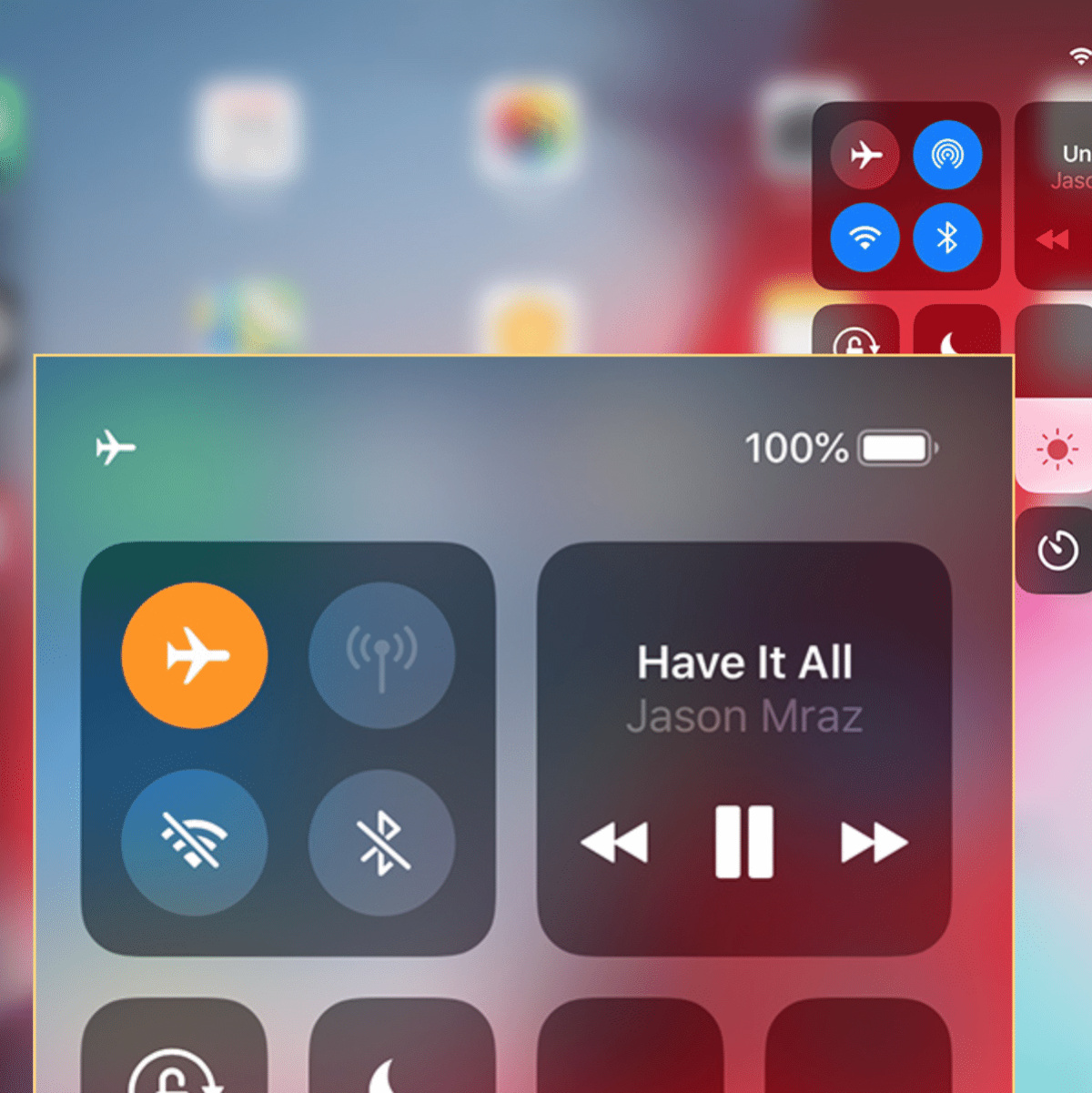

Many Seek A Long Night Of Sleep, Therefore We Activate Airplane Mode Before Bed. Learn More About What Can Happen In Airplane Mode!
Many of us, seeking an uninterrupted night of sleep away from notifications, activate airplane mode before bed.
However, this seemingly harmless practice may be a mistake and surprisingly compromise essential functions of your smartphone.
From the functioning of alarms to the ability to make emergency calls and receive cell phone updates, the incorrect use of airplane mode can bring more problems than solutions.
-
Strawberry Moon to Be Visible in Brazil on Monday (29th); Here’s When and How to Watch

-
Driver Crosses 100-Year-Old Railway Bridge Over Uruguay River, Encounters Rural Couple Preserving Traditional Farming Methods
-
Rural Producer Returns to Brazilian Farmland, Builds Family Agricultural Business with Children’s Support and Industry Backing
-
Goiás Couple Boosts Artisan Cheese Production from 25 to 70 Kilos Daily with Technical Support, Transforming Family Life in Rural Brazil




How Airplane Mode Works And Why Total Disconnection Is Not Always The Best Option
Airplane mode, as the name suggests, was created to be activated on aircraft, disabling all wireless communications from the device. This includes Wi-Fi, mobile data (4G/5G), Bluetooth, and, crucially, the cellular signal.
The goal is to prevent interference with the airplane’s navigation systems. In daily life, many people use it to save battery or simply to have peace of mind at night.
However, complete disconnection comes with some significant downsides. Firstly, the reliability of alarms can be affected, especially if you use third-party apps that rely on some connection to function fully (like time synchronization).
Additionally, your device’s tracking, vital in case of loss or theft, is completely disabled in airplane mode. Without the cellular network or Wi-Fi signal, the “Find My Device” feature (or similar) cannot locate your smartphone.
Emergencies, Updates, And Cell Phone Inactivity: The Risks Of Nighttime Airplane Mode
One of the most critical points about <strong sleeping with airplane mode on is the inability to receive or make emergency calls. In unexpected situations, such as an accident at home or a medical emergency, your phone becomes useless for requesting help if it has no signal.
Speed in communication can be the difference between life and death.
Another often overlooked aspect is the impact on cell phone updates. Many operating systems and apps download and install updates in the background during the night, taking advantage of the lower usage period and often connected to Wi-Fi.
By activating airplane mode, you prevent these updates from occurring, which can leave your system outdated, compromising security, performance, and access to new features. In the long run, this can lead to functionality issues and security vulnerabilities.
For a peaceful night’s sleep without compromising your device’s functionality, consider alternatives to airplane mode.
Using the “Do Not Disturb” mode (or Focus, in some systems), which silences notifications but maintains essential connections, is a smarter option. This way, you ensure your peace without giving up the safety and operability of your device.
Do you usually sleep with airplane mode on? Do you plan to change that habit after learning about these risks?


