






 Portuguese
  Spanish


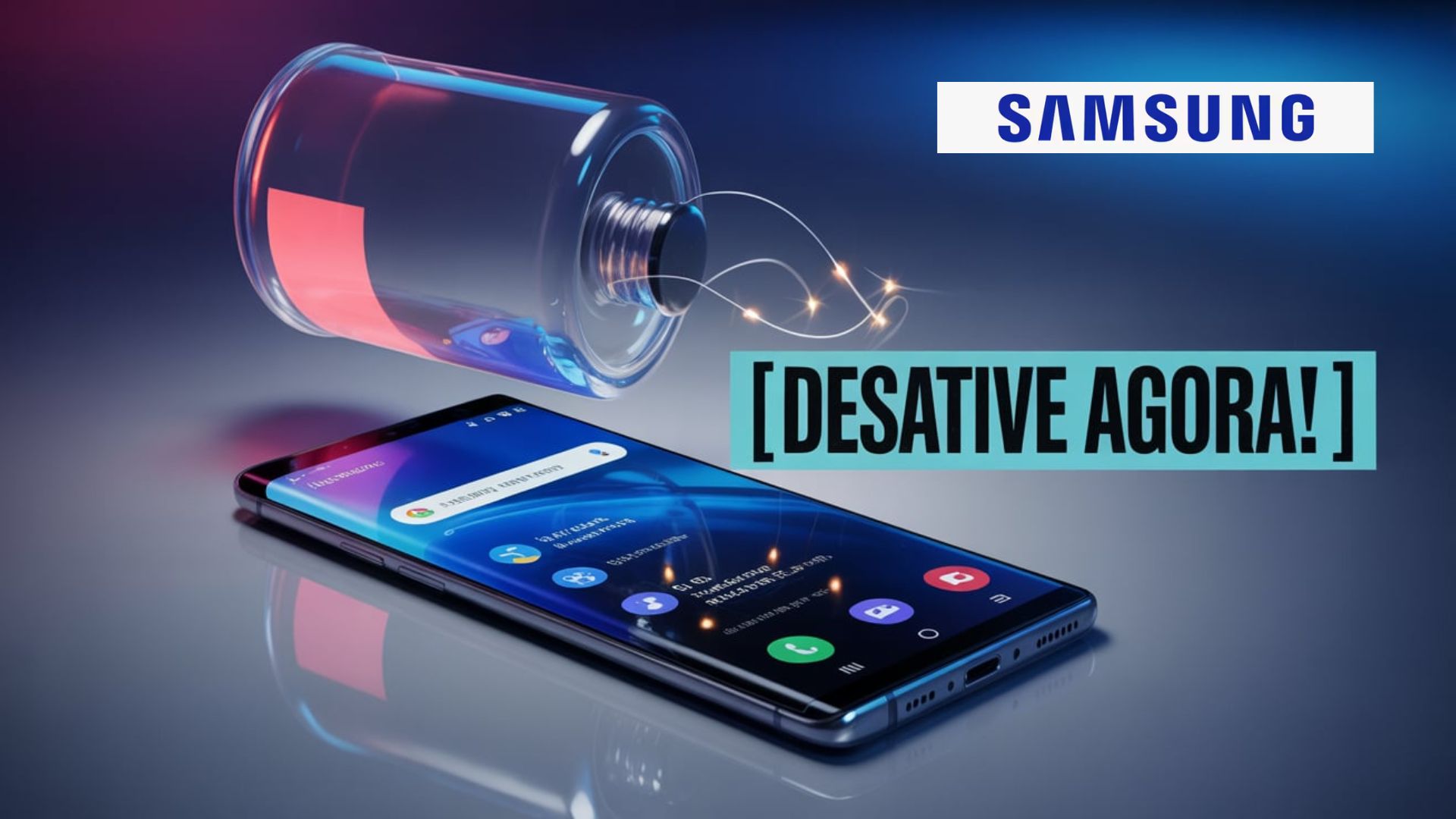


Various Samsung Features Enabled By Default Can Significantly Reduce Battery Life, Even On Newer Phones. Small Changes In Settings Can Increase Usage Time And Improve Device Performance.
Keeping your smartphone charged throughout the day is a challenge for many Samsung phones users, especially given the number of features enabled by default on current devices.
Various features, designed to make daily tasks easier, end up consuming energy silently, reducing battery life even when the phone seems to be at rest.
Knowing how to adjust these settings makes all the difference in extending usage time between charges, as advised by technology sector experts.
-
Telescope Set to Discover 100,000 New Planets Arrives at Launch Site, Ushering in a New Era of Astronomy

-
Humanoid Robots Transition from Demonstrations to Real Work in Factories
-
Anti-poaching patrol in Thailand accidentally discovers hidden cave with 2,000-year-old petroglyphs, geometric engravings, and mysterious three-finger patterns on sandstone walls.

-
Russia Deploys Largest Nuclear Icebreaker in Arctic Capable of Breaking Through Three-Meter-Thick Ice




While many seek portable chargers and extra batteries, few people realize that the secret to preventing the battery from draining quickly lies within the device’s own system.
Samsung provides various tools, some exclusive, that can be customized to avoid unnecessary energy consumption.
Features such as virtual assistants, motion sensors, continuous information display, and wallpaper updates tend to be the biggest battery life villains, even on more recent models.
See below which Samsung features you should disable right now to increase your phone’s usage time.
Why Disabling Hidden Features Saves Battery
The battery life of Samsung phones can be compromised by the continuous operation of sensors, microphone, camera, and automatic background processes.
According to data released by manufacturers and maintenance technicians, small changes in settings result in significant gains in usage time.
Frequent monitoring of notifications, voice commands, and device movement requires constant processing, accelerating battery depletion.
How To Extend Battery Life With Simple Settings
In addition to disabling hidden features, other recommended practices include reducing screen brightness, limiting widget use, keeping the operating system updated, and manually activating power-saving mode in critical situations.
Monitoring the consumption of each app through the settings menu also helps identify the main culprits of energy drain.
These measures, combined, contribute to a more durable and efficient experience with the device.
Always On Display
Always On Display shows basic information, such as notifications and clock, even when the screen is locked.
Although it seems discreet, this feature requires part of the display to remain active, causing extra energy consumption throughout the day.
To disable it, go to “Settings,” select “Lock screen and AOD,” and turn off the option.
Smart Stay
With Smart Stay, the screen stays on while the front camera detects that you are looking at the device.
This process continuously uses sensors, increasing battery drain.
To disable, go to “Settings,” click on “Display,” access “Duration of backlight,” and turn off “Screen on during viewing.”
While you’re at it, set the minimum time for automatic screen shutdown.
Dynamic Lock Screen
The frequent updating of wallpapers provided by the dynamic lock screen results in constant data and energy consumption to download new images.
Despite being visually interesting, this feature reduces battery life, especially on older smartphones.
To disable, go to “Settings,” select “Wallpaper and style,” click “Change wallpapers,” and under “Wallpaper services,” choose “None.”
Lift To Wake
The “Lift to wake” feature uses sensors to turn on the screen automatically whenever the device is moved.
This constant monitoring consumes additional energy, impacting battery life.
To disable, go to “Settings,” access “Advanced features,” go to “Motions and gestures,” and turn off the option.
Bixby
Bixby, Samsung’s virtual assistant, remains on standby for voice commands at all times, activating the microphone and other background processes.
This increases battery consumption, especially on devices where the feature is factory activated.
To disable, go to “Settings,” access “Advanced features,” select “Bixby,” click “Voice wake-up,” and turn off voice activation.
RAM Plus
Although RAM Plus promises to improve performance, the feature uses part of the internal storage to simulate additional RAM, keeping processes active in the background.
This mechanism may be unnecessary on smartphones that already have good memory capacity, consuming battery without need.
To disable, go to “Settings,” select “Device care,” click on “Memory,” select “RAM Plus,” and turn off the feature.
Restrict App Battery Usage
Email, social media, and mapping apps often run in the background, draining the battery even when not open.
Restricting battery usage individually for apps or allowing the system to automatically manage rarely used apps can significantly extend battery life.
To do this, go to “Settings,” access “Battery,” select “Background usage limits,” and enable automatic suspension of unused apps.
Samsung Models With Better Battery Life
The Galaxy line launched from 2023 brought improvements in energy consumption optimization, but battery time can vary based on the Samsung features enabled and user habits.
Practical experience indicates that adjusting Samsung features according to individual needs results in more time away from the outlets.
Extra Tips To Save Battery On Samsung
Reducing brightness, limiting automatic updates, uninstalling unnecessary widgets, and monitoring app performance through the settings menu are additional recommendations to extend battery life.
Keeping the system always updated ensures that energy consumption fixes are active.
After all, do you usually customize Samsung features to save energy? Which of these Samsung features was enabled without your knowledge and impacted your battery the most? Share your experience in the comments and help other users extend their phone usage time.






A samsung é maravilhosa e seus aparelhos são os melhores em vários quesitos. Uso a quase vinte anos… porém como não gosto de joguinhos e muitas redes sociais. A bateria do meu s24 plus dura o dia e chega a noite na casa dos 40 por cento…
Eu uso Samsung já a vários anos e ele sempre tem problemas sempre passo em autorizada pra manutenção até quando vou ter que passar por isso obtenho que trocar esse aparelho por um Motorola..
Sou terceira idade 65 anos e graças às dicas que vcs passam , consigo organizar meu celular , antes eu chorava por nao saber usar ou mexer corretamente, agora nao tenho vcs , meu celular é um Samsung S23 ultra, bicho bom..